
Frontend AI
No registration AI frontend code generatorDescribe a component, get Tailwind code
Highlights
What you can do with it
- Frontend developers prototyping UI fast
- Full stack developers building portfolio projects
- Designers turning mockups into code
How to use it
- 1 Open the Frontend AI site
- 2 Request an element or upload an image
- 3 Customize colors, fonts, and spacing
- 4 Copy the generated code into your project
- 5 Iterate until the layout fits
Who it is for
Pros
- No signup required to start
- Tailwind CSS output
- Fast iteration on layouts
Limitations
- Beta stage, so output can change
- Generated code needs review
- Frontend components only, no backend
What Frontend AI is
Frontend AI is an open source community tool that generates frontend component code with AI. You ask for an element or feature, or upload an image, and it returns code with Tailwind classes or CSS that you can paste into a project. No registration or credit card is required to start. The tool supports prompts in multiple languages and is offered as a beta version. It is meant to speed up UI work and cut repetitive tasks.
What you can do with it
- Generate components from a prompt or an image
- Get Tailwind CSS or plain CSS output
- Start without registering or paying
- Iterate quickly on layouts and ideas
Who it is for
- Frontend developers prototyping UI fast
- Full stack developers building portfolio projects
- UX designers who want code from their mockups
What to watch out for
The tool is in beta, so features and output can change without notice. Generated code is a starting point and needs review for accessibility, responsiveness, and project conventions. It focuses on frontend components, so it will not build backends or complex logic. Because it is a free community tool, there is no guarantee of uptime or long term maintenance. Processing speed depends on file size and network conditions, so retry later if a task stalls during peak hours. Run one full task end to end first, then expand once you are comfortable with the workflow and the result quality. Features and interface details may change between versions, so review the latest notes on the page before you start. For team use, agree on naming and editing conventions in advance to avoid version conflicts or duplicated work.
FAQ
Do I need to register?
No. You can generate code without login or a credit card.
What code does it output?
Code with Tailwind classes or CSS that you can copy into your project.
Is it finished?
It is offered as a beta version, so features may change.
Why it is free
What the official page says: no registration
Free limits, trial length and features are decided by the official site and can change at any time.
Product preview
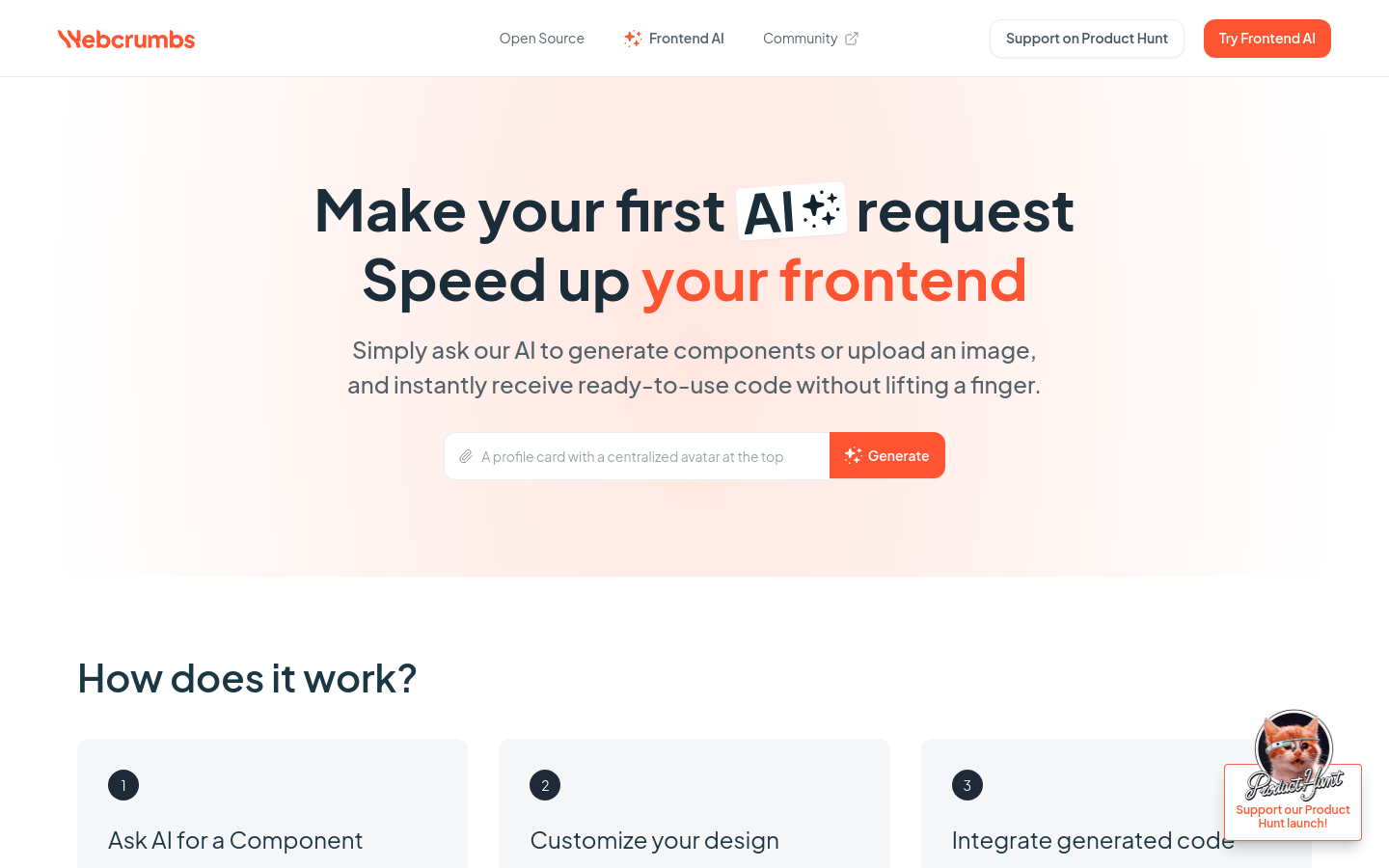
Screenshot archived from the listing page, for preview only.











