
Frontender
Figma plugin that turns designs into codeConvert Figma layers to CSS, HTML, and JSX
Highlights
What you can do with it
- Designers turn Figma layers into usable code
- Developers speed up frontend handoff
- Teams keep code aligned with design files
How to use it
- 1 Install the Frontender plugin in Figma
- 2 Select the layer or frame you want to convert
- 3 Choose your code format, such as Tailwind or JSX
- 4 Copy the generated code into your project
Who it is for
Pros
- Free to use with 15 monthly conversions
- Many code formats in one plugin
- Works even with messy Figma files
Limitations
- The free plan caps you at 15 conversions a month
- Free terms and limits can change without notice
- Generated code still needs developer review
What Frontender is
Frontender is a Figma plugin that turns designs into frontend code. It converts Figma designs into code in several formats, including CSS, CSS-in-JS, Tailwind, HTML, and JSX. You can convert any layer into code and use custom Tailwind configurations so the output matches your project. It is built to handle messy Figma files, which is helpful when designs are not perfectly organized. The plugin is free to use with 15 free conversions per month, making it a practical helper for occasional design to code work by designers and developers alike.
What you can do with it
- Turn Figma layers into frontend code
- Choose from CSS, Tailwind, HTML, and JSX output
- Use custom Tailwind configurations
- Convert code even from messy design files
Who it is for
- Designers who want code from their Figma work
- Developers speeding up the frontend handoff
- Teams keeping design and code in sync
What to watch out for
The free plan limits you to 15 conversions a month, so heavy projects will quickly pass that, and the free terms and limits can change without notice, so check the current details. The quality of the output depends on how the Figma file is built, and messy files can still produce code that needs cleanup. Always review the generated code before shipping it, since plugins cannot match your exact project setup. For best results, start with a small test file and review the output carefully before working on anything important. Free tiers can change over time, so it is worth checking the current limits on the official page before you rely on the tool daily. If the result is not quite right, try adjusting your input description or settings and run the task again.
FAQ
Is Frontender free?
Yes, it is free to use with 15 free conversions per month.
What code can it generate?
CSS, CSS-in-JS, Tailwind, HTML, and JSX.
Does it need clean Figma files?
It is designed to handle messy Figma files, but cleaner files give better results.
Why it is free
What the official page says: 免费使用免费
Free limits, trial length and features are decided by the official site and can change at any time.
Product preview
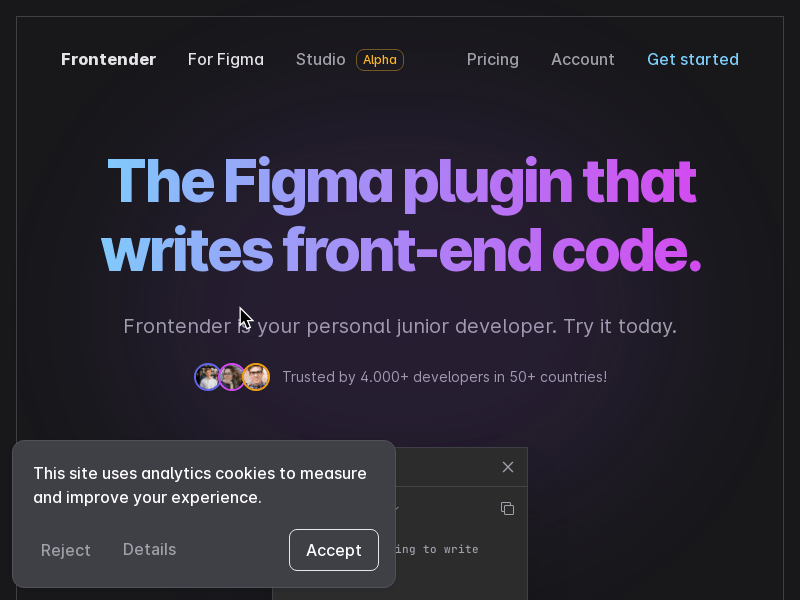
Screenshot archived from the listing page, for preview only.











