
Funy AI
Free AI video and image toolsImage to video and edits, no sign-up
Highlights
What you can do with it
- Animate travel photos into short videos.
- Turn a text idea into a short video ad clip.
- Clean up a photo with background removal or deblur.
How to use it
- 1 Open funy.ai and pick the feature you want.
- 2 Upload an image or enter text.
- 3 Adjust the simple settings as prompted.
- 4 Click generate, wait, then download the result.
Who it is for
Pros
- Advertised as free with no registration.
- Several tools gathered in one place.
- Simple click-and-download flow.
Limitations
- Free terms are advertised but can change; check current terms.
- Output is short and simple, not a full editor for long projects.
- Features and access can shift over time, so save what you make.
What Funy AI is
Funy AI is an all-in-one platform for AI video creation and image editing. It turns static images into short videos, runs text to video, removes backgrounds, and sharpens blurry photos, all from one place. The site says you can use it without registering and that the tools are free, offering what it calls an unrestricted experience for creators and designers. You upload an image or type text, tweak a few simple settings, and generate a clip or a cleaned-up picture. A free trial and free use are both advertised on the page, so you can try the basics before committing to anything.
What you can do with it
- Turn a still photo into a moving video in one click.
- Type a prompt and get a short video scene.
- Remove a background to get a clean, transparent image.
- Sharpen a blurry photo with the deblur tool.
Who it is for
- Creators who want quick video edits without software.
- Social users making greeting or meme clips.
- Anyone cleaning up photos on the fly.
What to watch out for
The site advertises free use with no registration, but free terms can change, so confirm the current offer before you rely on it. Output is short and simple, and this is not a full editor for long projects. Results vary with the image or text you give, so a good source file matters. As with any online tool, features and access can shift over time, so download anything you want to keep. For best results, start with a small test file and review the output carefully before working on anything important.
FAQ
Do I need to register?
The site says no registration is needed.
What can it do?
Image to video, text to video, background removal, and deblur.
Is it really free?
It is offered as free, but confirm the current terms.
Why it is free
What the official page says: free trialfree to use
Free limits, trial length and features are decided by the official site and can change at any time.
Product preview
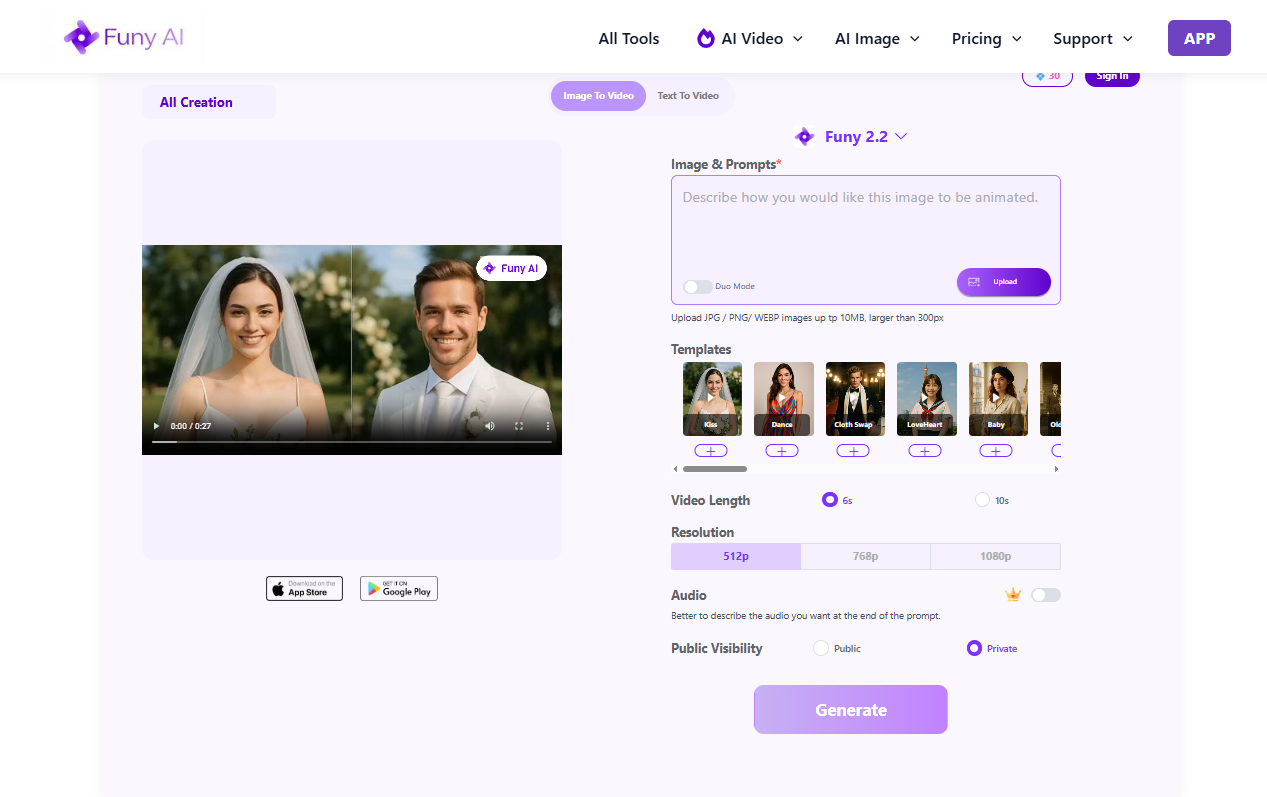
Screenshot archived from the listing page, for preview only.











