Highlights
What you can do with it
- Generate video clips from a text prompt
- Remix or edit existing footage
- Turn a still image into moving video
How to use it
- 1 Open the site and start with the free plan
- 2 Enter a prompt or upload an image
- 3 Generate the video and review the result
- 4 Remix or edit the clip as needed
- 5 Upgrade to Basic or Professional if you need more credits
Who it is for
Pros
- Free plan listed with 10 credits to start
- One place for creation, remixing, and editing
- Multiple upstream models are said to be integrated
Limitations
- Free credits are small, so real projects need a paid plan
- Free rules and plan prices may change over time
- Depends on upstream models, so output quality can vary
What gemini omni is
gemini omni is presented as a unified multimodal video model. The site describes it as a Google model that handles video creation, remixing, and editing in one workflow, and claims realistic motion effects, scene control, and advanced text rendering. It says several models are integrated together, naming Sora 2, Veo 3.1, and Kling 2.6, and that text and images can be turned into high quality video quickly. A free plan is listed with 10 credits, and paid plans are described as Basic at 15 dollars per month and Professional at 49 dollars per month. The stated audience is individuals and businesses with video creation needs, from short social clips to longer marketing pieces.
What you can do with it
- Create video clips from a text prompt.
- Turn a still image into moving video.
- Remix or edit footage inside the same tool.
- Test the workflow on the free plan before paying.
Who it is for
- Individual creators who want to test AI video cheaply.
- Businesses that need video assets for marketing.
- Editors looking for a combined create, remix, and edit flow.
What to watch out for
The free plan only includes 10 credits, which runs out quickly if you render long or high resolution clips. Paid pricing and free rules can change over time, and the page does not guarantee them. Because the service leans on upstream models, output quality and wait times can shift without notice, and a model being available one week does not mean it stays available. Learning cost is moderate, since prompt writing for video takes more practice than for still images. Check the usage terms before using output commercially.
FAQ
Is there a free plan?
Yes. The site lists a free plan with 10 credits, plus Basic at 15 dollars and Professional at 49 dollars per month.
What can it do with video?
It is described as creating, remixing, and editing video with realistic motion, scene control, and text rendering.
What inputs does it accept?
The site says text and images can be converted into high quality video.
Why it is free
What the official page says: 免费计划免费
Free limits, trial length and features are decided by the official site and can change at any time.
Product preview
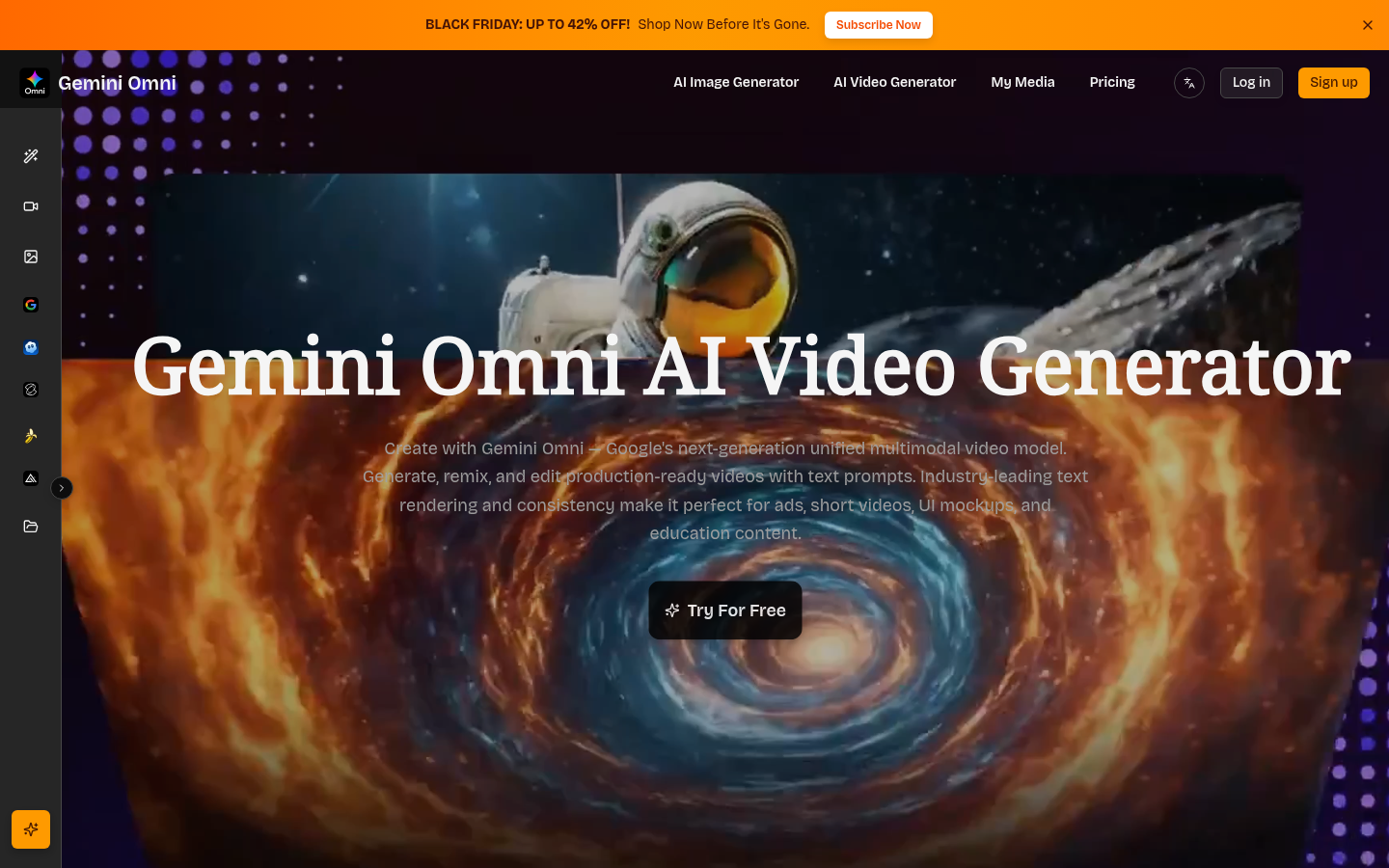
Screenshot archived from the listing page, for preview only.