Gempix 2 AI Image Generator
Free 4K AI image creatorGenerate 4K art with free AI credits
Highlights
What you can do with it
- Brand designers generate logos and visual identity concepts
- Photographers produce realistic portraits and cinematic looks
- Game and film teams visualize concepts and props quickly
How to use it
- 1 Enter prompts describing the image you want
- 2 Select model, output format, and size
- 3 Click generate to create the 4K image
- 4 Download, export, or share the result
Who it is for
Pros
- Free to use after registration with credits
- 4K output with cinematic detail
- Edit and fine-tune without full re-rendering
Limitations
- Free credits and rules may change as you scale up
- Detailed prompts give stronger results
- Upstream model behavior is outside your control
What Gempix 2 AI Image Generator is
Gempix 2 AI is a free AI image generation platform powered by Nano Banana 2 and integrated with Google Gemini. It is built for creators, teams, and studios that need high quality images quickly. You describe what you want, and the system optimizes your prompt and renders a detailed result. It supports 4K super-resolution output with cinematic lighting, realistic textures, and pixel-level detail. You can also edit and fine-tune images without re-rendering, fuse multiple reference frames into one composition, and switch between styles such as cinematic, illustration, or realistic. The platform is free to use after registration, with free credits included, and you can consider upgrading when your creation scale expands.
What you can do with it
- Generate 4K art, portraits, and hyper-realistic visuals
- Refine images through prompts without starting over
- Fuse several reference frames into one consistent scene
- Switch styles and connect with the Gemini workflow
Who it is for
- Artists and designers who need rich creative tools
- Content creators who produce large volumes of images
- Creative teams and studios that collaborate and share
What to watch out for
The platform is free after registration, but the free credits and their rules may change as your usage grows, so plan for a possible upgrade. Image quality depends on how clearly you describe your idea, so vague prompts give weaker results. Because it relies on upstream models, output behavior can shift without notice. It is best treated as a fast way to prototype visuals rather than a guaranteed permanent free tier for heavy production. For best results, start with a small test file and review the output carefully before working on anything important.
FAQ
Is Gempix 2 AI free?
It can be used for free after registration, with free credits provided. You can upgrade later if your creation scale grows.
What resolution can it output?
It supports 4K super-resolution generation with cinematic composition and detail.
Can I edit an image after generating it?
Yes. You can fine-tune poses, lighting, and composition through prompts without re-rendering the whole image.
Why it is free
What the official page says: for freefree credits
Free limits, trial length and features are decided by the official site and can change at any time.
Product preview
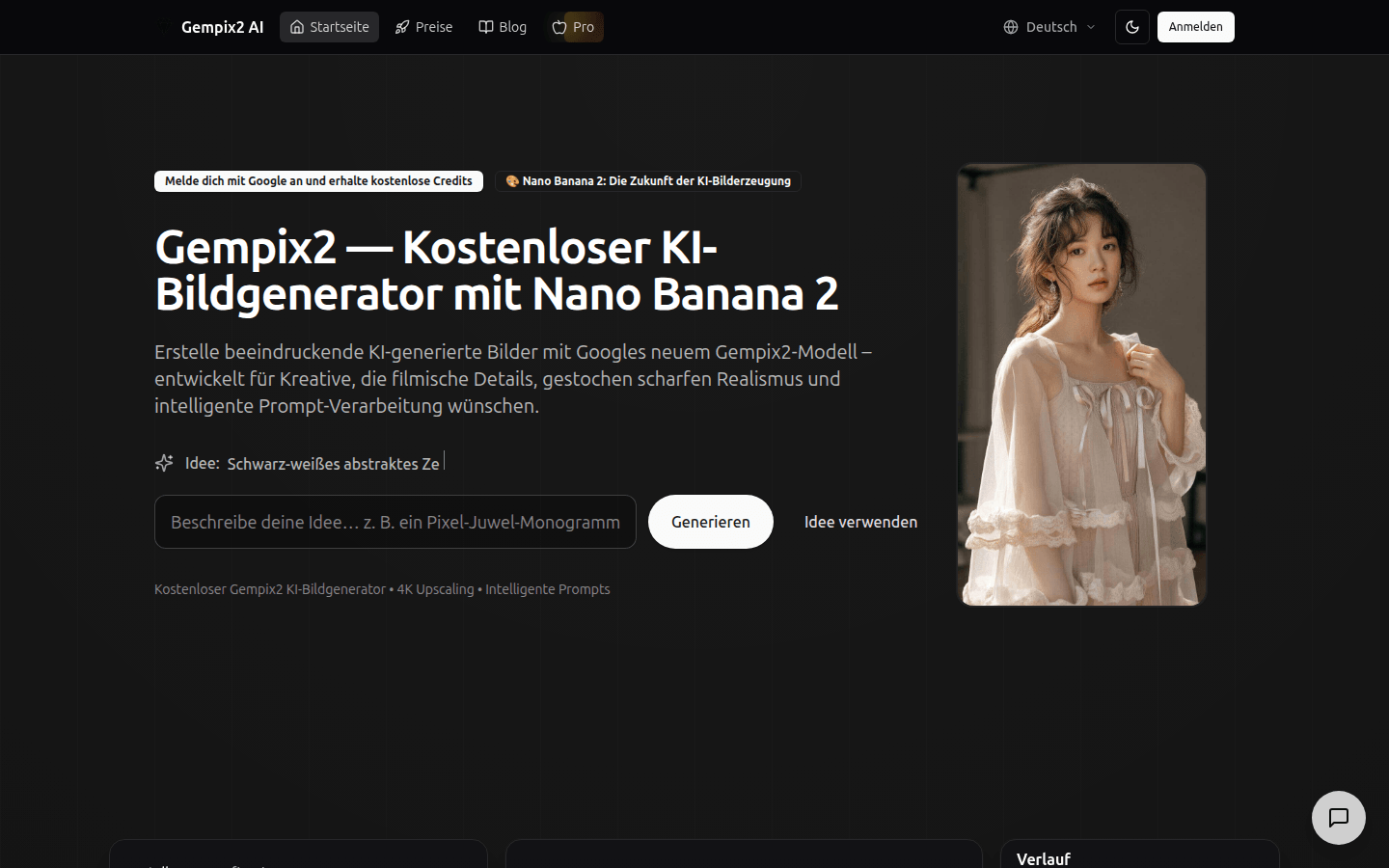
Screenshot archived from the listing page, for preview only.











