
Generator AI Music
AI music generator and track splitterText in, music out, stems split
Highlights
What you can do with it
- Background music for videos and streams
- Remix and karaoke preparation from existing songs
- Sketching song ideas as a writer or producer
How to use it
- 1 Choose simple mode or custom mode
- 2 Describe the style you want or paste your lyrics
- 3 Click generate and wait for the track
- 4 Download the result or split and remix it further
Who it is for
Pros
- Free option available alongside paid plans
- Covers generation and practical cleanup in one place
- No production background required
- Useful stem splitting for post-production
Limitations
- Free tier limits are not described
- Subscription needed for heavier or commercial use
- Generated audio quality varies by prompt
- Licensing and watermark terms are not stated
What Generator AI Music is
Generator AI Music is an AI music generation tool. You describe what you want, or paste lyrics, and it produces a complete track, which is the core generation feature. Around that it handles practical audio tasks: removing vocals from an existing song, splitting a track into independent stems for post-production, and generating new versions of a song with changes to tempo, style, and added effects. There are two entry modes, simple and custom, so you can either describe loosely or specify more detail. Pricing includes a free option plus subscription plans, which means the free tier is a trial-grade entry point rather than unlimited use.
What you can do with it
- Turn a text description into a finished piece of music
- Turn lyrics into a complete song with matched music
- Strip vocals for an instrumental or karaoke version
- Split a track into stems for remixing or post-production
- Create remix versions with new tempo, style, and effects
Who it is for
Music production enthusiasts who want quick sketches are the main audience. Musicians and songwriters can test how lyrics sit against an arrangement before booking studio time. Video creators who need background music without a licensing hunt get usable output fast. DJs and remixers benefit most from the stem splitting and remix features, since those directly feed their existing workflow.
What to watch out for
The free option is not described in detail, so assume limits on generation count, length, or download quality until you check. Licensing and watermark terms are also not stated, which is a real gap if you plan to publish the output or use it in client work; confirm rights before you do. Generated audio quality varies a lot with the prompt, and vocal removal in particular can leave artifacts on dense mixes. Subscription plans are the route to heavier use, so budget accordingly.
FAQ
Is Generator AI Music free?
Pricing includes a free option alongside subscription-based plans. The free tier limits are not detailed.
Can it write lyrics too?
It converts lyrics into complete musical works, so you can supply words and get a matched track.
Can I remove vocals from a song?
Yes. Vocal removal is listed for making pure music or preparing remixes.
What are stems?
Stems are the separated tracks of a song. The tool splits a track into independent stems for post-production and remixing.
Why it is free
What the official page says: 免费
Free limits, trial length and features are decided by the official site and can change at any time.
Product preview
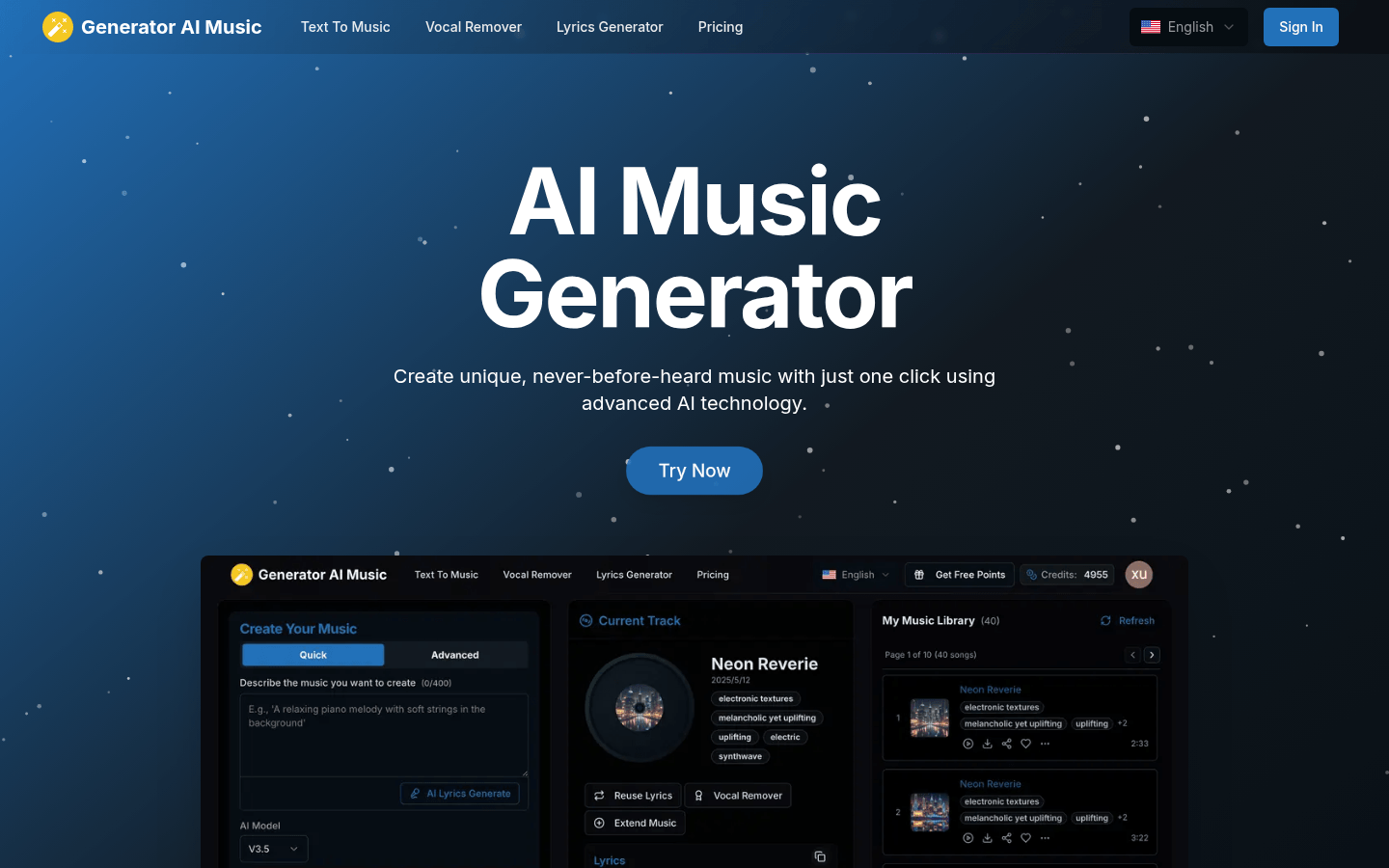
Screenshot archived from the listing page, for preview only.











