GenExpert
Simplified interface for OpenAI chat modelsCustomize roles and prompts on top of OpenAI models
Highlights
What you can do with it
- Chat with the assistant to retrieve information quickly
- Customize roles and prompts for different conversation tasks
- Handle customer conversations with a cleaner interface
How to use it
- 1 Sign up for GenExpert
- 2 Add your OpenAI API key in the settings
- 3 Choose a role and prompt for your task
- 4 Adjust model settings as needed
- 5 Start chatting through the simplified interface
Who it is for
Pros
- Simplified interface with useful enhancements
- Free version available
- Customizable roles, prompts, and model settings
Limitations
- You need your own OpenAI API key, so usage depends on your account and any costs OpenAI charges
- The free version does not save chat history
- The Pro version requires a purchased license
- Availability and behavior can change when the OpenAI API updates
What GenExpert is
GenExpert is a toolkit that upgrades OpenAI's chat model with a simplified interface and enhanced features. It offers a cleaner way to chat, similar to ChatGPT, and lets you choose roles, prompts, and model settings to shape the experience for different tasks. An API key is required to use the application, which means usage runs through your own OpenAI account. There is a free version that does not save chat history, and a Pro version that requires a purchased license if you need saved conversations and additional capabilities.
What you can do with it
- Chat through a simplified interface for OpenAI models
- Select roles and prompts to customize responses
- Adjust model settings for different tasks
- Use the free version, or upgrade to Pro for saved history
Who it is for
- People who want a cleaner ChatGPT-style interface
- Users who customize prompts and roles regularly
- Developers testing OpenAI models with their own API key
What to watch out for
You need your own OpenAI API key, so usage depends on your account and any costs OpenAI charges. The free version does not save chat history, which limits it for ongoing projects, and the Pro version requires a paid license. Because the app connects to OpenAI's API, availability and behavior can change when the API updates. Review generated content before using it for anything important. When quality matters, export a small draft first to confirm the result before producing the final file. Generated suggestions are for reference only, so verify anything that affects professional judgment or important data. Save a backup of the original file before large batch jobs, and keep an exported copy of key results in case the page or service becomes temporarily unavailable.
FAQ
Is GenExpert free?
There is a free version, and the Pro version requires a purchased license.
Do I need an API key?
Yes. An OpenAI API key is required to use the application.
Does the free version save chats?
No. The free version does not save chat history, which is one reason to consider Pro.
Why it is free
What the official page says: free version
Free limits, trial length and features are decided by the official site and can change at any time.
Product preview
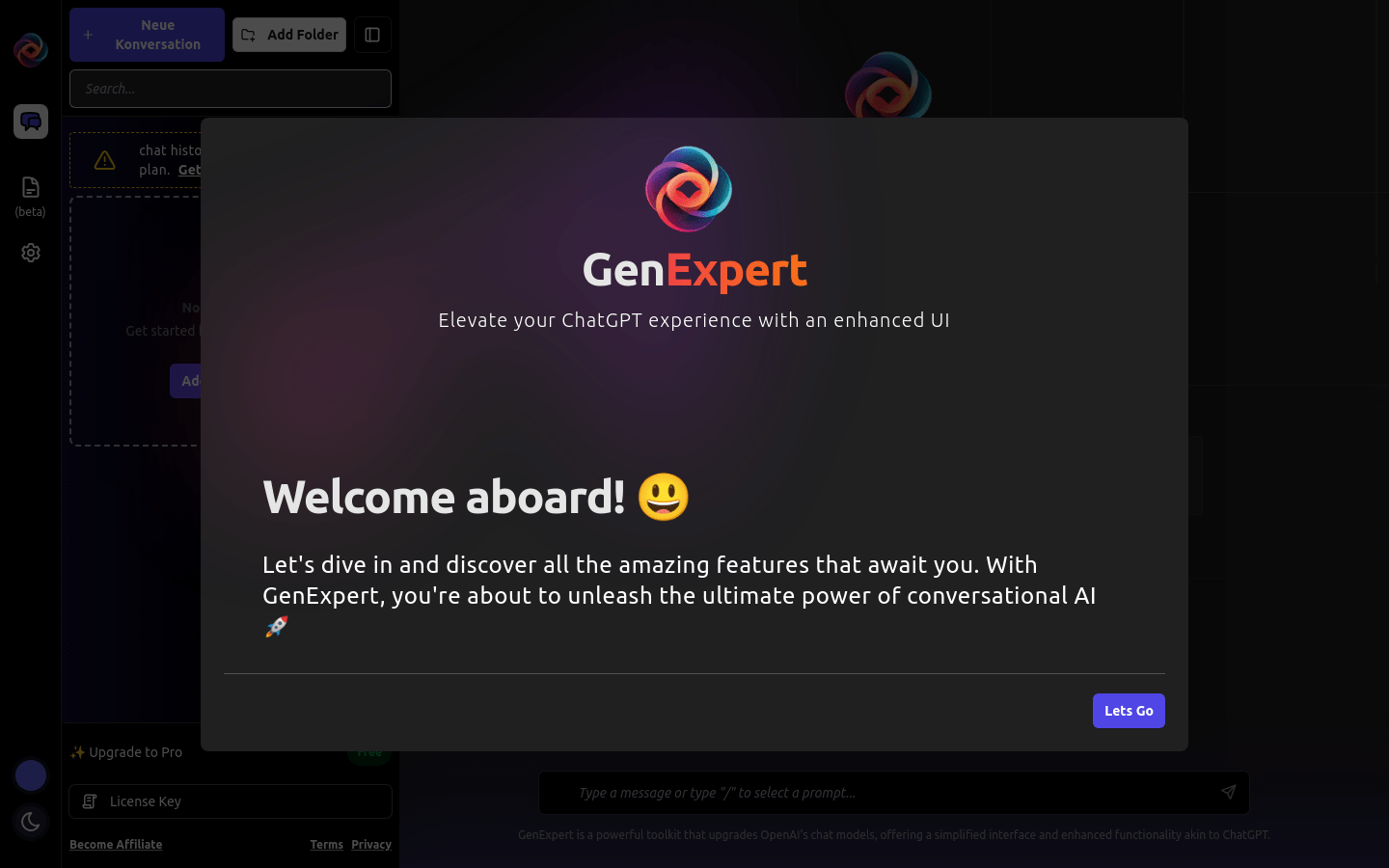
Screenshot archived from the listing page, for preview only.