
GenPPT AI
AI PowerPoint generator that builds and beautifies slides with scripts.Turn a topic into a polished deck, script included.
Highlights
What you can do with it
- A startup builds a financing pitch deck with a professional layout
- A trainer creates a security best-practices module with charts and cases
- A seller turns product features into clear slides for a B2B pitch
How to use it
- 1 Open genppt.ai and register or log in
- 2 Choose to generate a new deck from a topic or beautify an existing file
- 3 Let the AI analyze and create or improve the slides
- 4 Preview in the browser and edit content, layout, or elements
- 5 Generate a speech script if needed, then export as PPTX
Who it is for
Pros
- Fast deck creation with automatic professional layout
- Speech script generation helps you present with confidence
- Browser editing plus standard PPTX export fits normal workflows
Limitations
- Pricing is not clearly listed, so treat a free trial as unconfirmed
- AI layouts still need human review for accuracy and brand fit
- Results can vary with how clearly you describe the topic
What GenPPT AI is
GenPPT AI is an AI presentation generator that creates professional slide decks from a topic. It also beautifies existing PowerPoint files by improving design and fixing layout, and it can generate detailed speech scripts and key points for each slide. Intelligent typesetting picks a layout based on content type, and you can preview and edit the deck in the browser before exporting it as a standard PPTX file. It supports multiple languages and is aimed at business professionals, educators, and content creators. The page does not state pricing clearly, though a free trial may be available.
What you can do with it
- Generate a full, professionally laid-out deck from a topic
- Beautify an existing presentation's design and layout
- Create speech scripts and key points for each slide
- Preview and edit in the browser, then export as PPTX
Who it is for
- Business professionals who build presentations often
- Educators preparing multilingual course slides
- Content creators who need fresh, well-designed decks
What to watch out for
Pricing is not clearly listed, so do not assume a free trial until you confirm it on the site. AI-generated layouts and scripts still need a human pass for accuracy, tone, and brand fit. The quality of the output depends heavily on how clearly you describe your topic and requirements, so vague prompts may need more editing. Run one full task end to end first, then expand once you are comfortable with the workflow and the result quality. Behavior may vary across browsers and devices, so test before production use and consult the help docs if errors appear. Features and interface details may change between versions, so review the latest notes on the page before you start.
FAQ
Can it improve an existing PPT?
Yes, it can beautify an uploaded deck by enhancing design and fixing layout.
Does it write my speech?
Yes, it can generate detailed speech scripts and key points for each slide.
What can I export?
You can export the finished deck as a standard PPTX file.
Why it is free
What the official page says: free trial
Free limits, trial length and features are decided by the official site and can change at any time.
Product preview
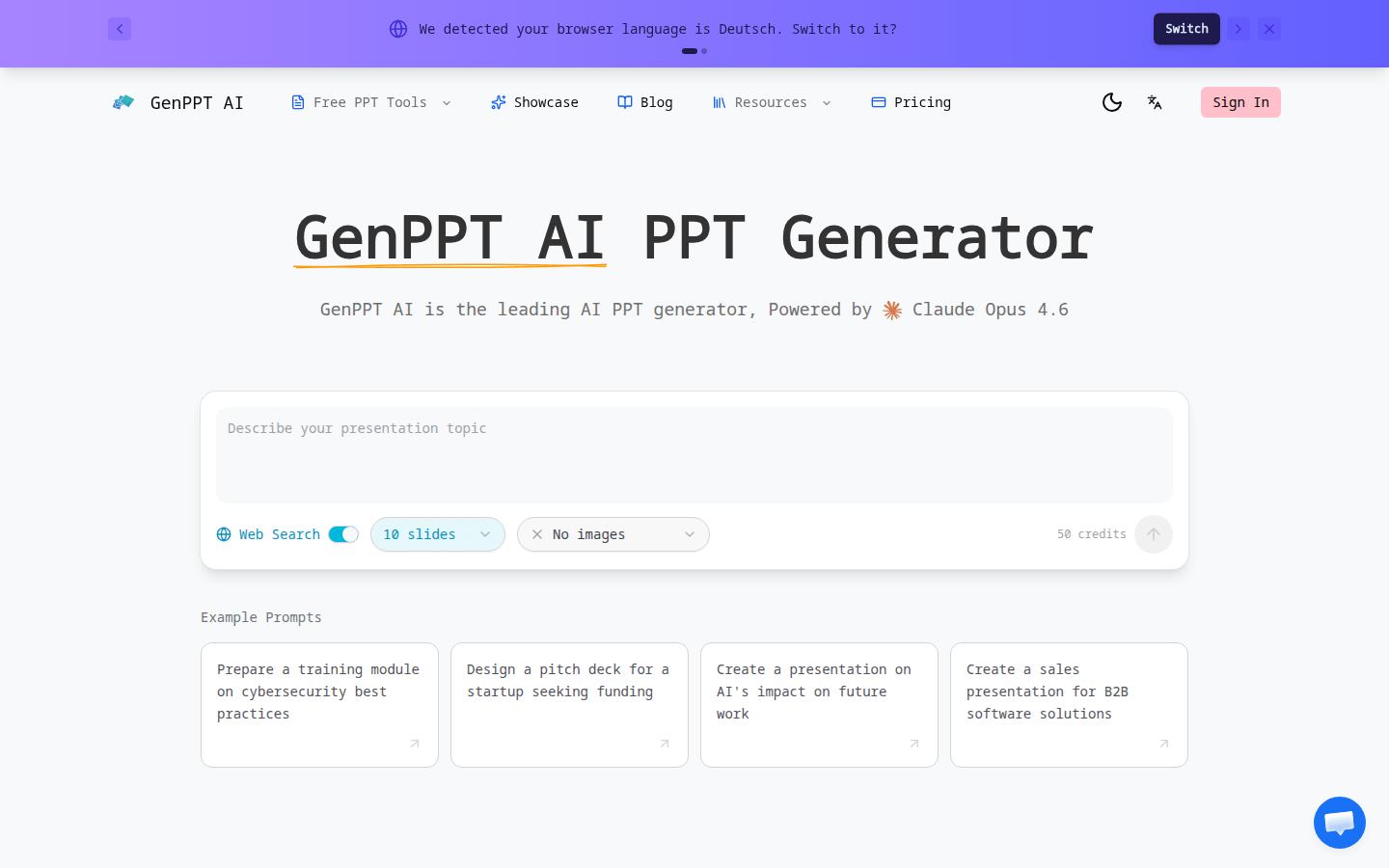
Screenshot archived from the listing page, for preview only.











