
Getsolved AI Detector
AI content detector with sentence-level reportsSee which sentences look AI-written
Highlights
What you can do with it
- Check a draft for AI patterns before publishing
- Review report wording for credibility
- Screen manuscripts quickly during editing
How to use it
- 1 Open the Getsolved AI detector page
- 2 Paste text or upload a PDF, DOCX, TXT, or Google Docs file
- 3 Run the scan and wait for the analysis
- 4 Read the score, sentence feedback, and suggestions
Who it is for
Pros
- Sentence-level detail rather than a single number
- Multi-format upload saves copy and paste
- Free to use
Limitations
- Detection results are an indicator, not proof of AI authorship
- Should not be the sole basis for academic or disciplinary decisions
- Free access can change
What Getsolved AI Detector is
Getsolved AI Detector is a tool for checking whether text was generated by AI. Rather than returning a single verdict, it works at sentence level and shows which sentences carry patterns common in AI writing, together with a score and a report explaining why certain parts read as unnatural, overly formal, or mechanical. It says it recognizes output from mainstream models including ChatGPT, Claude, and Gemini, and it accepts PDF, DOCX, TXT, and Google Docs uploads.
What you can do with it
- Scan pasted text or uploaded documents
- See sentence-level flags instead of one score
- Read explanations for why parts look machine written
- Get suggestions on tone, repetition, and clarity
- Revise and rescan to compare results
Who it is for
- Writers checking drafts before submission
- Editors screening large volumes of manuscripts
- Content managers reviewing copy from many sources
- Enterprise teams checking reports and proposals
What to watch out for
Detection is probabilistic. A score is an indicator, not proof, and confident human writing can trip flags while edited AI text can pass, so never use a single result as the basis for an academic or disciplinary decision. The tool is free today, which can change, and uploads involve sending documents to a third party, so check the privacy statement before scanning confidential material. Use the report as a prompt for your own revision rather than as a verdict. Generated suggestions are for reference only, so verify anything that affects professional judgment or important data. Start with a small sample to confirm the output meets your expectations before processing the full batch. Save a backup of the original file before large batch jobs, and keep an exported copy of key results in case the page or service becomes temporarily unavailable.
FAQ
Is it free to use?
Yes, the detector is described as free to use.
Which models can it spot?
It says it identifies content from mainstream models including ChatGPT, Claude, and Gemini.
Can I trust a single result?
Treat results as an indicator. The tool provides scores and explanations, but it is not definitive proof.
Why it is free
What the official page says: free to use
Free limits, trial length and features are decided by the official site and can change at any time.
Product preview
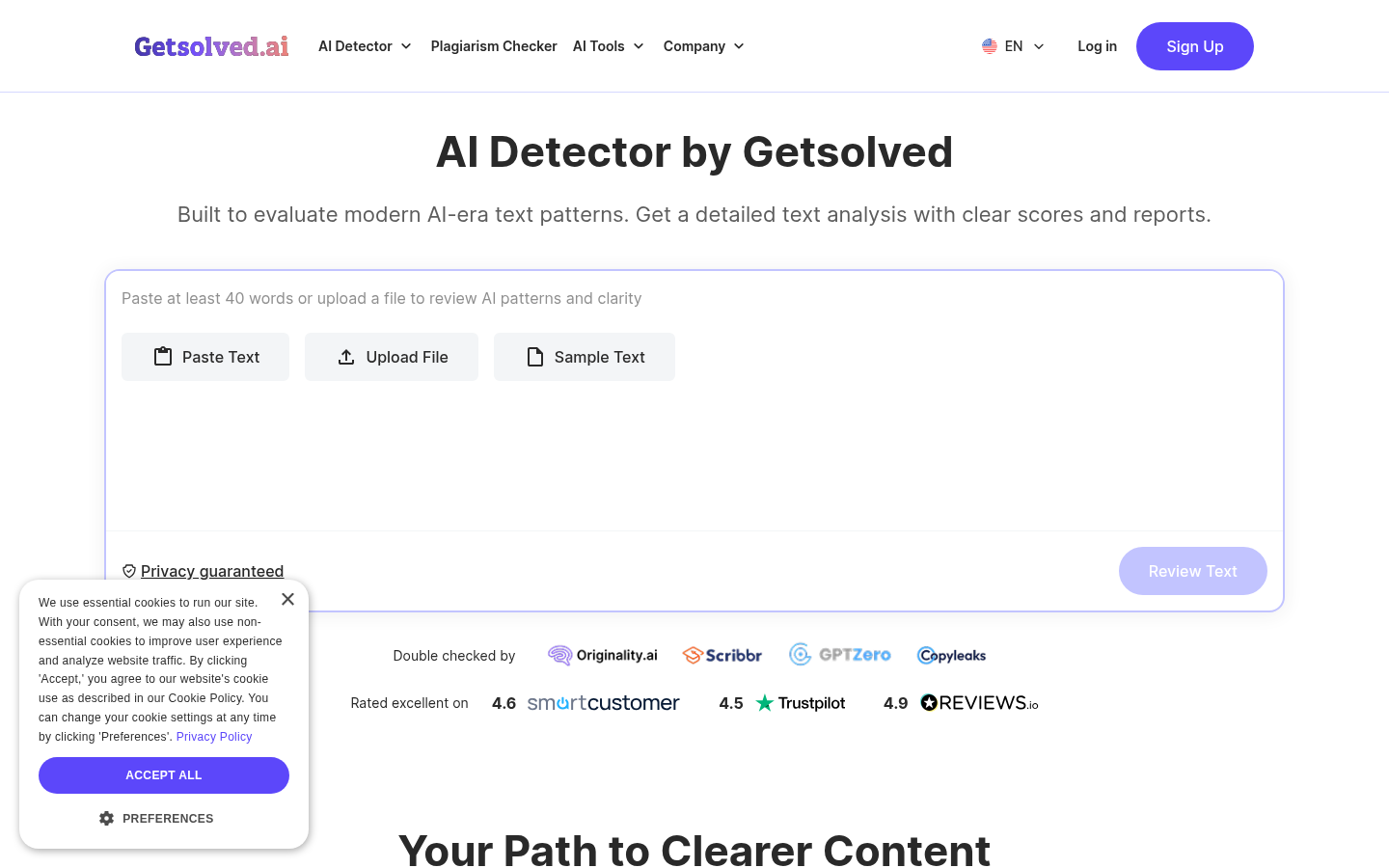
Screenshot archived from the listing page, for preview only.











