Git2Docs.com> Easily Generate Docs from Code!
AI docs generator from codeUser guides and API docs that stay in sync with code
Highlights
What you can do with it
- A startup generates user guides and API docs while shipping fast
- A support team uses the chatbot to cut first-level tickets
- A product manager keeps per-version doc spaces in sync
How to use it
- 1 Connect your GitHub, GitLab, or Bitbucket repository
- 2 Let the AI analyze APIs, models, and business logic
- 3 Generate the doc structure and review the content
- 4 Use the runtime check to flag mismatches with live code
- 5 Rely on automatic sync as you push new code
Who it is for
Pros
- Docs stay in sync with code automatically
- Supports several programming languages
- Chatbot and health dashboard add practical support
Limitations
- A 30-day free trial is offered, then a subscription; terms can change
- Generated docs still need review for accuracy and tone
- Complex or poorly commented code can produce weaker docs
What Git2Docs.com is
Git2Docs is an AI documentation platform that reads your code directly from GitHub, GitLab, or Bitbucket and automatically generates user guides and API reference docs. Instead of writing docs by hand, it analyzes your APIs, models, configurations, and business logic, then builds a structured document set. Every time you push code, the docs update automatically so they stay in sync with the latest codebase. It supports several programming languages, includes a RAG-based chatbot for first-level support, and has a runtime check that flags places where the docs and the live code disagree. It offers a 30-day free trial, then a subscription.
What you can do with it
- Generate user guides and API docs straight from your repo
- Keep docs in sync automatically on every code push
- Add a RAG-based chatbot for first-level support
- Use runtime checks to catch doc and code mismatches
Who it is for
- Startups and growing teams without a dedicated writer
- Customer support teams that want to deflect common questions
- Product managers and engineers maintaining current docs
What to watch out for
It offers a 30-day free trial, then moves to a subscription, and terms can change, so confirm current pricing before committing. Generated docs still need a human pass for accuracy, tone, and anything customer-facing, since AI can misread intent. Complex or poorly commented code can produce weaker or incomplete docs, so clearer code helps. Treat it as a way to keep docs current, not a full replacement for technical review. For team use, agree on naming and editing conventions in advance to avoid version conflicts or duplicated work. Name and archive exported files consistently so you can find and reuse them, and keep a backup copy of key data.
FAQ
Where does it read code from?
It connects to GitHub, GitLab, or Bitbucket repositories and reads the files and functions.
Do docs stay updated?
Yes. Every time code is pushed, the docs update automatically to stay in sync.
Is there a free trial?
Yes. It offers a 30-day free trial, then a subscription model.
Why it is free
What the official page says: free trial
Free limits, trial length and features are decided by the official site and can change at any time.
Product preview
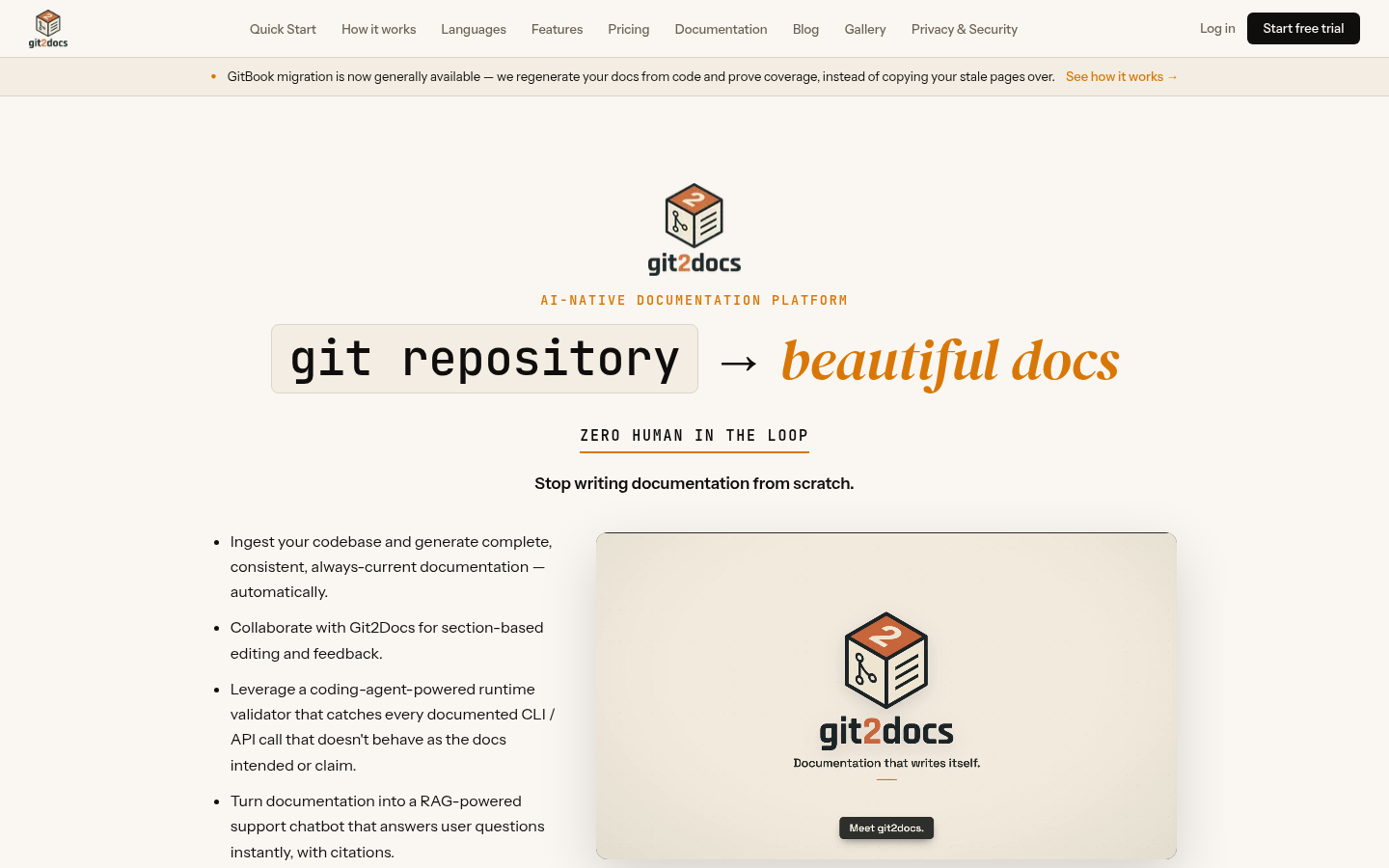
Screenshot archived from the listing page, for preview only.











