
Gologin Cloud Browser
Cloud browser infrastructure via APILaunch cloud browser instances fast
Highlights
What you can do with it
- AI teams launch many instances for data collection
- Developers integrate cloud browsers into automated testing
- Marketers research competitors from separate identities
How to use it
- 1 Register an account from the product page
- 2 Choose app or API launch method
- 3 Configure the API if using API launch
- 4 Run your tasks in the launched instances
- 5 Manage instances through the Web UI
Who it is for
Pros
- Scales quickly through API
- Separate identities reduce account linking
- 7-day free trial before purchase
Limitations
- Pricing after the trial is not published
- Managing many identities needs care and policy compliance
- Automation work still requires developer setup
What Gologin Cloud Browser is
The Gologin Cloud Browser is cloud browser infrastructure launched by GoLogin. It is built for AI teams and automation use cases, letting users start cloud browser instances through either an application or an API. Each instance can be given a unique digital identity, which keeps accounts separate and reduces the chance of being linked or tracked. The product has a full set of cloud browser functions and a Web UI, so instances can be managed without command-line work. A 7-day free trial is offered, and pricing after the trial is not stated in the documentation.
What you can do with it
- Launch many secure cloud browser instances quickly
- Create a separate digital identity for each account
- Run automated tasks and data collection at scale
- Manage instances through the Web UI
For AI teams, the value is volume: large data collection for model training needs many browsers running at once. For automation developers, the API drops into existing testing systems. For marketers, separate identities allow parallel research without cross-contamination between accounts. The Web UI keeps management simple for people who do not want to script everything.
Who it is for
- AI teams that collect data for training and research
- Automation developers building web testing systems
- Enterprise marketers doing competitive research
If you need one browser occasionally, this is more than you need. It is aimed at teams that run many browser sessions as part of their work.
What to watch out for
The free trial lasts 7 days, and the site does not publish pricing, so budget planning needs a sales conversation. Creating many separate identities can raise policy and compliance questions depending on how you use them, so make sure your automation follows the terms of the sites you access. API integration requires developer work, and the quality of your setup affects reliability. Treat the trial as a technical test rather than a production commitment.
FAQ
What is the Cloud Browser API?
Cloud browser infrastructure from GoLogin for launching secure browser instances via app or API.
Who is it for?
AI teams, automation developers, and enterprise marketers who need cloud browsers.
Is there a free trial?
Yes. A 7-day free trial is offered.
Why it is free
What the official page says: free trial
Free limits, trial length and features are decided by the official site and can change at any time.
Product preview
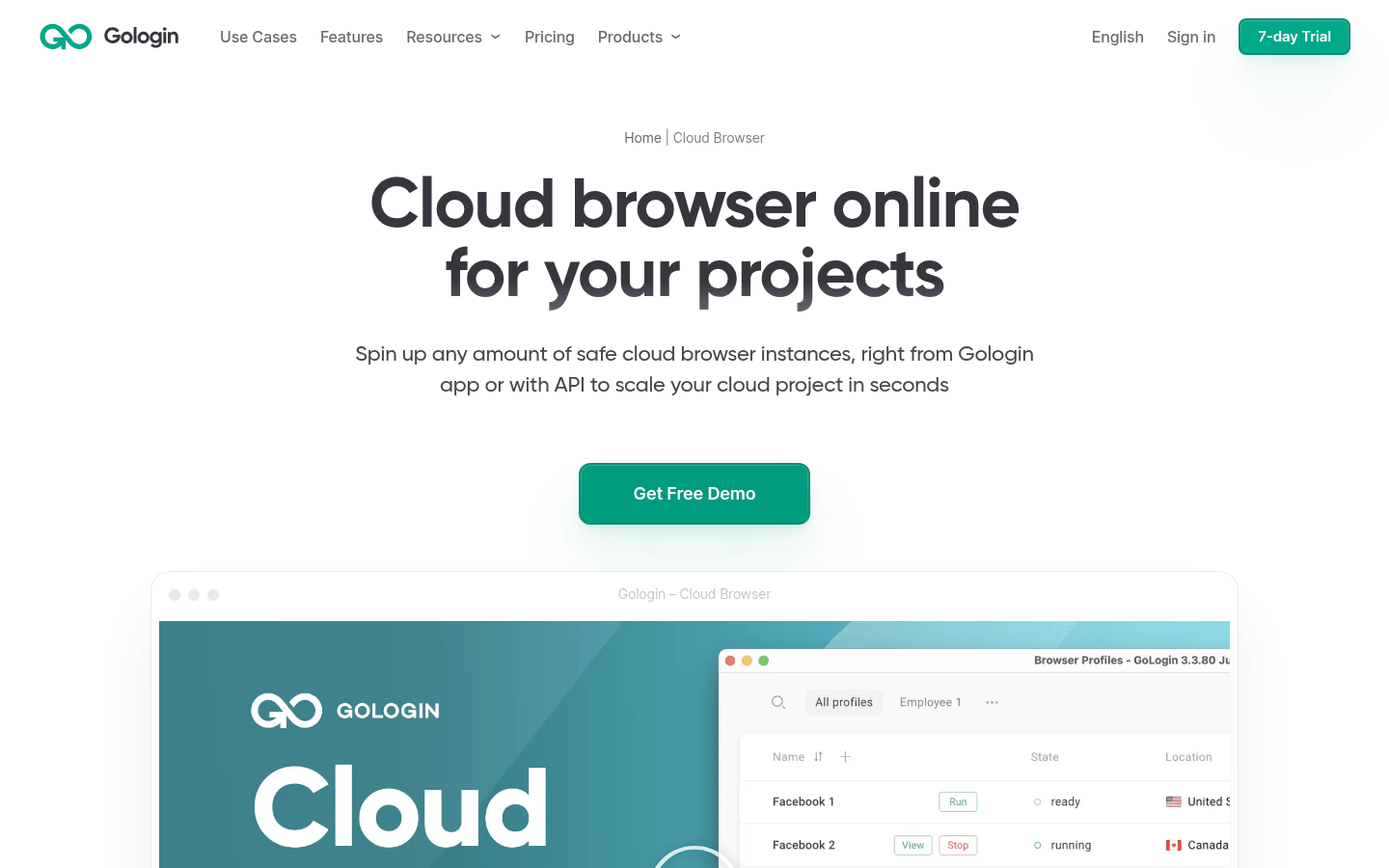
Screenshot archived from the listing page, for preview only.











