
Google AI for Developers
Google's Gemini API for developersPut Google's models in your app
Highlights
What you can do with it
- Adding language understanding to a mobile app
- Building an intelligent customer service chatbot
- Generating personalised learning content for a course
How to use it
- 1 Visit Google AI Studio and get an API key
- 2 Read the API documentation for your language
- 3 Choose your platform and install the SDK
- 4 Initialise the API with your key and select a model
- 5 Call the API, handle the response, then test and ship
Who it is for
Pros
- Currently free to use
- Broad language and platform coverage
- Open models available alongside the hosted API
Limitations
- The page itself says pricing may change, so treat the free tier as provisional
- Quota and rate limits apply
- Self-hosting Gemma needs your own hardware
What Google AI for Developers is
Google AI for Developers is where Google publishes its model tooling for builders. The centrepiece is the Gemini API, offered through Google AI Studio, which lets developers integrate Google's models into applications with simple API calls rather than building an AI system from scratch. SDKs cover Python, Node.js, Go, Android, Dart (Flutter), and Swift, and the API handles complex tasks such as content generation and language understanding across server, client, and mobile. Alongside it sit the Gemma open models, which are lightweight and customisable, plus a community forum for help and discussion. The page states the API is currently free while noting pricing may change.
What you can do with it
- Integrate Google's models into an application through the API
- Work in Python, Node.js, Go, Android, Dart, or Swift
- Handle content generation and language understanding tasks
- Use the Gemma open models for custom or self-hosted work
- Get help and share experience in the community forum
Who it is for
- Mobile and web developers adding AI capability to a product
- Teams building chatbots, summarisers, or content generation
- Educators and researchers experimenting with the models
What to watch out for
The page says plainly that pricing may change as the service evolves, so do not architect a product on the assumption that the free tier is permanent. Quotas and rate limits apply, and a production app will need to plan for paid tiers as usage grows. Self-hosting Gemma requires your own hardware and ops capacity, which is a different cost profile from calling a hosted API. Models are updated continuously, which is good for capability but means behaviour can shift under you, so pin versions where you can.
FAQ
Is the Gemini API free?
The page states it is currently free, while noting that pricing may change as the service evolves.
Which languages and platforms are supported?
Python, Node.js, Go, Android, Dart (Flutter), and Swift.
What are the Gemma models?
Lightweight, customisable open models from Google that developers can tailor to different application needs.
Why it is free
What the official page says: 免费
Free limits, trial length and features are decided by the official site and can change at any time.
Product preview
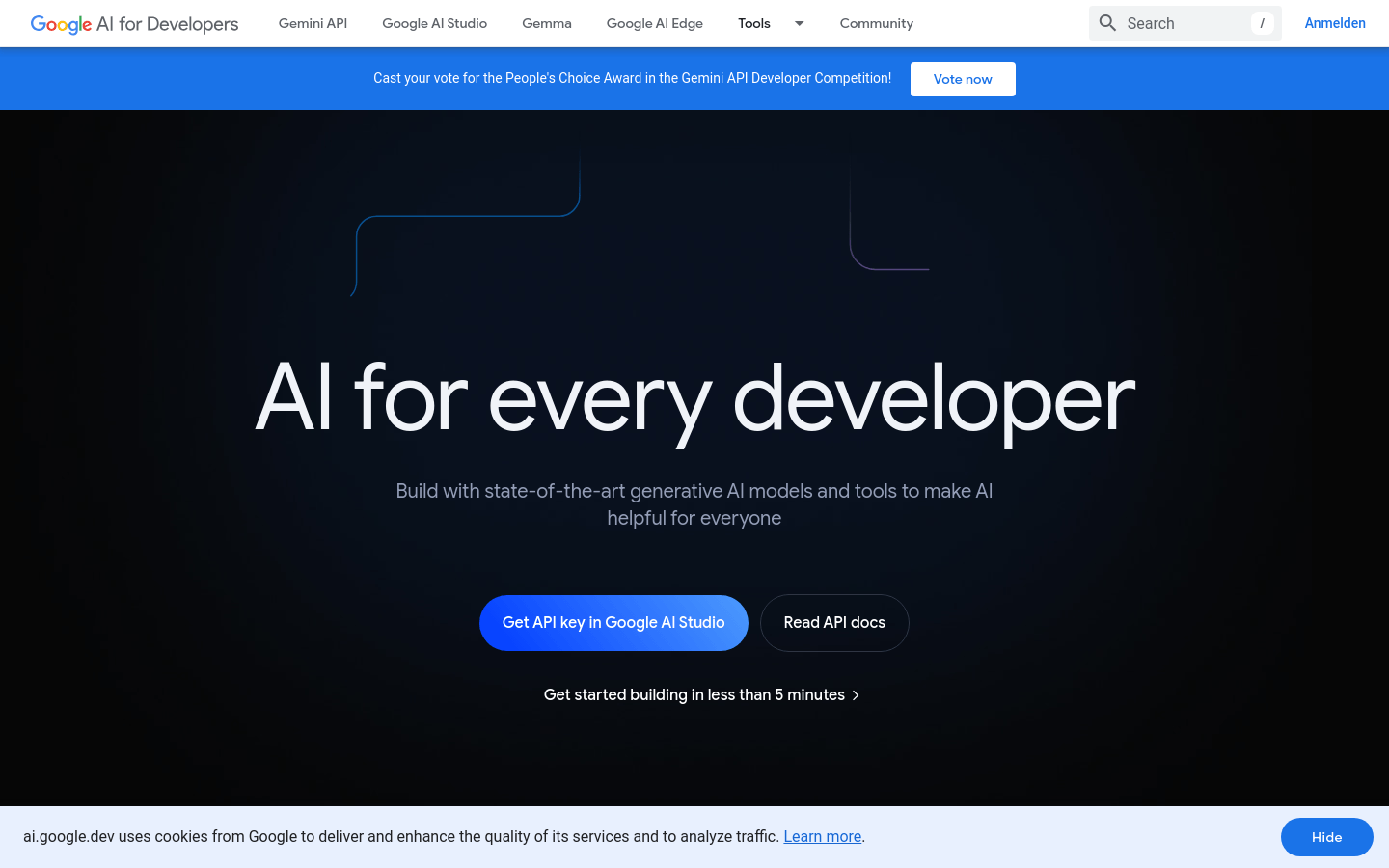
Screenshot archived from the listing page, for preview only.











