
Highlights
What you can do with it
- Delegate coding tasks to an agent in the IDE
- Monitor what an agent is doing while it works
- Control agents across multiple surfaces
How to use it
- 1 Download and open the Antigravity IDE
- 2 Connect your project workspace
- 3 Give an agent a task in natural language
- 4 Watch progress in the task monitoring view
- 5 Review and adjust the agent's changes
Who it is for
Pros
- Free for individual developers
- Natural language commands lower the entry step
- Agent control is spread across interfaces
Limitations
- Organizational pricing has not been announced
- Free rules may change over time
- Agent output still needs careful code review
What Google Antigravity is
Google Antigravity is described as an agent development platform that brings the integrated development environment into an agent-first era. Rather than treating AI as an autocomplete panel, the site says the environment is built around intelligent agents that take on development work. It pitches natural language code commands, intuitive task monitoring, and agent control that stays synchronized across interfaces. The background given is that AI is becoming more deeply embedded in software development, and the goal is better efficiency and quality. Individual developers can use it for free, and organizational pricing has not been announced yet, so teams need to ask before planning a rollout.
What you can do with it
- Hand a coding task to an agent in natural language.
- Monitor agent activity while it works.
- Keep control of agents across multiple surfaces.
- Build software without every step being manual.
Who it is for
- Professional developers who want agent help in real projects.
- Hobbyists learning by building with guidance.
- Teams that want to evaluate agent-driven development.
What to watch out for
Free use applies to individual developers, and organizational pricing is not announced, so cost planning for a team is uncertain. Free rules can change over time as the product develops. Agent-generated code still needs review: it can look correct and still contain mistakes, so treat output as a draft rather than a finished change. The platform also depends on upstream models, so behavior and availability can shift. Learning cost is real, since delegating well is a skill that takes practice, and reviewing agent work is part of the job rather than an optional extra.
FAQ
Is it free?
It is free to use for individual developers, while organizational pricing has not been announced.
What is agent-first development here?
The IDE is built around intelligent agents that take tasks in natural language and are monitored as they work.
Who is it for?
The site says it serves everyone from professional developers to hobbyists.
Why it is free
What the official page says: 免费使用免费
Free limits, trial length and features are decided by the official site and can change at any time.
Product preview
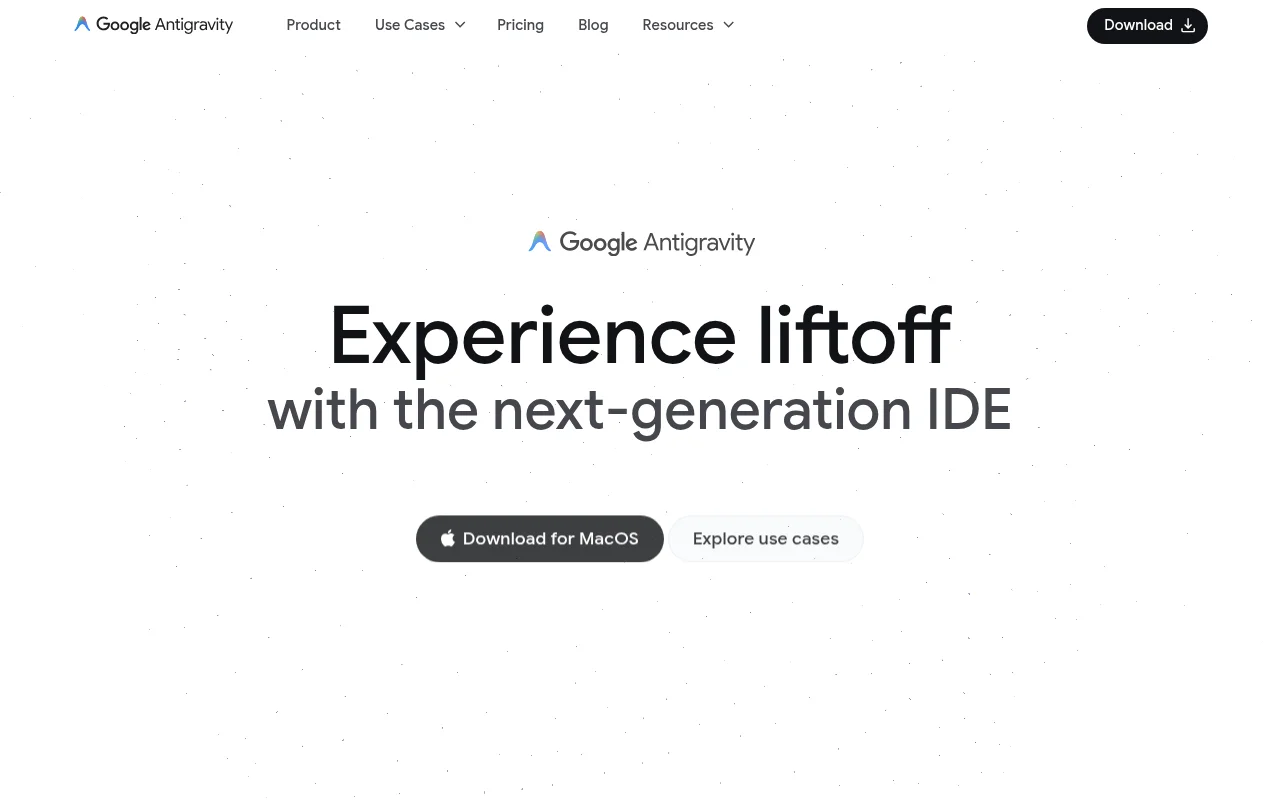
Screenshot archived from the listing page, for preview only.