GoPDF
Online PDF editorEdit, convert, and sign PDFs
Highlights
What you can do with it
- Merge several reports into one file
- Fill and sign a form remotely
- Compress a large PDF before emailing it
How to use it
- 1 Open gopdf.io in your browser.
- 2 Upload your PDF file.
- 3 Pick the tool you need from the set.
- 4 Edit or convert, then download the result.
Who it is for
Pros
- Broad toolset in a single browser tab
- A free version is available
- Nothing to install
Limitations
- Uploading confidential files to a third party carries risk
- Free version limits and features need checking
- Complex layouts can shift during conversion
What GoPDF is
GoPDF is an online PDF toolset. It covers the everyday jobs: editing text inside a PDF, converting to and from Word and JPG, compressing a large file, merging several documents, protecting a file with a password, and filling or signing a form. Search and replace works inside the document as well. Everything runs in the browser, so there is no desktop install, and the product is offered in both free and paid versions.
What you can do with it
- Edit text directly in a PDF.
- Convert between PDF, Word, and JPG.
- Compress or merge files for email.
- Fill, sign, and protect documents.
Who it is for
- Office staff who handle contracts and forms daily.
- Students submitting assignments in a required format.
- Anyone without desktop PDF software who needs a quick fix.
What to watch out for
Any tool that asks you to upload a document sends that document to someone else's server, so read the privacy and retention terms before uploading anything confidential or personal. Free versions usually carry limits on file size, number of files, or features, and those limits can change. Conversion is not always faithful: complex layouts, embedded fonts, and unusual formatting can shift, so check the output against the original. For legally signed documents, confirm that an electronic signature made this way meets the requirements that apply to you. Name and archive exported files consistently so you can find and reuse them, and keep a backup copy of key data. When quality matters, export a small draft first to confirm the result before producing the final file. Save a backup of the original file before large batch jobs, and keep an exported copy of key results in case the page or service becomes temporarily unavailable.
FAQ
Is GoPDF free?
It offers both free and paid versions, according to the description.
What can I do with it?
Edit, convert, compress, merge, and protect PDFs, plus fill and sign them, and search and replace text.
Is it safe for confidential documents?
Uploading files to any third party service means they leave your machine. Check the privacy and retention terms before sending anything sensitive.
Why it is free
What the official page says: 免费
Free limits, trial length and features are decided by the official site and can change at any time.
Product preview
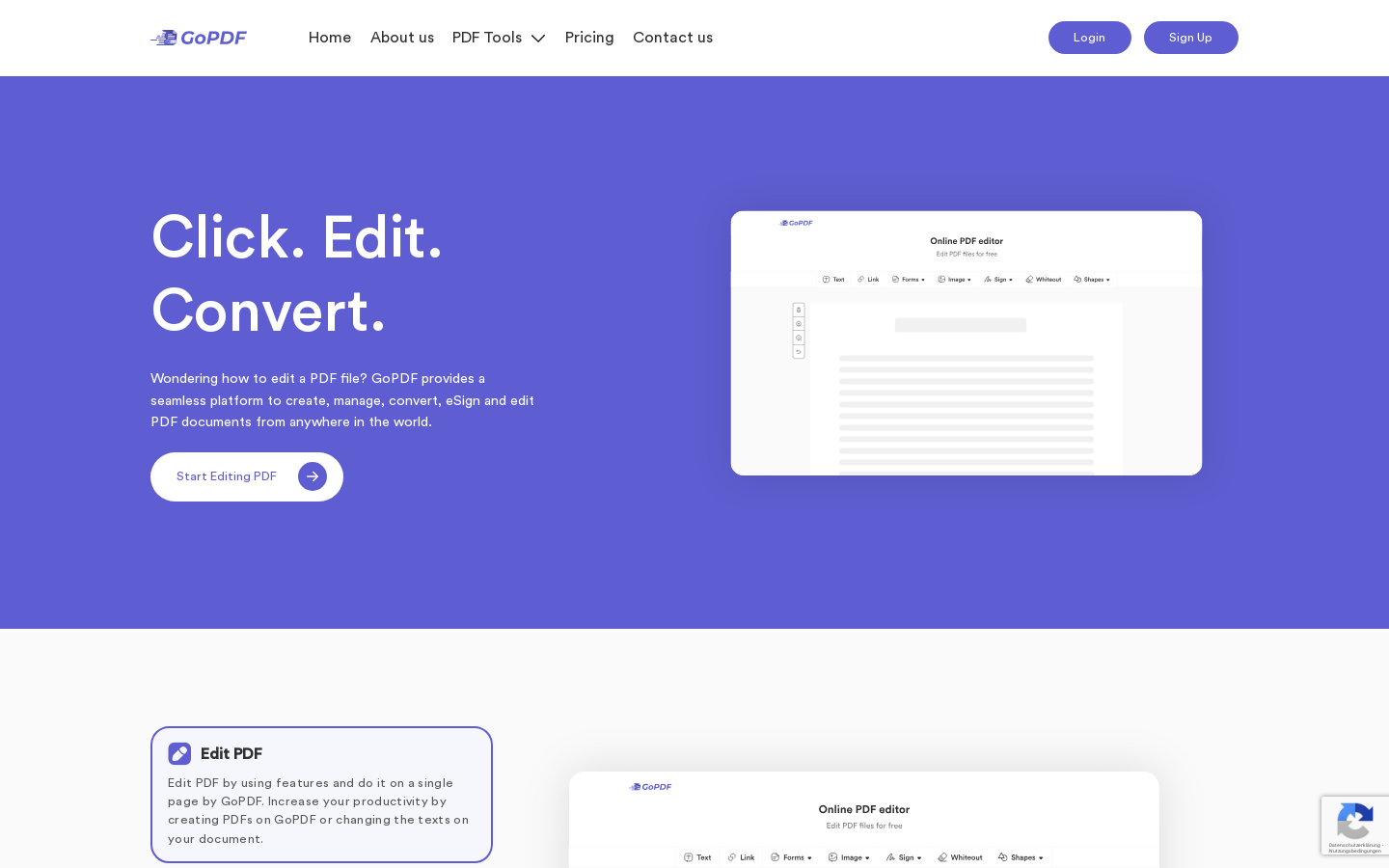
Screenshot archived from the listing page, for preview only.











