
GPT Image 2.5 AI Video Generator
AI image generator and editor up to 4KTurn text and references into clear, detailed images
Highlights
What you can do with it
- Marketers create product launch posters from detailed prompts.
- UI designers refine interface elements from sketch references.
- Comic creators generate panels that match characters and layout.
How to use it
- 1 Go to the GPT Image 2.5 website.
- 2 Enter a text prompt or upload up to 16 reference images.
- 3 Pick text-to-image or image-to-image, an aspect ratio, and a resolution.
- 4 Click Generate and wait for the image.
- 5 Download and share the result.
Who it is for
Pros
- Free browsing plus trial credits on a free account.
- Up to 4K output for print and high-detail uses.
- Strong prompt control over counts, layout, and materials.
Limitations
- Higher resolutions use more credits, so 4K can drain a free trial fast.
- Commercial usage rights sit on paid plans, not the free tier.
- The page lists paid plan prices only in general terms, so exact cost is unclear.
What GPT Image 2.5 is
GPT Image 2.5 is an online AI image generator and editor presented as the next generation of the GPT Image model family. It converts text prompts and reference images into detailed visual work, and it focuses on fine detail rather than rough drafts. You can browse example outputs for free, and a free account comes with trial credits. When you generate, you choose a resolution of 1K, 2K, or 4K, and the page notes that higher resolutions consume more credits, with 1K the cheapest and 4K the most expensive. The tool also offers several aspect ratios, such as 1:1, 16:9, 9:16, 3:2, and 2:3, plus an automatic setting that lets the model decide. Image-to-image mode lets you upload up to 16 reference images to steer character style, composition, or product detail. Paid plans add more credits, priority generation, and commercial usage rights.
What you can do with it
- Generate images from detailed text prompts with control over theme and lighting.
- Edit and refine existing images through image-to-image references.
- Output at 1K, 2K, or 4K and pick the aspect ratio you need.
- Rely on accurate handling of object counts, spacing, materials, and layout.
- Repeat edits while keeping colors and gradients clean, without blocky artifacts.
Who it is for
- Marketing professionals who need product posters and campaign visuals.
- Designers refining UI elements, landing pages, and storyboards.
- Content creators producing images from text or reference material.
What to watch out for
The free tier is meant for trying the tool: trial credits run out quickly at high resolutions, and commercial usage rights sit on the paid plans. Exact plan prices are not listed in detail on the page, so budget carefully before a big project. Because generation uses credits, repeated 4K renders and heavy editing can add up. Check the current terms for commercial use and resolution limits before you rely on outputs for client or print work, as pricing and credit rules can change.
FAQ
Can I try it for free?
You can browse examples for free, and a free account includes trial credits to test generation.
What resolutions are supported?
You can output at 1K, 2K, or 4K. Higher resolutions cost more credits, with 1K cheapest and 4K most expensive.
How many reference images can I use?
Image-to-image mode supports uploading up to 16 reference images to guide character style, composition, or product details.
Do I get commercial rights on the free tier?
Commercial usage rights are part of the paid plans; the free tier is for trying the tool.
Why it is free
What the official page says: for freefree account
Free limits, trial length and features are decided by the official site and can change at any time.
Product preview
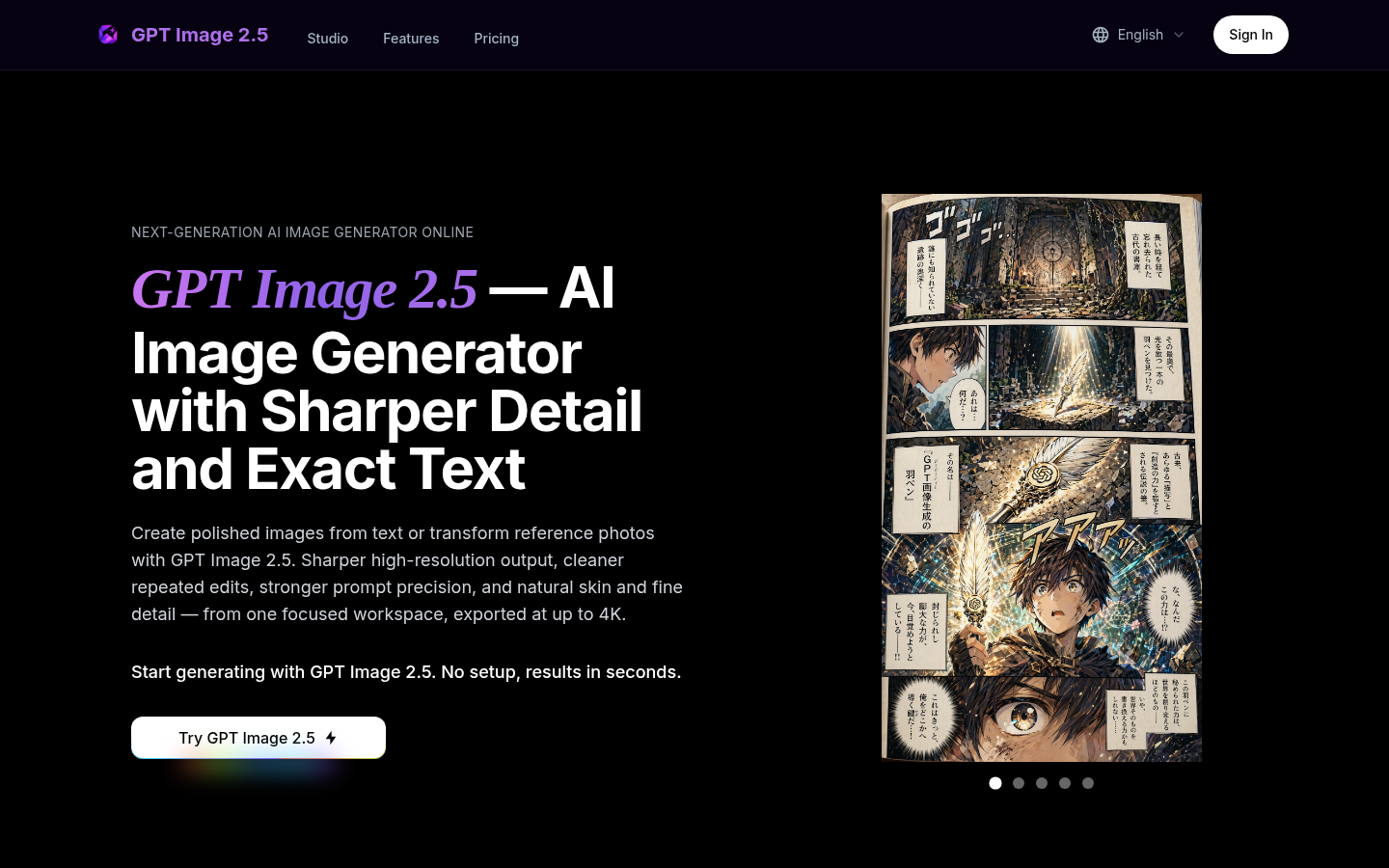
Screenshot archived from the listing page, for preview only.











