GPT Image 2 AI
Free browser text-to-image studio2K output with optional 4K upscaling
Highlights
What you can do with it
- Producing brand and marketing visuals with readable text
- Keeping a consistent character look across reference images
- Preparing print-ready images with 4K upscaling
How to use it
- 1 Open the text-to-image studio in your browser
- 2 Enter a prompt or upload reference images
- 3 Generate the image and choose 2K or 4K output
- 4 Edit with natural language or blend styles as needed
Who it is for
Pros
- Runs in the browser with free use options
- 2K output with optional 4K upscaling for print
- Consistent characters and clear text rendering
Limitations
- Some features require credits or a paid plan
- Free use availability can change over time
- Complex edits and blends may need practice
What GPT Image 2 AI is
GPT Image 2 AI is a free online text-to-image studio that runs in the browser. Instead of installing software, you open the site and start generating images. The tool is an upgraded generator focused on clear static images and layout-aware frames, and it can quickly produce 2K output. When you need print quality, it offers optional 4K upscaling on top of the base result. There are opportunities to use it for free, while some features are tied to credits and paid plans. The product is aimed at brand teams, design teams, and similar users who need reliable, high-quality image output for campaigns, layouts, and print work.
What you can do with it
- Generate clear 2K images and upscale to 4K for print
- Keep text inside the image readable and accurate
- Build consistent, realistic characters from reference images
- Edit with natural language and blend images or styles for a custom look
Who it is for
- Brand teams that need on-brand visuals with correct text
- Design teams producing marketing and print assets
- Creators who want a consistent character look across images
What to watch out for
Some features require credits or a paid plan, so the free path may not cover everything you want to do. Free use availability can also change over time, and plan terms may shift without notice. Because it is a browser tool, you need a stable internet connection, and 4K upscaling and complex edits can take longer to process. Blending images and styles gives strong control, but it can take practice to get the results you expect, so plan for some trial and error when you first start.
FAQ
Is GPT Image 2 AI free?
There are free use options, but some features depend on credits and plans.
What resolution can it output?
It produces 2K images quickly and offers optional 4K upscaling for print.
Can it keep characters consistent?
Yes, it can create consistent, realistic characters from reference images.
Why it is free
What the official page says: 免费使用免费
Free limits, trial length and features are decided by the official site and can change at any time.
Product preview
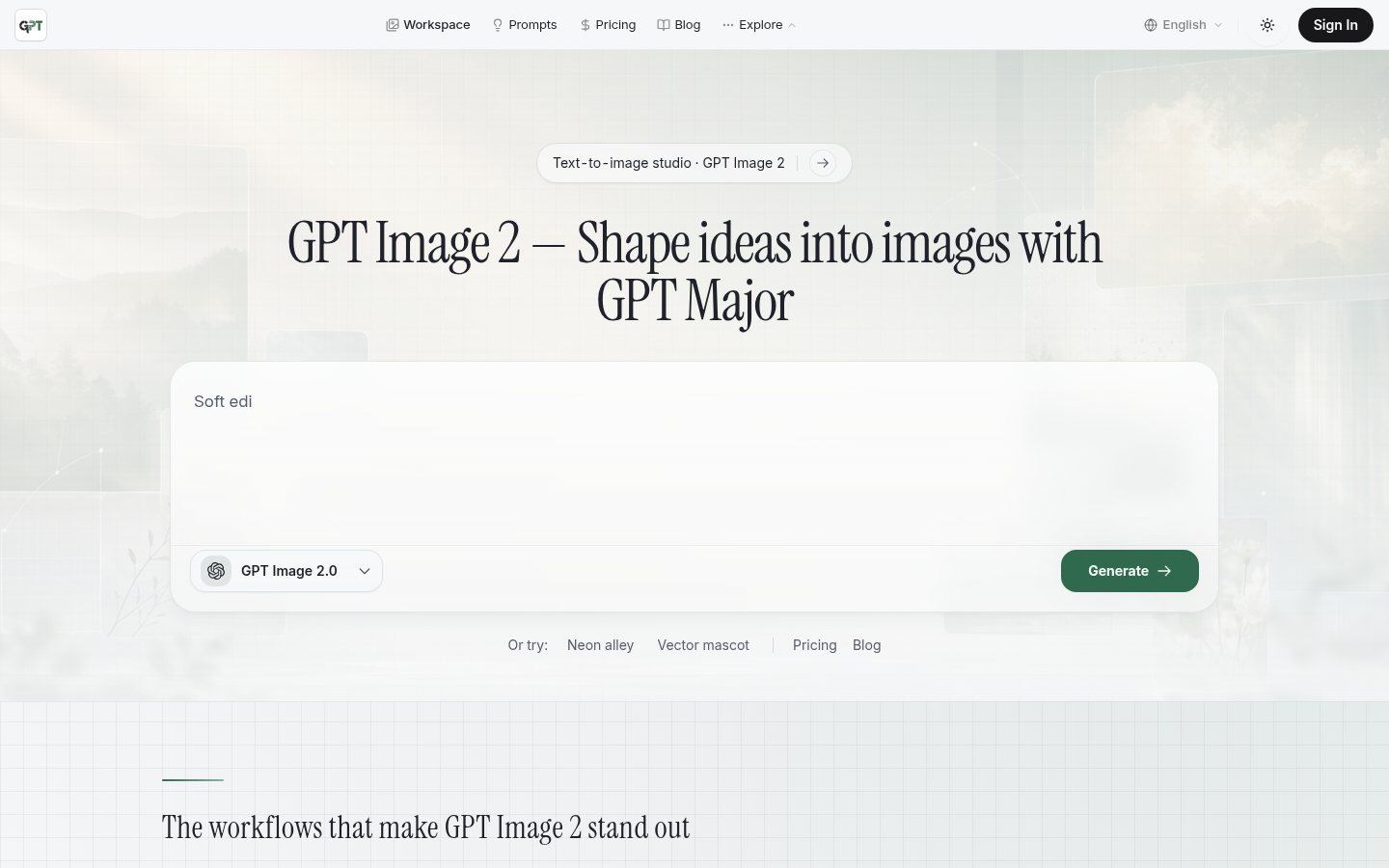
Screenshot archived from the listing page, for preview only.