
GPT Image 2 — Online AI Image Generator by OpenAI’s GPT
Free AI image generator with strong text rendering and 4K outputTurn prompts into sharp 4K images with accurate text inside
Highlights
What you can do with it
- A designer builds a product poster from a detailed prompt
- A marketer edits product photos with text and effects by prompt
- A student generates scenery art to illustrate an essay
How to use it
- 1 Type a prompt describing the image, style, and any text
- 2 Choose resolution and output format such as PNG, JPEG, or WebP
- 3 Generate, then refine with follow-up prompts and download
Who it is for
Pros
- Free tier with no registration or credit card
- Strong in-image text rendering and 4K output
- Natural-language editing and easy iteration
Limitations
- 4K, priority, and higher limits need the paid tier
- Complex prompts may need several passes
- Free limits and features can change over time
What GPT Image 2 is
GPT Image 2 is a free AI image generator and online photo editor. Rather than a traditional diffusion model, it uses an autoregressive approach, which makes it strong at placing text inside images and following detailed instructions. You can create realistic or stylized images on one platform, edit them with natural language, and export at up to 4K. The free tier works without registration or a credit card at standard resolution, while the premium tier unlocks 4K output, priority processing, and higher daily limits.
What you can do with it
- Generate images from detailed text prompts in many styles.
- Render text inside images accurately for logos, slogans, and labels.
- Edit images with plain-language requests and iterate until they look right.
- Export up to 4K in PNG, JPEG, or WebP, with transparent backgrounds.
Who it is for
- Designers who need precise text and layout inside images.
- Marketers making product images and promotional material.
- Content creators and students who need quick, clean illustrations.
What to watch out for
The free tier is limited to standard resolution, so 4K, priority processing, and higher daily limits require the paid plan. Complex prompts can still need several passes to land the exact look you want. Because the free limits and premium features can change, confirm the current tiers before you depend on it for professional or client work. Start with a small sample to confirm the output meets your expectations before processing the full batch. Free tiers and usage limits can change, so check the current rules on the official page before relying on it long term. Save a backup of the original file before large batch jobs, and keep an exported copy of key results in case the page or service becomes temporarily unavailable.
FAQ
Is GPT Image 2 free?
There is a free tier you can use without registration or a credit card, at standard resolution. Premium unlocks 4K, priority, and higher limits.
Why is its text rendering good?
It uses an autoregressive approach rather than a diffusion model, which helps it place text inside images more accurately.
What formats can I export?
It supports PNG, including transparent background, JPEG, and WebP.
What should I keep in mind?
The best resolution and higher limits are paid, complex prompts can take a few tries, and free terms can change.
Why it is free
What the official page says: free tier
Free limits, trial length and features are decided by the official site and can change at any time.
Product preview
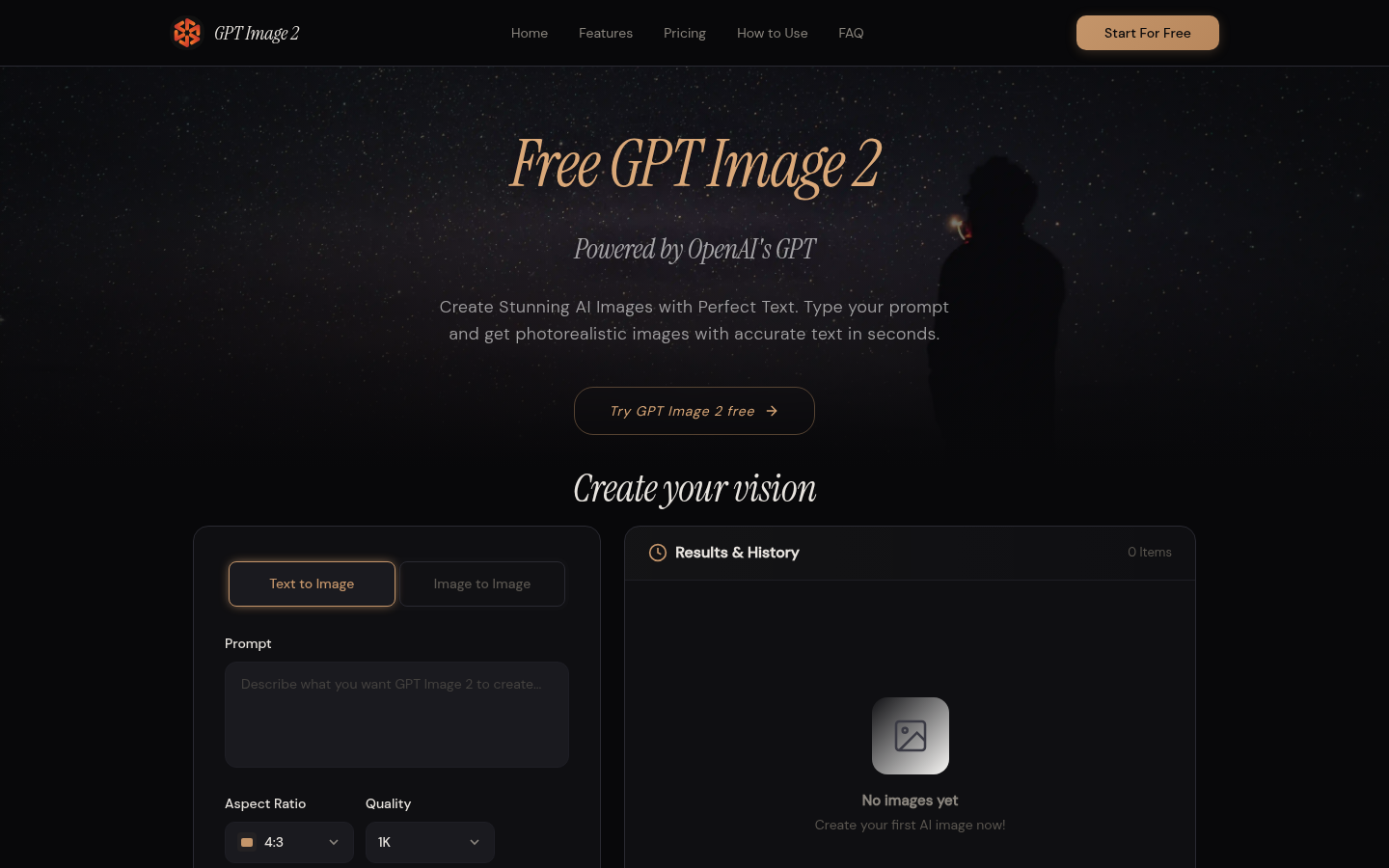
Screenshot archived from the listing page, for preview only.











