GPTCLEANUP
Browser tool that strips hidden characters from AI-generated textOne click to clean hidden markers, no signup
Highlights
What you can do with it
- A student cleans an AI first draft and then adds personal opinions before submitting
- A marketer cleans AI-generated promotional copy so it meets professional requirements
- A blogger cleans an AI framework and then polishes it into a readable post
How to use it
- 1 Copy text from ChatGPT or another AI tool
- 2 Paste it into the original text field so hidden elements are highlighted
- 3 Click the clean button to strip hidden characters and attributes
- 4 Copy or download the cleaned text
- 5 Edit the text further before you use it
Who it is for
Pros
- No registration and no install, it runs in the browser
- One click cleans hidden characters and attributes
- Keeps the readable text and its basic layout
Limitations
- It may be used to avoid AI detection, which can break school or platform rules, and any consequence falls on the user
- Free access and features can change at any time
- Cleaning does not make the writing original, it only removes hidden markers
What GPTCLEANUP is
GPTCLEANUP is a free online tool that cleans text produced by AI writing assistants. Its stated purpose is to remove the hidden markers that AI detection software looks for, including hidden Unicode characters and extra HTML attributes that come along when you copy from an AI interface. The tool keeps the readable text and its basic format, highlights hidden elements so you can see them, and lets you copy or download the cleaned result. Everything runs in the browser, so the page says no registration is needed and your text does not leave your device.
What you can do with it
- Strip hidden Unicode characters such as zero-width spaces and non-breaking spaces.
- Remove extra HTML attributes that are attached when text is copied from AI interfaces.
- See hidden elements highlighted before you clean them.
- Copy or download the cleaned text for use in documents and editors.
Who it is for
- Students who draft with AI and are concerned about detection flags.
- Professionals who work under workplace policies about AI-written text.
- Content creators who build on AI frameworks and then rewrite by hand.
What to watch out for
This tool can be used to make AI text harder to detect. That may violate school rules, publisher policies, or platform terms, and any consequence is the responsibility of the user, not the tool. Cleaning only removes hidden markers, it does not make the writing your own, so heavy editing is still required. The free status and the feature set can change at any time, so check the page rather than assuming it stays free forever. When quality matters, export a small draft first to confirm the result before producing the final file.
FAQ
Is GPTCLEANUP free?
Yes. The page describes it as free and says no registration is required.
Does my text leave my device?
The page says all processing is done in the browser and text does not leave your device.
Can it guarantee my text passes an AI detector?
No. It removes hidden markers only. Detection rules change, and using it to bypass checks may violate school or platform policies.
Which AI tools does it work with?
The page names ChatGPT and other popular AI writing assistants.
Why it is free
What the official page says: no registration
Free limits, trial length and features are decided by the official site and can change at any time.
Product preview
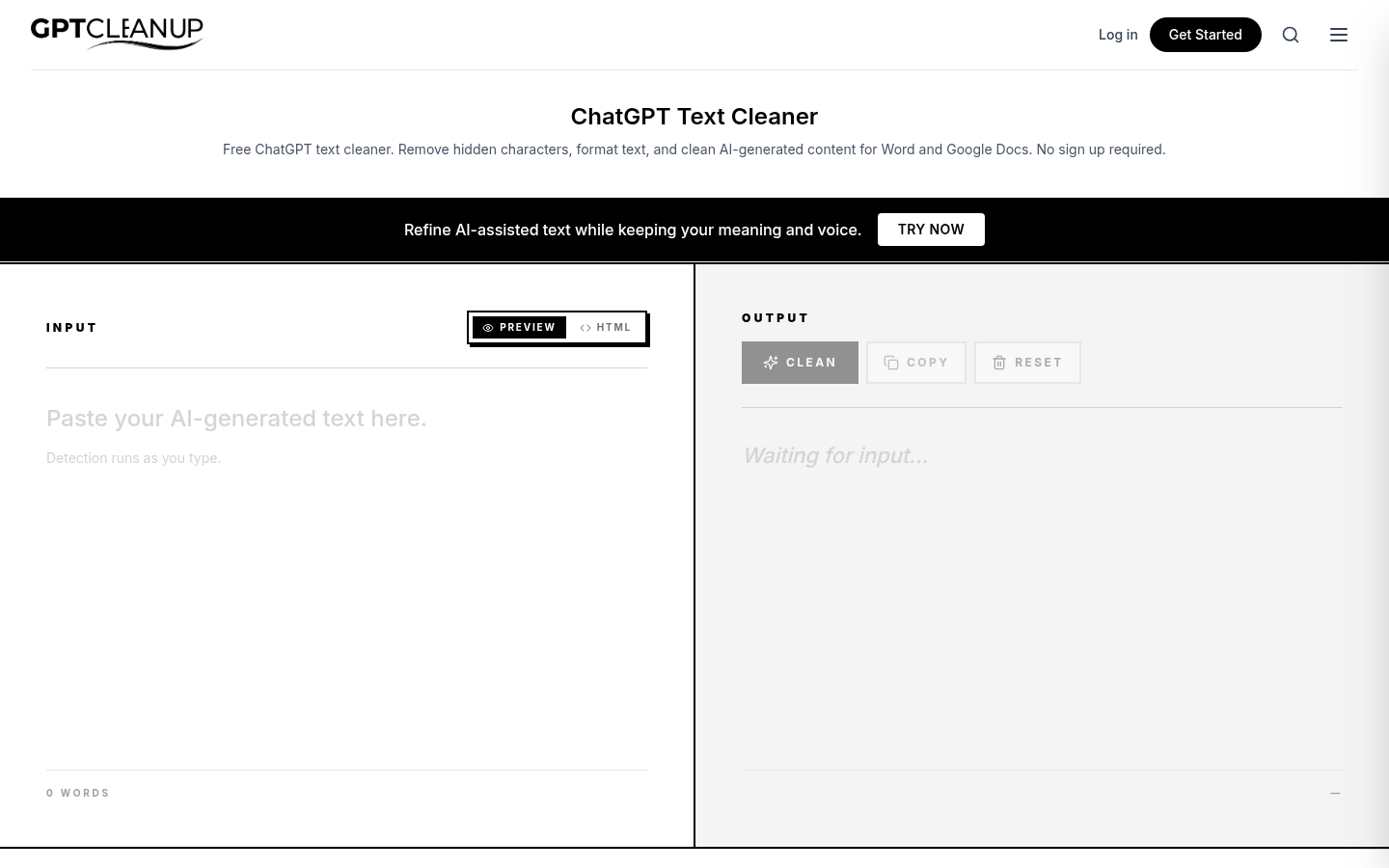
Screenshot archived from the listing page, for preview only.











