
Green Screen AI
AI photo background changerPut your photo anywhere
Highlights
What you can do with it
- Place a portrait against an outer space backdrop
- Swap in a beach scene for a product photo
- Create playful images for social posts
How to use it
- 1 Open Green Screen AI and upload your photo.
- 2 Pick a background scene you like.
- 3 Let the AI replace the background.
- 4 Adjust brightness, contrast, and saturation.
- 5 Save the finished image.
Who it is for
Pros
- Background swaps need no manual masking skills
- Several ready made scenes to choose from
- A free plan exists alongside paid options
Limitations
- The site was not responding during review, so access is uncertain
- Free plan limits apply and paid features need a subscription
- Results vary with the original photo quality
What Green Screen AI is
Green Screen AI changes the background of any image using AI. Choose from scenes such as outer space, beaches, or forests, then adjust brightness, contrast, and saturation to finish the look. The listing presents it as a fun and easy way to turn photos into unique AI generated art, and says it suits both personal and professional users. Everything runs in the browser, so there is nothing to install. Free and paid plans are offered, so you can test the idea before paying for more.
What you can do with it
- Place a portrait against an outer space backdrop
- Swap in a beach scene for a product photo
- Show nature shots on a forest background
- Adjust brightness, contrast, and saturation
- Create playful images for social posts
Background swaps happen without manual masking, which is the main time saver.
Who it is for
- Social media users making playful images
- Creatives testing background ideas quickly
- Small businesses editing simple visuals
- Anyone curious about AI image editing
The tool works best when the original photo has a clear subject, and teams that post daily can batch a week of images through the same flow.
What to watch out for
The site was not responding during review, so access is uncertain and the address should be confirmed. Free plan limits apply, and full features need a paid plan. Results vary with the original photo quality, and busy backgrounds are harder to cut cleanly. Edits are stylized, so they are not a substitute for professional compositing work, and you should check the license terms if you plan to use edited images commercially.
FAQ
What does Green Screen AI do?
It uses AI to change the background of your images with scenes like outer space, beaches, and forests.
Is there a free plan?
The listing says free and paid plans are offered.
Who is it for?
Both personal and professional users who want quick background changes.
Why it is free
What the official page says: 免费
Free limits, trial length and features are decided by the official site and can change at any time.
Product preview
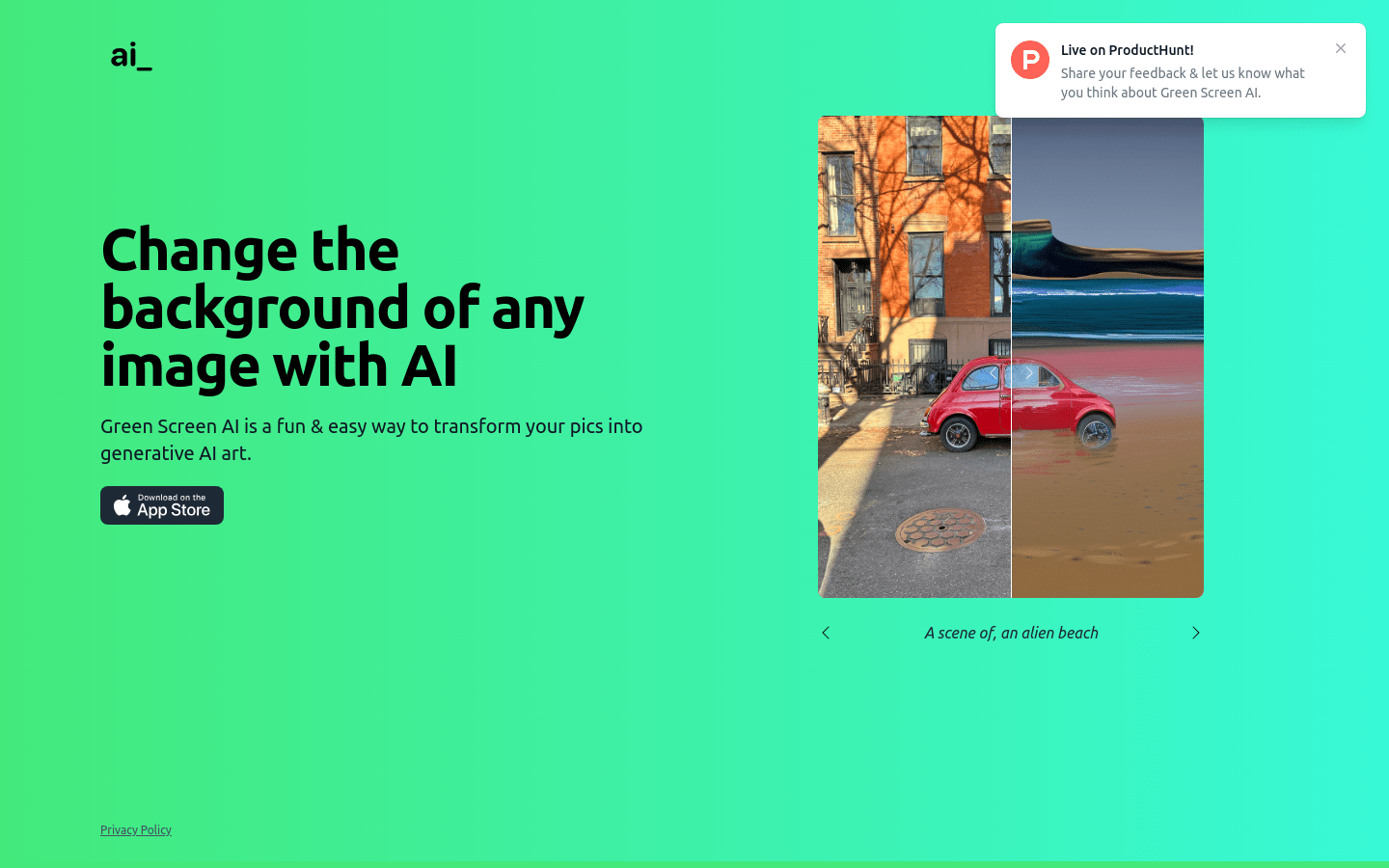
Screenshot archived from the listing page, for preview only.











