Grok Prompts
Free prompt library for AI image and video creation500 curated prompts plus 25 free generation credits
Highlights
What you can do with it
- Turn a written description of a fantasy forest into an illustration
- Build a short promotional clip with natural motion from a storyline
- Restyle an ordinary landscape photo into an artistic painting
How to use it
- 1 Open https://grokprompts.app in your browser
- 2 Browse the prompt library and copy a prompt that fits your idea
- 3 Pick text-to-image, image-to-image, or video creation
- 4 Enter your prompt or upload your material, then generate
- 5 Adjust with enhanced mode if needed, then save the result
Who it is for
Pros
- Prompt library plus credits means you can try it before paying
- Multiple input types cover both text and upload workflows
- One site handles images and video, so fewer tools to switch between
Limitations
- Free credits are limited and the free rules can change at any time
- Face swapping and reimagining tools can break school or platform rules, and the consequences fall on the user
- Output quality depends on the models behind the scenes, so prompts often need rewriting
What Grok Prompts is
Grok Prompts is a free online platform for AI image and video creation. It is built around a library of 500 curated prompts and a prompt generator, paired with generation tools that run on several AI models. You do not have to write prompts from scratch: you can copy one from the library, or use the built-in generator to shape your own idea into something the models understand. The site gives new users 25 free generation credits, and the prompt library itself can be used at no cost. Paid premium plans exist for people who run out of credits or want extra controls such as enhanced mode, so the free tier is a genuine way to test the workflow before you spend anything.
What you can do with it
- Turn a text description into an image, covering any scene, style, or concept you can put into words.
- Restyle or enhance a photo you upload, including artistic treatments, detail work, and reimagining the subject.
- Create short videos with motion that follows physical logic, based on a story or script you supply.
- Work from text, image, or video input, depending on which generation mode you pick.
Who it is for
- Artists and designers who need quick visual drafts to react to.
- Video creators building short promotional or story-driven clips.
- Hobbyists who want a low-cost entry point into AI image and video work.
What to watch out for
Free credits run out, and the rules around what is free can change at any time, so treat the free tier as a trial rather than a permanent allowance. The image-to-image tools include face swapping and reimagining features; using those on people without consent, or on material governed by school or platform rules, can cause real problems, and the consequences are yours to carry. Output quality depends heavily on the models behind the scenes, so expect to rewrite prompts and run several attempts before a result looks the way you want.
FAQ
Is Grok Prompts free to use?
The prompt library is free and you get 25 generation credits to start. Paid premium plans add more credits and extra controls.
What can I create with it?
Images from text, restyled or enhanced photos, and short videos built from a description or script.
Do I need design experience?
No. The curated prompts and the generator are meant to do the heavy lifting, so you can start from an existing prompt instead of writing one.
Why it is free
What the official page says: 免费使用免费
Free limits, trial length and features are decided by the official site and can change at any time.
Product preview
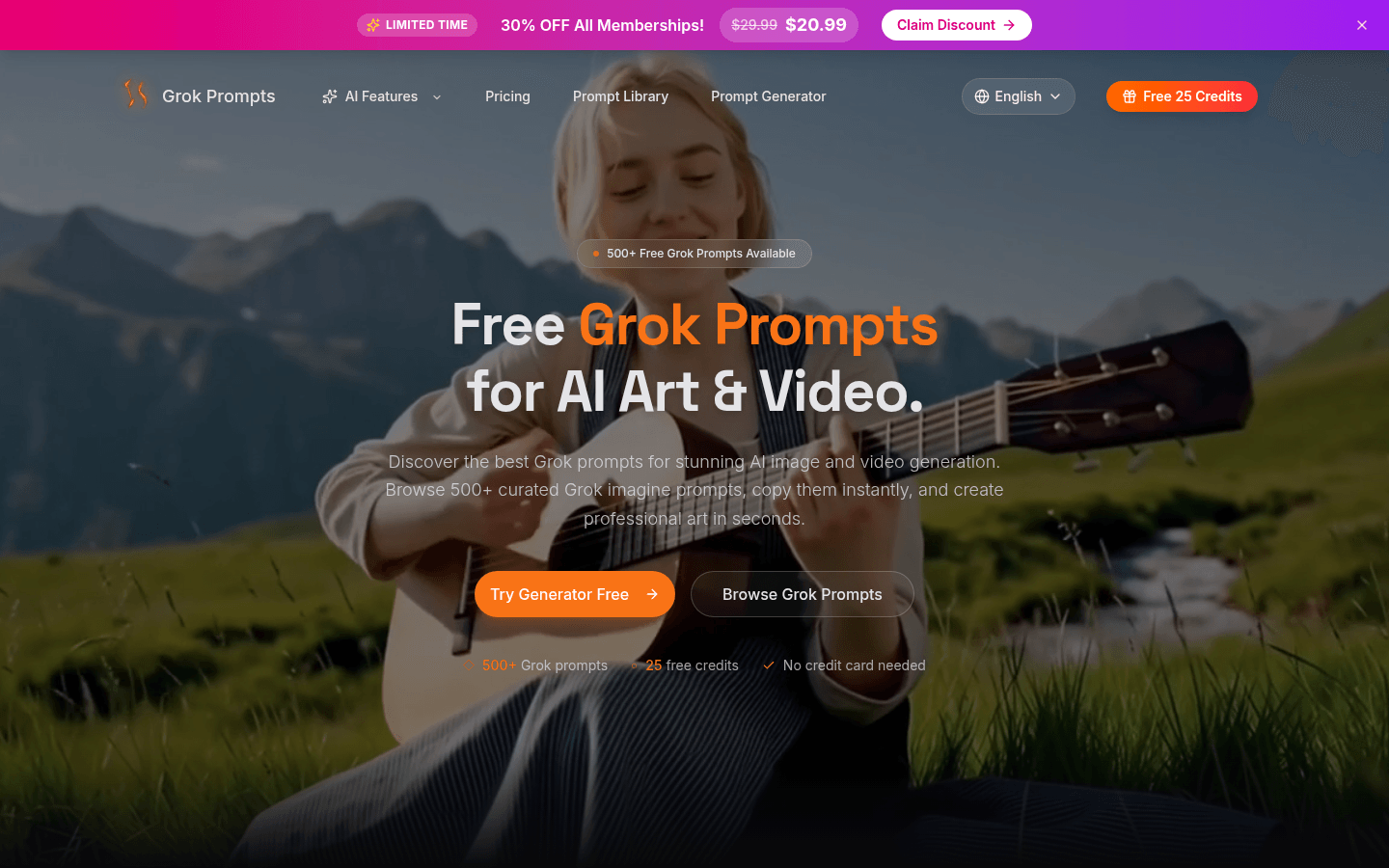
Screenshot archived from the listing page, for preview only.











