
HappHorse AI Video
Multimodal AI video generator with native audioText and image to video with native audio
Highlights
What you can do with it
- Creating short videos from text or image prompts
- Adding native audio and multi-shot stories
- Producing marketing video content
How to use it
- 1 Open the site and start a new video project
- 2 Enter a text prompt or upload an image
- 3 Choose style and generate the video
- 4 Review the output and use your free points
Who it is for
Pros
- Free version with 10 points included
- Native audio and multi-camera storytelling
- Fast generation with multimodal input
Limitations
- Free points are limited and plans can change over time
- Native audio and multi-shot control need practice
- Runs online and depends on a stable connection
What HappHorse AI Video is
HappHorse AI Video is an AI video generator powered by HappyHorse 1.0. It is built on a 40-layer unified transformer that can seamlessly integrate text, image, video, and audio tokens, which is the base for its multimodal fusion. In practice, this means you can feed in text or images and get video back, with native audio and multi-camera storytelling as part of the output. The product aims to break the limits of earlier AI video tools by handling several media types in one model, and it stresses fast generation speed and high video quality. There is a free version that comes with 10 points, and paid packages such as Lite, Professional, and Premium cover different levels of use.
What you can do with it
- Turn text prompts or images into video
- Add native audio directly in the generation
- Use multi-camera storytelling for richer shots
- Move between text-to-video and image-to-video as needed
Who it is for
- Content creators making short videos
- Marketers who need quick video assets
- Filmmakers exploring AI-assisted camera work
What to watch out for
The free version only comes with 10 points, which runs out fast, and plan terms and point costs can change over time. Native audio and multi-camera control give more power but also need practice to get consistent results, so expect a learning curve. Because the tool runs online, you need a stable connection, and longer or more complex videos may use more points. As with any video generator, use the output responsibly and follow the rules of the platforms where you publish, and do not create misleading content about real people.
FAQ
Is there a free version?
Yes, the free version comes with 10 points.
What inputs does it take?
It supports both text-to-video and image-to-video.
Who is it for?
It targets content creators, marketers, and filmmakers.
Why it is free
What the official page says: 免费版免费
Free limits, trial length and features are decided by the official site and can change at any time.
Product preview
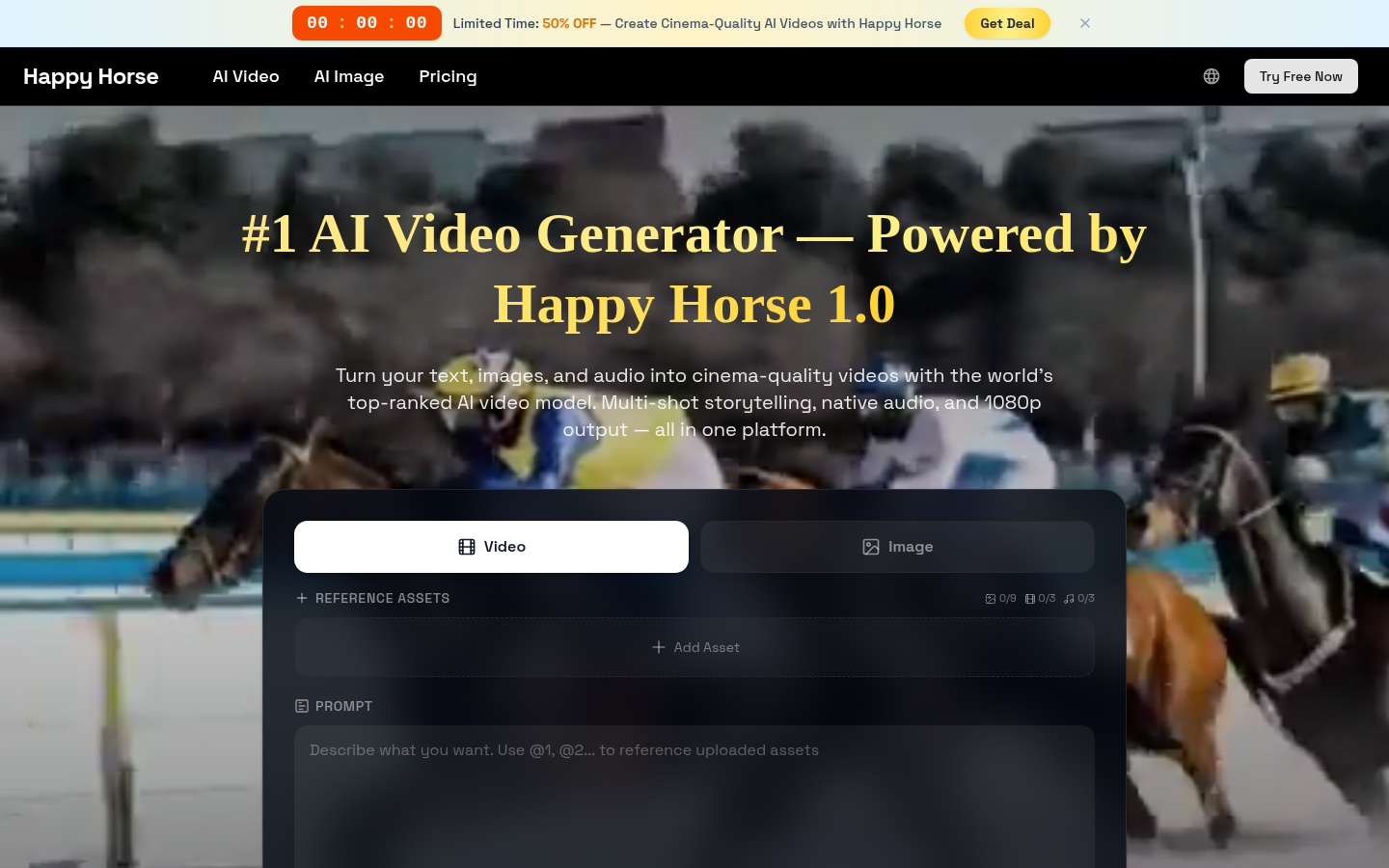
Screenshot archived from the listing page, for preview only.