
HappyChat AI
No-code AI chatbot for your websiteAdd a 24/7 AI chatbot to any site without coding
Highlights
What you can do with it
- An online store uses HappyChat AI for real-time customer support
- A corporate website uses it for product inquiries and after-sales service
- An educational institution uses it to answer common enrollment questions
How to use it
- 1 Sign up for a HappyChat AI account
- 2 Upload documents or add links to train the chatbot
- 3 Customize the appearance, welcome message, and chat widget
- 4 Embed the chatbot on your website
- 5 Monitor conversations and refine the training material over time
Who it is for
Pros
- Quick no-code setup for any website
- Free plan available to start
- Multi-language support with 24/7 replies
Limitations
- The free plan has limits compared with paid tiers
- Answers are AI-generated and need review plus good training material to stay accurate
- Availability can vary because the service runs online
- Response quality depends heavily on the documents and links you provide
What HappyChat AI is
HappyChat AI is a chatbot for websites built on ChatGPT technology. You can create a personalized chatbot for your site within minutes without any coding. Training is straightforward: upload documents or add links, and the bot uses that material to answer questions. You can customize its appearance, welcome messages, and chat widget so it fits your brand, and it replies instantly around the clock. The chatbot supports multiple languages, including conversations that cross languages. Pricing includes a free plan plus paid professional and enterprise versions, which makes it usable by individuals, small businesses, and large organizations alike.
What you can do with it
- Build a website chatbot without writing code
- Train it with your own documents and links
- Customize appearance, welcome messages, and the chat widget
- Answer visitor questions 24/7 in multiple languages
Who it is for
- Online stores that want real-time customer support
- Corporate websites handling product inquiries and after-sales questions
- Educational institutions answering common enrollment questions
- Small businesses that need affordable support automation
What to watch out for
The free plan has limits compared with paid tiers, so growing sites will eventually need to upgrade. Chatbot answers are generated from AI, so they need review and good training material to stay accurate, especially for important customer queries. Availability can vary because the service runs online, and the quality of responses depends heavily on the documents and links you provide during setup. Treat it as a first line of support rather than a replacement for staff. Features and interface details may change between versions, so review the latest notes on the page before you start.
FAQ
Does HappyChat AI need coding?
No. You can set up a chatbot for your website within minutes without coding.
How do I train the chatbot?
You upload documents or add links, and the bot answers based on that material.
Is there a free plan?
Yes. Pricing includes a free plan plus paid professional and enterprise versions.
Why it is free
What the official page says: free plan
Free limits, trial length and features are decided by the official site and can change at any time.
Product preview
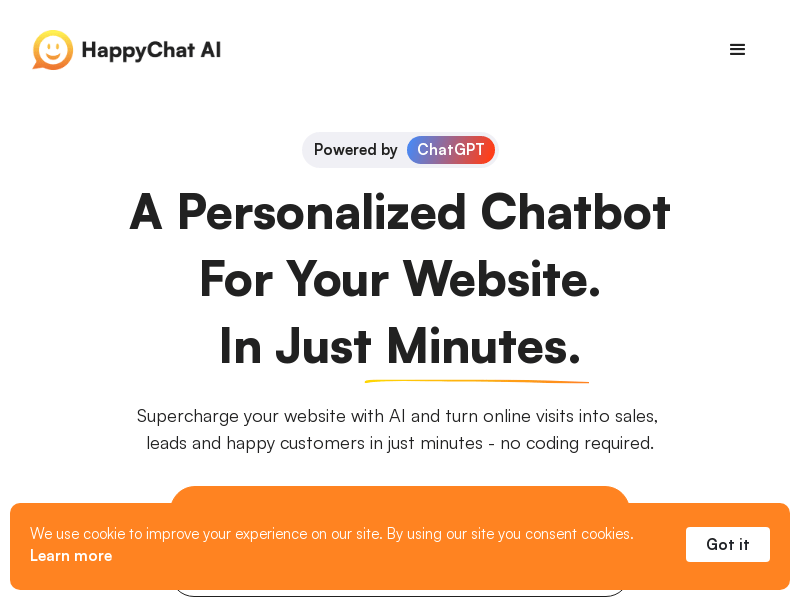
Screenshot archived from the listing page, for preview only.











