
HappyHorse
AI video generator for short clipsText and image to short video, free
Highlights
What you can do with it
- Turning a text idea into a short video
- Converting an image into a publishable clip
- Making quick marketing and content videos
How to use it
- 1 Open the site and choose text or image input
- 2 Enter your prompt or upload an image
- 3 Adjust controls and generate the video
- 4 Export the clip for publishing
Who it is for
Pros
- Free version available to start
- Clear prompt-to-video conversion
- Output can be used for real publishing
Limitations
- Free version terms and the discount can change
- Strong control takes some learning
- Depends on an online connection
What HappyHorse is
HappyHorse is an AI video generator that turns text and images into short videos. It is built to give marketing and content creators a fast, efficient way to produce video, and its main strengths are clear prompt-to-video conversion, support for both text-to-video and image-to-video modes, and simple operation that still offers strong control. The product is designed to help creators make AI videos more quickly, and the output is meant to be good enough to use directly in real content publishing rather than only as a rough draft. There is a free version to start, and an annual paid plan is offered, which currently has a limited-time discount.
What you can do with it
- Turn a text idea into a short video
- Convert an uploaded image into a clip
- Control the look while keeping the workflow simple
- Export output that is ready for content publishing
Who it is for
- Creators who need both speed and control
- Marketers producing short video content
- Anyone turning images into publishable clips
What to watch out for
The free version has limits, and both the free terms and the annual discount can change over time, so confirm pricing before you rely on it. Strong control is useful but takes some learning, and your first few videos may need several tries to match what you want. Because it is an online tool, you need a working connection, and long queues can slow generation at busy times. Use the output responsibly and follow the rules of the platforms where you publish your videos. For best results, start with a small test file and review the output carefully before working on anything important.
FAQ
Is HappyHorse free?
There is a free version, plus an annual paid plan.
What inputs does it take?
It supports both text-to-video and image-to-video.
Is the output publishable?
Yes, output can be used directly for content publishing.
Why it is free
What the official page says: 免费版免费
Free limits, trial length and features are decided by the official site and can change at any time.
Product preview
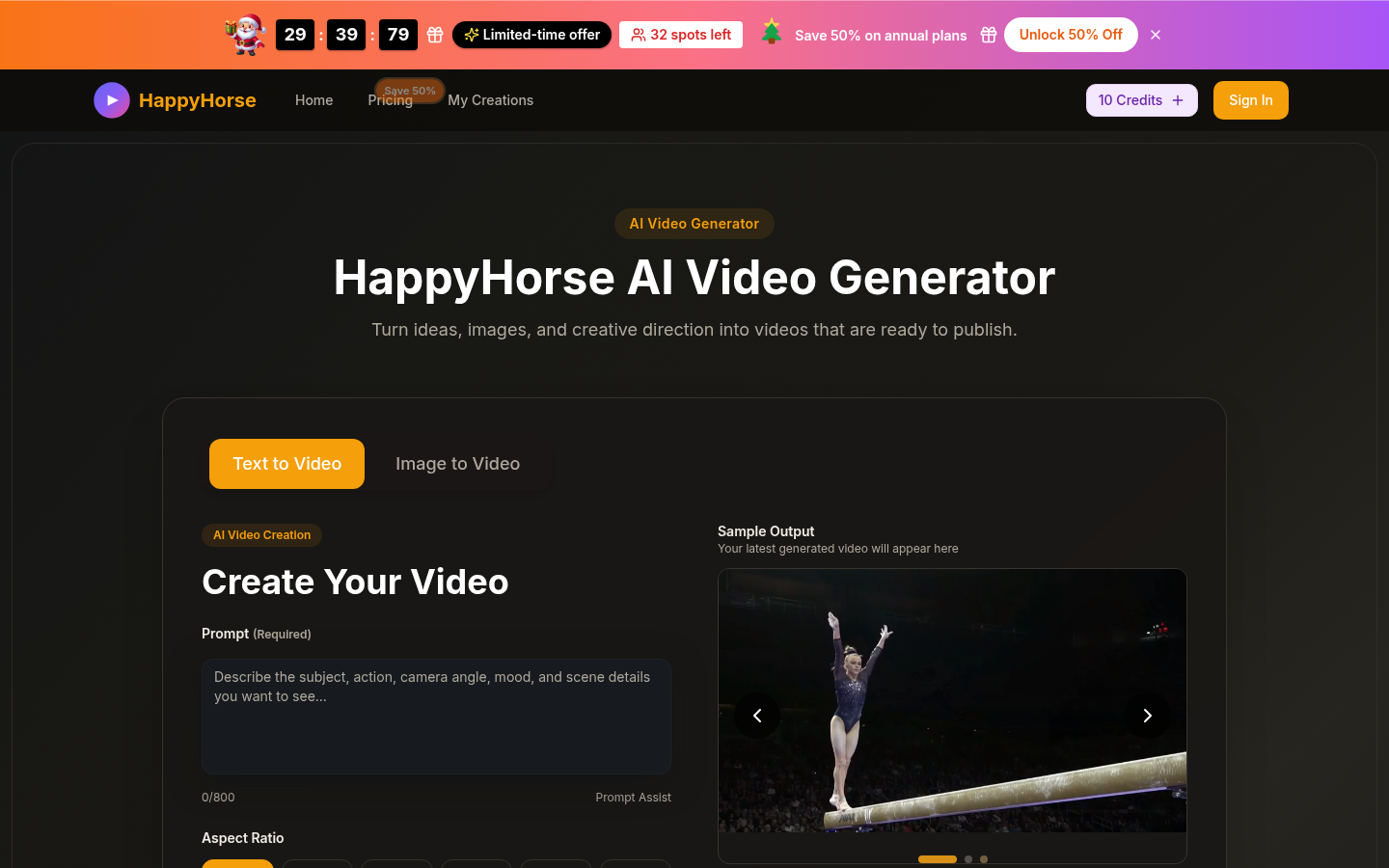
Screenshot archived from the listing page, for preview only.