
HappySeeds
No-code platform for building AI applicationsTurn ideas into deployable AI apps
Highlights
What you can do with it
- An entrepreneur builds an e-commerce app with cart and checkout
- A non-technical user creates a personal blog app by describing it
- A developer ships an internal management app quickly
How to use it
- 1 Visit happyseeds.ai and register or log in
- 2 Describe the functions and interface you want
- 3 Let the AI agents generate code and framework
- 4 Customize the layout and add components
- 5 Integrate payments if needed, then deploy instantly
Who it is for
Pros
- Removes the need to write large amounts of code
- Payments and deployment are built in
- Customizable output after generation
Limitations
- Pricing is not published, so cost is unclear
- Complex or unusual requirements may exceed what the agents produce
- You still need to review generated code and integrations
What HappySeeds is
HappySeeds is a platform that uses AI agents to help users build intelligent applications. The stated goal is lowering the development threshold so people without professional programming knowledge can turn ideas into working apps. It bundles built-in AI agents, payment functionality, and instant deployment. Pricing is not published on the page, so treat any free trial assumption as unconfirmed.
What you can do with it
- Describe an app idea and let AI agents generate code logic.
- Add payment mechanisms for subscriptions or goods.
- Deploy instantly without complex configuration.
- Customize interface design and functional components.
- Build internal tools, blogs, or commerce apps.
Who it is for
- Entrepreneurs validating business ideas fast.
- Non-technical users who need a working app.
- Developers who want to speed up internal tool builds.
What to watch out for
Pricing is absent from the page, so confirm terms before planning a project. Highly specific or unusual requirements may exceed what the agents generate, and you should review generated code, especially around payments and data handling, before going live. For team use, agree on naming and editing conventions in advance to avoid version conflicts or duplicated work. Name and archive exported files consistently so you can find and reuse them, and keep a backup copy of key data. Run one full task end to end first, then expand once you are comfortable with the workflow and the result quality. Behavior may vary across browsers and devices, so test before production use and consult the help docs if errors appear. Features and interface details may change between versions, so review the latest notes on the page before you start.
FAQ
Do I need to code?
The platform is designed so you can describe your idea and the AI agents generate the application logic.
Can I add payments?
Yes. HappySeeds integrates payment functionality for subscriptions or goods.
What does it cost?
The page does not mention pricing, so a free trial or paid model is only speculative.
Why it is free
What the official page says: free trial
Free limits, trial length and features are decided by the official site and can change at any time.
Product preview
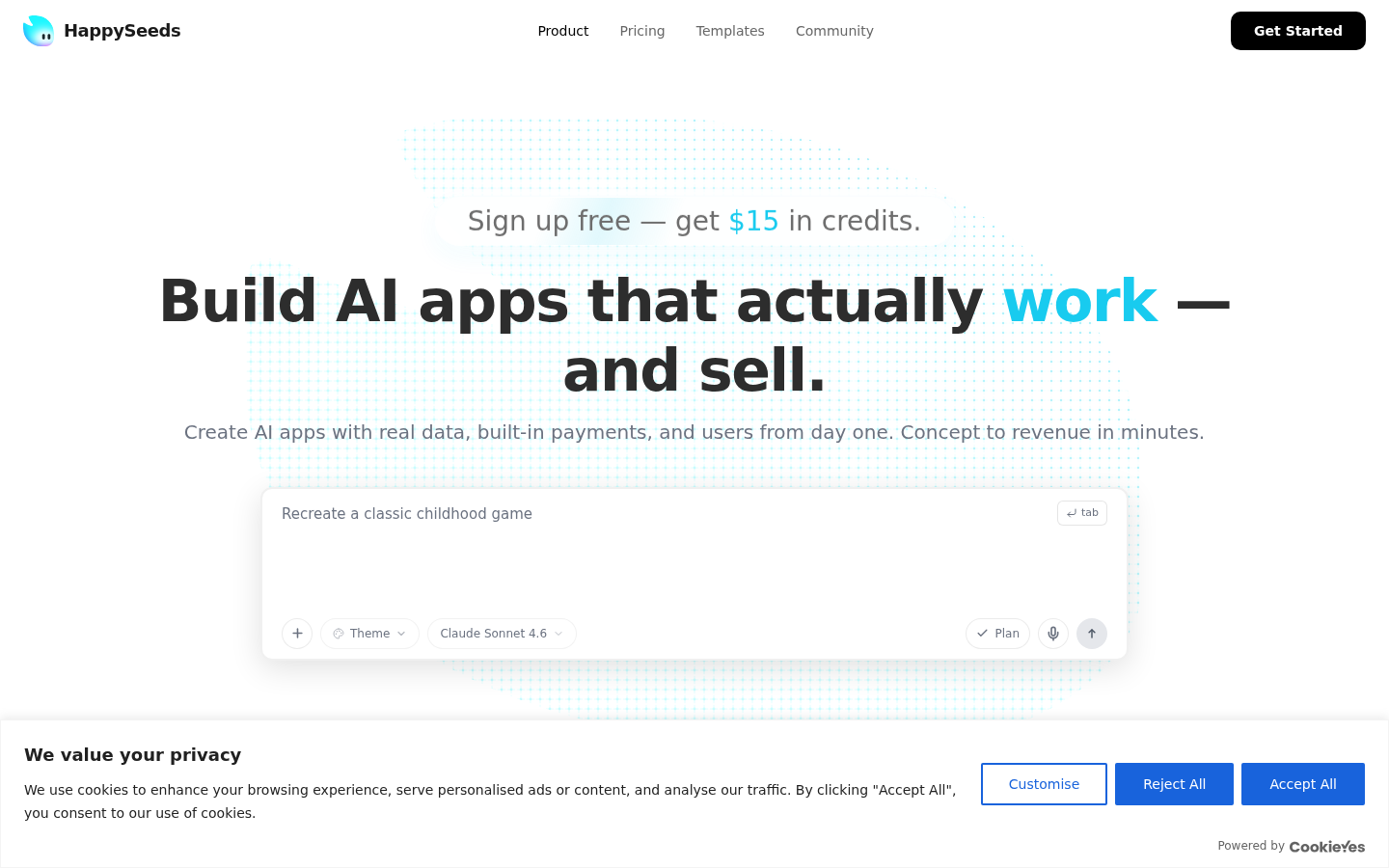
Screenshot archived from the listing page, for preview only.











