
HelpLook
Free help center builderShip a help center without a developer
Highlights
What you can do with it
- Product documentation for a new app or SaaS
- Reducing repetitive support tickets
- SEO landing pages for common customer questions
How to use it
- 1 Sign up for HelpLook
- 2 Create your help center site
- 3 Add FAQ, manual, and troubleshooting content
- 4 Organize the material into categories
- 5 Publish and link it from your product
Who it is for
Pros
- Free to set up according to the listing
- Covers the main documentation types
- SEO angle can bring organic traffic
- Quick to launch without developer time
Limitations
- Free plan scope and limits are not described
- Pricing and features can change
- Writing the actual content is still your job
- Depends on the vendor's platform staying available
What HelpLook is
HelpLook is a tool for building a help center website. You create the site, fill it with FAQ pages, user manuals, and troubleshooting guides, and give customers a place to answer their own questions instead of opening a ticket. The listing stresses speed and cost: it is described as fast, simple, and free to set up, with the aim of letting you stay on product work rather than help-desk infrastructure. There is also an SEO angle. Because the help center sits on indexed pages, the vendor says you can add optimized keywords to your product's official website and reach users who are searching for answers before they ever contact support.
What you can do with it
- Publish an FAQ that covers the questions you answer repeatedly
- Write user manuals that walk through product features
- Add troubleshooting guides for common failures
- Organize everything into a navigable help center
- Use the pages as SEO entry points for your official site
Who it is for
SaaS and app teams that have no documentation platform are the clearest fit, since the alternative is usually a scattered set of Google Docs. Indie developers shipping alone benefit from a setup that needs no developer time. Support leads who want to cut ticket volume get the most direct value, because every documented question is one fewer repeat conversation.
What to watch out for
The free setup is advertised, but the listing does not describe plan limits such as article count, custom domain, branding removal, or team seats, so you may need to move to a paid plan as you grow. Pricing and features can change. The tool also does not write your documentation; the content work is yours, and a help center with three thin articles will not reduce tickets. Finally, it is a hosted third-party service, so your docs depend on that platform staying online and keeping your content accessible.
FAQ
Is HelpLook free?
The listing describes it as a way to rapidly build a free help center. Paid plan details are not provided.
What kind of content can I publish?
FAQ, user manuals, and troubleshooting guides are the listed content types.
Does it help with SEO?
The listing says you can add optimized SEO keywords to your product's official website through the help center.
Do I need a developer?
No development work is described. The pitch is a fast, simple setup you handle yourself.
Why it is free
What the official page says: 免费
Free limits, trial length and features are decided by the official site and can change at any time.
Product preview
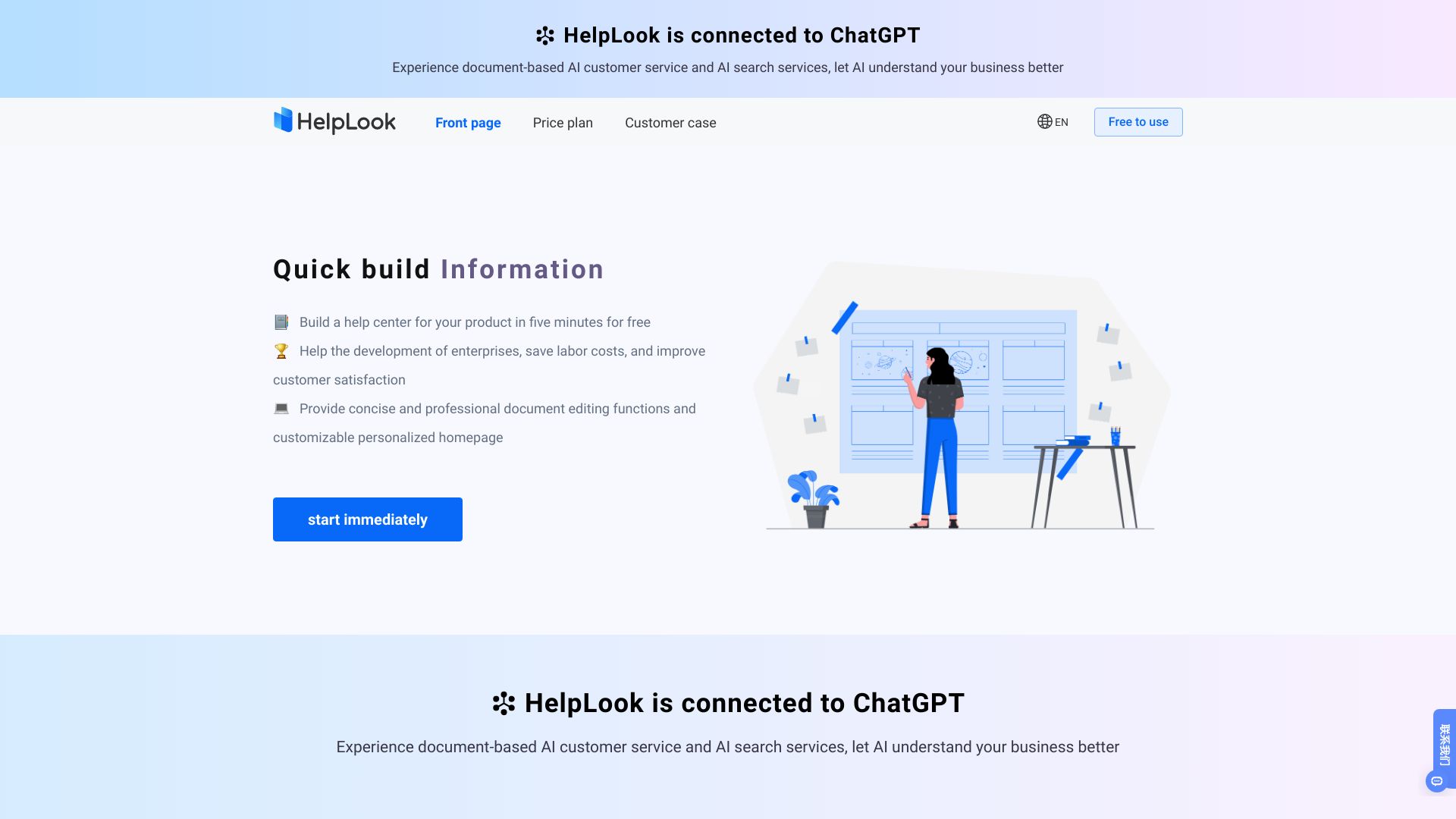
Screenshot archived from the listing page, for preview only.











