Hemingway Editor Plus
AI writing editor for clearer proseFix long sentences and improve readability
Highlights
What you can do with it
- Researchers simplifying papers for readability
- Bloggers optimizing posts to attract readers
- PR teams ensuring press releases are clear and professional
How to use it
- 1 Visit the Hemingway Editor Plus website
- 2 Create an account and start the free trial
- 3 Paste text or import a document
- 4 Review AI suggestions for sentences and grammar
- 5 Apply corrections and adjust the tone
- 6 Export or copy the final text
Who it is for
Pros
- Recommended by major media outlets
- 14-day free trial
- Strong privacy protections
Limitations
- Subscription required after the trial
- Focused on editing rather than generating content
- Suggestions may not fit every writing style
What Hemingway Editor Plus is
Hemingway Editor Plus is an online editing tool that uses artificial intelligence to help users improve writing quality. It swiftly corrects lengthy sentences and grammar issues and provides instant rewriting suggestions to enhance clarity and readability. The tool can rewrite passive voice into active sentences, adjust article style and tone such as confident, formal, or friendly, and match your personal vocabulary choices. It also helps overcome writer's block by offering new ways to rephrase text. The product has been recommended by major media outlets and offers a 14-day free trial before subscription.
What you can do with it
- Correct long, hard-to-read sentences and tighten prose
- Rewrite passive voice into clearer active sentences
- Adjust tone and style for different audiences
- Fix complex grammar issues with advanced checking
- Get rephrasing ideas to break through writer's block
Who it is for
- Academic researchers simplifying dense papers
- Bloggers and writers improving readability
- Corporate PR teams polishing press releases
What to watch out for
A subscription is required after the 14-day trial ends, with monthly and annual options. The tool focuses on editing existing text rather than generating new content from scratch. Its suggestions follow a particular clarity philosophy that may not suit every writing style, especially creative or experimental work. Always apply judgment when accepting changes, since aggressive tightening can strip nuance from careful prose. Processing speed depends on file size and network conditions, so retry later if a task stalls during peak hours. Run one full task end to end first, then expand once you are comfortable with the workflow and the result quality. Features and interface details may change between versions, so review the latest notes on the page before you start.
FAQ
Is there a free trial for Hemingway Editor Plus?
Yes, it offers a 14-day free trial.
What does it fix?
It corrects lengthy sentences, grammar issues, and passive voice while adjusting tone and style.
Does it protect my data?
Yes, it does not sell user data or use it for advertising.
Why it is free
What the official page says: free trial
Free limits, trial length and features are decided by the official site and can change at any time.
Product preview
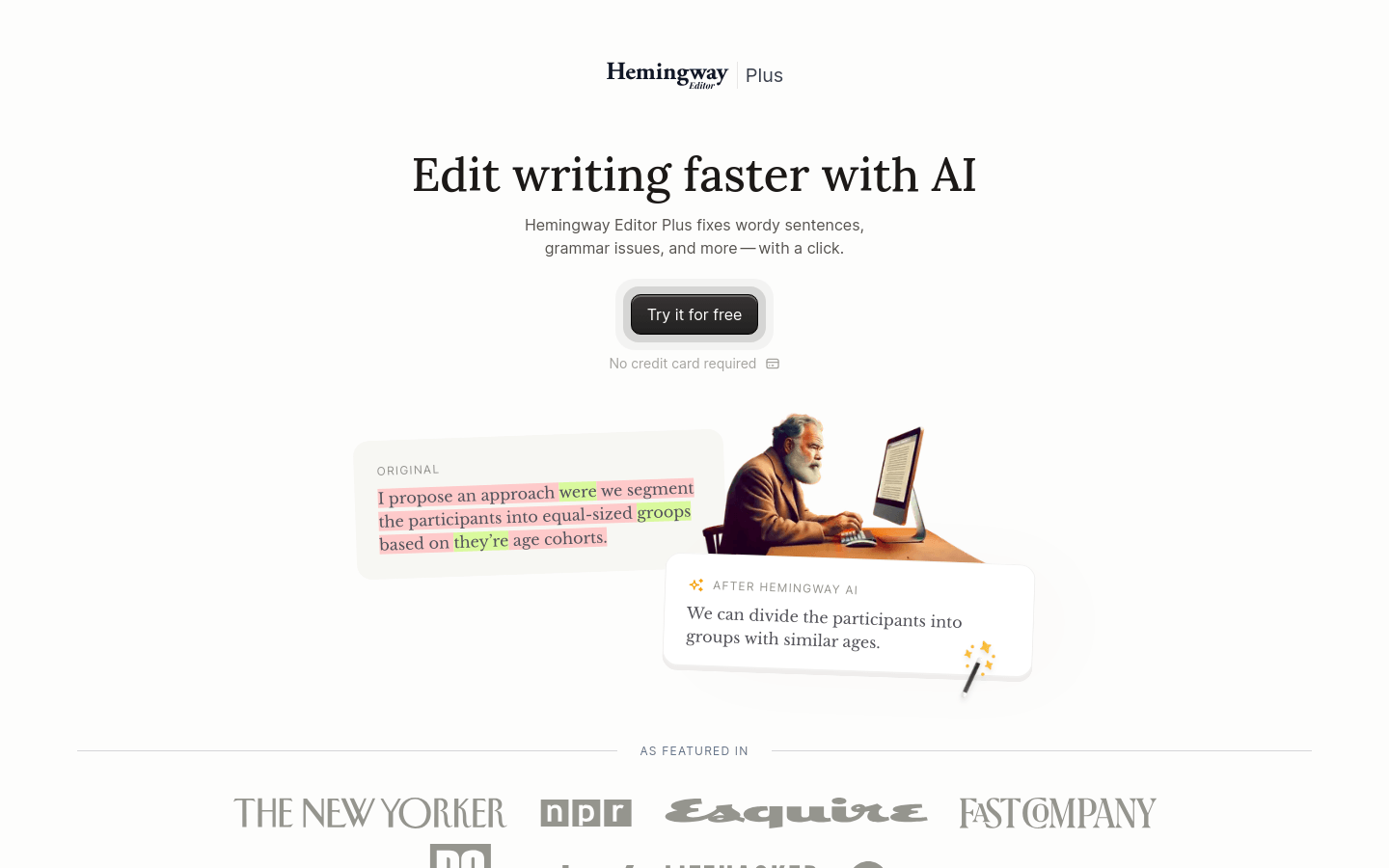
Screenshot archived from the listing page, for preview only.