
Higgsfield AI
AI camera control for video creatorsOne-click camera moves for your shots
Highlights
What you can do with it
- Create creative short videos for social platforms
- Achieve complex camera motion for a music video
- Add engaging camera movement to commercial work
How to use it
- 1 Register and log in on the Higgsfield website
- 2 Select the motion control type you want
- 3 Adjust the camera parameters to set the effect
- 4 Generate the camera movement with one click
- 5 Export and share the result
Who it is for
Pros
- Camera moves generated in one click
- Several shooting modes including drone and stabiliser styles
- Parameters can be customised for a specific shot
- Free trial before the subscription
Limitations
- A subscription is required beyond the free trial
- Aimed at video creators, so beginners face a learning curve
- Results depend on the source footage you provide
What Higgsfield is
Higgsfield is an AI-powered camera control platform. It exists to give creators camera movement that would otherwise require equipment and an operator: a full 360-degree orbit, tracking that follows a moving subject, time-lapse, and imitation of professional handheld or stabiliser work. You select the motion type, adjust parameters, and generate the movement with one click. The stated targets are video creators and film productions, particularly projects where camera control is the point rather than a detail, and access runs through a subscription with a free trial.
What you can do with it
- Apply a 360-degree surround move to a shot
- Track a moving subject and hold focus automatically
- Create time-lapse sequences
- Imitate professional camera handling and switch between handheld, drone, and stabiliser styles
Who it is for
- Short video creators who need dynamic movement in a feed
- Music video and commercial teams planning complex shots
- Filmmakers who want expensive-looking motion without rigs
What to watch out for
Beyond the trial this is a paid subscription, so weigh it against how often you actually need generated camera movement. The tool assumes some video literacy: choosing the right motion for a shot and setting parameters sensibly takes practice, and a poorly chosen move will make footage worse rather than better. Output also depends on the source material, since tracking and surround effects need a clear subject and usable resolution to look convincing. Check the current subscription terms before planning a production schedule around it. When quality matters, export a small draft first to confirm the result before producing the final file. Generated suggestions are for reference only, so verify anything that affects professional judgment or important data.
FAQ
Is Higgsfield free?
It supports a free trial, with subscription-based pricing for continued use.
What camera moves does it offer?
360-degree surround, dynamic tracking, time-lapse, and motion imitation, in handheld, drone, and stabiliser styles.
Who is it for?
Video creators, especially film productions that need high-level camera control.
Why it is free
What the official page says: free trial
Free limits, trial length and features are decided by the official site and can change at any time.
Product preview
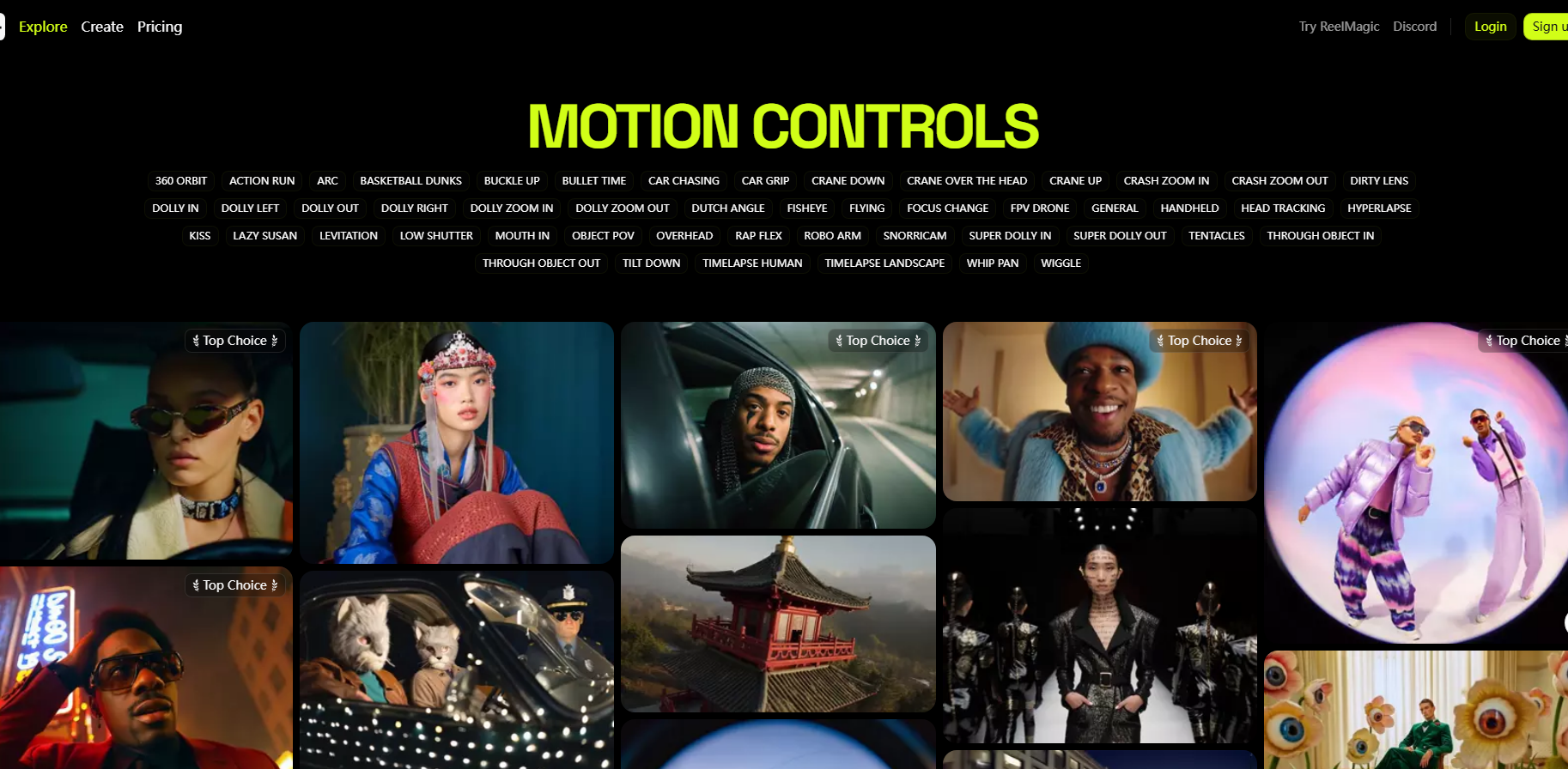
Screenshot archived from the listing page, for preview only.











