
HitPaw FotorPea
AI photo enhancer and restorerUpscale, restore, and clean up photos with AI
Highlights
What you can do with it
- Restore a blurry or faded family portrait
- Enhance product photos taken on an older phone
- Sharpen low-light street portraits while keeping the mood
How to use it
- 1 Install the desktop client or open the online tool
- 2 Choose the function, such as restoration or enhancement
- 3 Import the photo you want to process
- 4 Adjust the settings for that function
- 5 Run the process, then save or share the result
Who it is for
Pros
- Handles many tasks in one tool, from upscaling to cleanup
- Works on Windows and Mac, with an online option
- Free trial lets you test before you buy
Limitations
- The trial is limited and the full product is a paid purchase
- Pricing and features may change over time
- Heavy upscaling and restoration depend on your computer and the source image
What HitPaw FotorPea is
HitPaw FotorPea is an AI photo enhancer for Windows and Mac. It uses AI to upscale images to 8K, restore old or blurry photos, sharpen facial details, and remove noise, unwanted objects, and backgrounds. Beyond cleanup, it offers AI image generation and everyday edits such as cropping and color and contrast adjustment. You can run it as a desktop client or use it online. A free trial version is available, and the full product is a paid purchase. It is built for two audiences at once: family users who want to rescue faded memories, and professional photographers who need cleaner, sharper shots with little manual work.
What you can do with it
- Restore a faded or blurry family portrait.
- Upscale a product photo for a sharper 4K listing.
- Sharpen a low-light street portrait while keeping the mood.
- Remove noise, stray objects, or a busy background.
Who it is for
- Family users saving and restoring old photos.
- Professional photographers fixing blur and low light.
- Online store owners improving product images.
- Stage photographers cleaning up fast-moving subjects.
What to watch out for
The trial is limited and the full product costs money, so treat the free version as a test rather than a permanent tool. Features and pricing can change, so confirm current details before buying. Strong upscaling and restoration put real load on your computer and depend on the quality of the source photo, so very damaged images may not come back perfectly. Always keep your original files, since AI edits are not always reversible, and check the output closely before you share or print it.
FAQ
Is HitPaw FotorPea free?
It offers a free trial version, and the full product is a paid purchase.
What can it do?
It can upscale to 8K, restore old or blurry photos, sharpen faces, and remove noise, objects, and backgrounds.
Which systems does it support?
It runs on Windows and Mac, and you can also use it online.
Why it is free
What the official page says: 免费试用免费
Free limits, trial length and features are decided by the official site and can change at any time.
Product preview
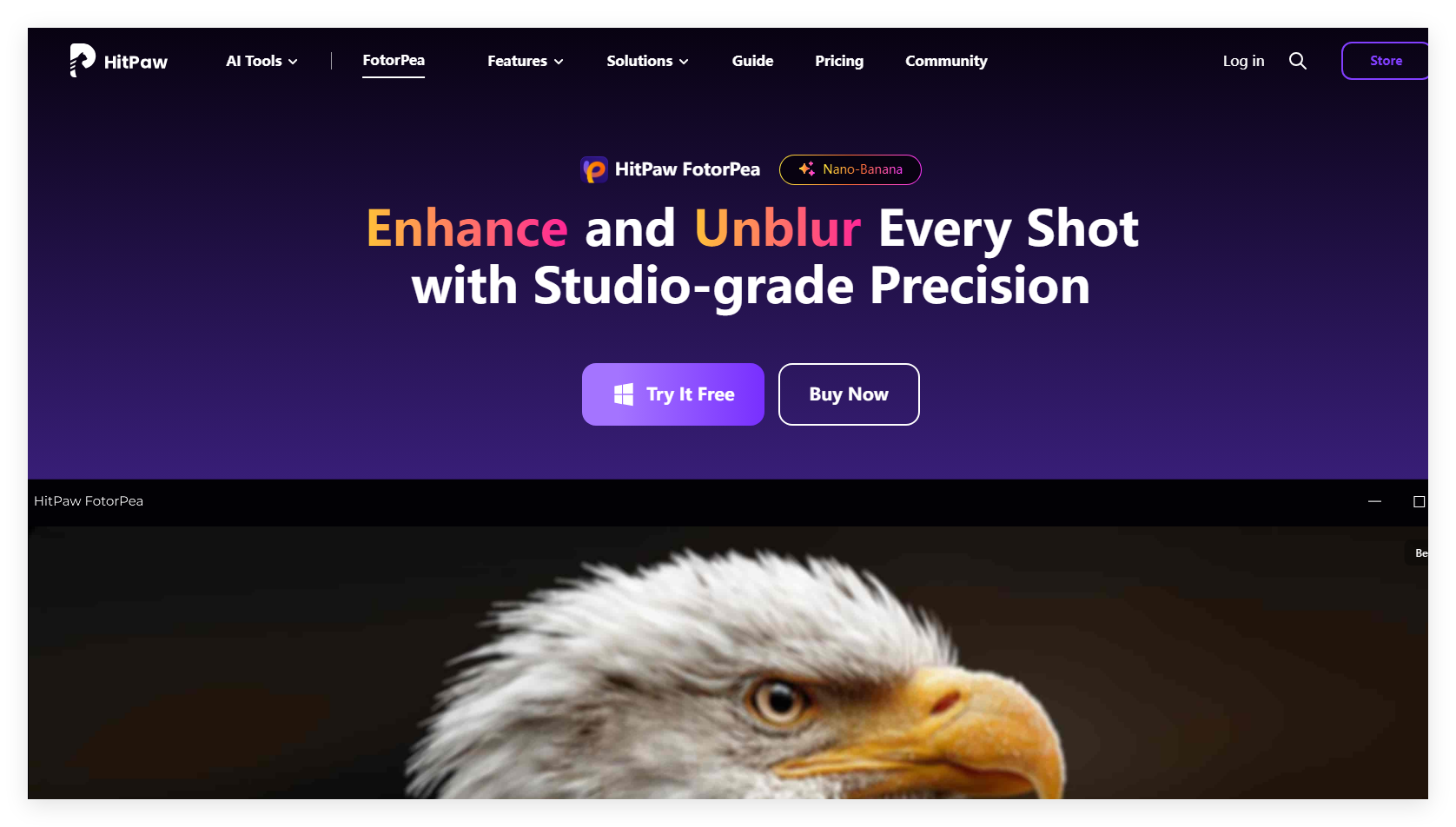
Screenshot archived from the listing page, for preview only.











