
Home Design AI
Free AI home and garden design toolUpload a photo, see your redesign
Highlights
What you can do with it
- Previewing a room remodel before spending money
- Comparing exterior and garden design options
- Creating reference images for a design project
How to use it
- 1 Upload a photo or enter a text idea
- 2 Choose the space, like room, exterior, or garden
- 3 Generate design options and compare them
- 4 Download a high-resolution version if needed
Who it is for
Pros
- Free usage quota to start
- No design experience needed
- Multiple options and high-resolution downloads
Limitations
- Higher resolution and more options use credits
- Credit pricing and free quota can change over time
- Designs are concepts, not build-ready plans
What Home Design AI is
Home Design AI is an online AI home design tool. You upload a photo or type a text idea, and it turns that into visual design concepts for rooms, house exteriors, and gardens. The point of the tool is to let you see a possible result before you actually renovate, decorate, or do landscaping, which can help you avoid extra costs and wrong decisions. It is designed to be easy to use and needs no design experience, and it can quickly generate multiple design options so you can compare them side by side. It also supports high-resolution design downloads that you can use as reference for a real project. There is a free usage quota, and different paid packages are available for more use.
What you can do with it
- Turn a photo or text idea into a room design concept
- Preview exterior and garden changes before you build
- Generate several options to compare at once
- Download high-resolution images for project reference
Who it is for
- Homeowners planning a remodel or new decor
- People who want to see options before spending money
- Designers who need quick concept references
What to watch out for
Higher resolution and more design options use credits, so heavy use adds up fast. Basic design costs 8 credits per 2K image and 12 per 4K, while the professional version costs 10 per 2K and 16 per 4K, and both credit pricing and the free quota can change over time. The results are visual concepts for reference, not build-ready construction plans, so for real structural or electrical work you still need a qualified professional. Check current pricing and terms before you start a large project.
FAQ
Is Home Design AI free?
There is a free usage quota, with paid packages for more.
What spaces can it design?
Rooms, house exteriors, and gardens.
How much do credits cost?
Basic design is 8 credits per 2K image and 12 per 4K, while professional is 10 per 2K and 16 per 4K.
Why it is free
What the official page says: 免费使用免费
Free limits, trial length and features are decided by the official site and can change at any time.
Product preview
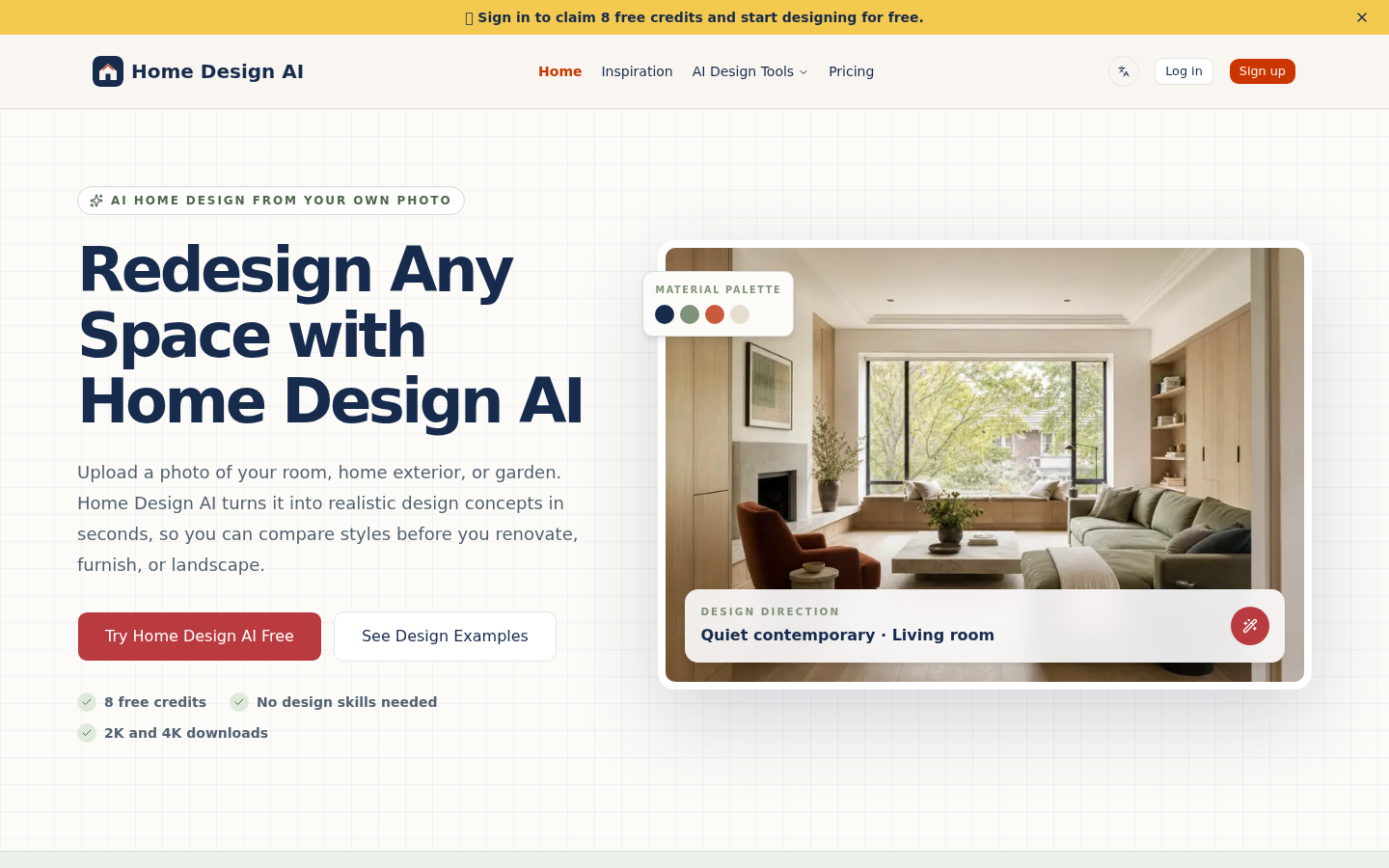
Screenshot archived from the listing page, for preview only.