
HomeRestyle AI
AI interior design toolSee your room restyled in minutes
Highlights
What you can do with it
- A homeowner previews a retro living room renovation before starting work.
- An interior designer shows a client several restaurant style options.
- A real estate developer virtually furnishes a model room to attract buyers.
How to use it
- 1 Open the HomeRestyle AI website and log in or register.
- 2 Click Upload photo and choose the room photo you want to design.
- 3 Select a style from the options provided.
- 4 Wait a few minutes for the system to produce a realistic rendering.
- 5 Adjust furniture or layout, then save or share the rendering.
Who it is for
Pros
- Fast turnaround turns a photo into a rendering within minutes.
- You can test styles and furniture without buying anything.
- It lowers the cost of exploring a design before renovation.
Limitations
- The free-use part and any paid package terms may change over time.
- Renderings are AI estimates, so the real result can differ from the preview.
- Accurate output depends on photo quality, lighting, and angle.
What HomeRestyle AI is
HomeRestyle AI is an AI-driven interior design tool that runs in the browser. You upload a photo of a room, pick a style you like, and the system returns a realistic rendering within a few minutes. The tool covers room renovation, virtual furnishing, exterior design, floor plan layout, and style conversion, so you can move from a rough photo to a clear visual plan without hiring a designer first. A free-to-use option is available, with paid packages for heavier use. The goal is to cut the time and the cost of exploring a home design before you commit to buying materials or moving furniture.
What you can do with it
- Renovate a whole room, including layout changes and furniture replacement.
- Virtually furnish a space to see how different pieces fit before you buy.
- Design the exterior of a house and draw or optimize floor plans.
- Convert an existing style into modern minimalist, European classical, or another look.
Who it is for
- Homeowners who want to preview a renovation before spending money on materials and labor.
- Interior designers who need to generate several style concepts for a client in one sitting.
- Real estate developers who virtually furnish model rooms to attract potential buyers.
- Renters and hobbyists who want a quick visual reference before rearranging a room.
What to watch out for
Renderings are AI estimates, not guarantees; the finished renovation can differ from the preview in materials, lighting, and real-world constraints such as room size and electrical work. Output quality depends heavily on the photo you upload, so poor lighting or an awkward camera angle will hurt the result and may need a reshoot. The free-to-use option and any paid package terms may change over time, so check current pricing and limits before you rely on the tool for a paying client project or a large renovation. Treat each rendering as inspiration and a starting point, then confirm measurements and costs in the real space.
FAQ
How long does a rendering take?
The tool returns a realistic rendering within a few minutes after you upload a photo and pick a style.
Do I need design experience?
No. You upload a photo, select a style, and the AI produces the rendering.
Can I furnish a room before buying furniture?
Yes. The virtual furnishing feature lets you see how different pieces look in the room first.
Why it is free
What the official page says: 免费使用免费
Free limits, trial length and features are decided by the official site and can change at any time.
Product preview
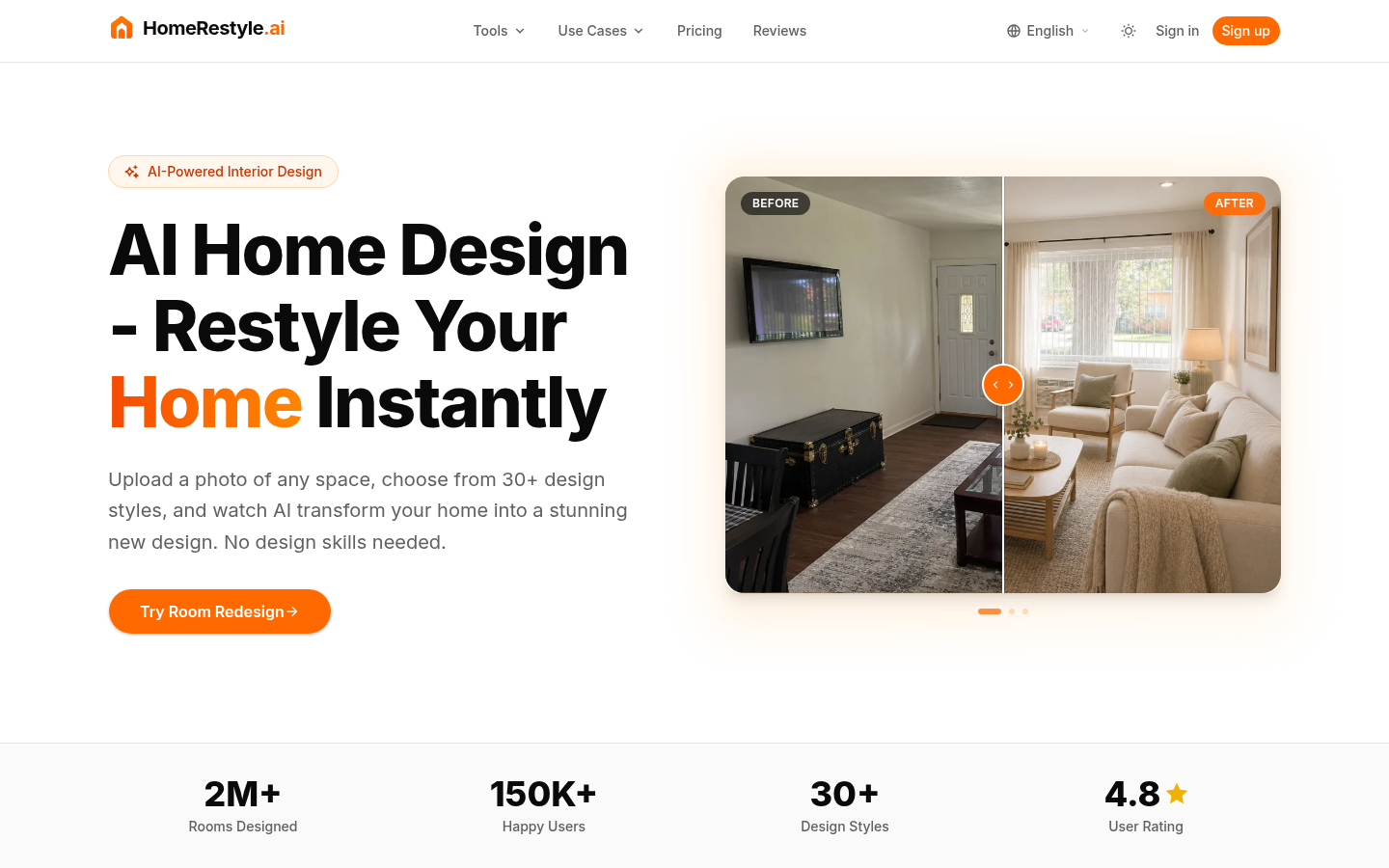
Screenshot archived from the listing page, for preview only.











