
Highlights
What you can do with it
- Monitor webhook endpoints so missed or failed deliveries are caught early
- Keep an eye on scheduled background jobs and cron tasks
- Track the tool calls AI agents make inside your application
How to use it
- 1 Create an account on the HookWatch site and start with the free version
- 2 Add the endpoints and scheduled tasks you want to monitor
- 3 Point your webhooks and jobs at HookWatch so events are recorded
- 4 Set up alerts and automatic retry rules for failures
- 5 Watch the real-time dashboard and review history when issues appear
Who it is for
Pros
- Covers webhooks, scheduled tasks, and agent tool calls in one place
- Real-time dashboards and alerts shorten the time a failure goes unnoticed
- A free version makes it easy to try monitoring on a side project
Limitations
- Free version is scoped to side projects with basic features only
- More endpoints, more tasks, and longer history require a paid plan
- Free tier rules and limits can change, so check current terms before relying on them
What HookWatch is
HookWatch is a unified monitoring platform for the parts of an application that usually fail quietly: webhooks, scheduled tasks, and AI agent tool calls. Instead of scattering checks across several services, it pulls these into a single dashboard so developers and teams get real observability over the background infrastructure behind their apps. The product provides real-time dashboards, intelligent alerts, and automatic retries, and it is offered as a free version aimed at side projects plus Starter, Pro, and Team plans that add more endpoints, more tasks, and longer history.
What you can do with it
- Monitor webhook endpoints so missed or failed deliveries are caught early.
- Track scheduled tasks and cron jobs that would otherwise fail in silence.
- Watch the tool calls your AI agents make while running in production.
- Set up intelligent alerts and automatic retries to recover from errors.
- Review event history to understand when and why something broke.
Who it is for
- Developers with side projects who want basic monitoring without paying.
- Small teams that depend on webhooks and scheduled background jobs.
- Builders shipping AI agents who need visibility into tool calls.
What to watch out for
The free version is positioned for side projects and includes basic features only. More endpoints, more tasks, and longer historical records sit behind the paid tiers, so a growing project will eventually need to budget for a plan. Monitoring only helps if alerts reach a place you actually check, and because free tier limits can change over time, confirm the current terms before you rely on them for anything important. It also focuses on the delivery and job layer rather than replacing full application performance monitoring.
FAQ
Is HookWatch free to use?
There is a free version suited to side projects with basic features. Starter, Pro, and Team plans add more endpoints, more tasks, and longer history records.
What can I monitor with HookWatch?
Webhooks, scheduled tasks, and AI agent tool calls, all from one dashboard.
Does it help when a job fails?
Yes. It provides intelligent alerts and automatic retries so failures are noticed and retried without manual work.
Why it is free
What the official page says: 免费版免费
Free limits, trial length and features are decided by the official site and can change at any time.
Product preview
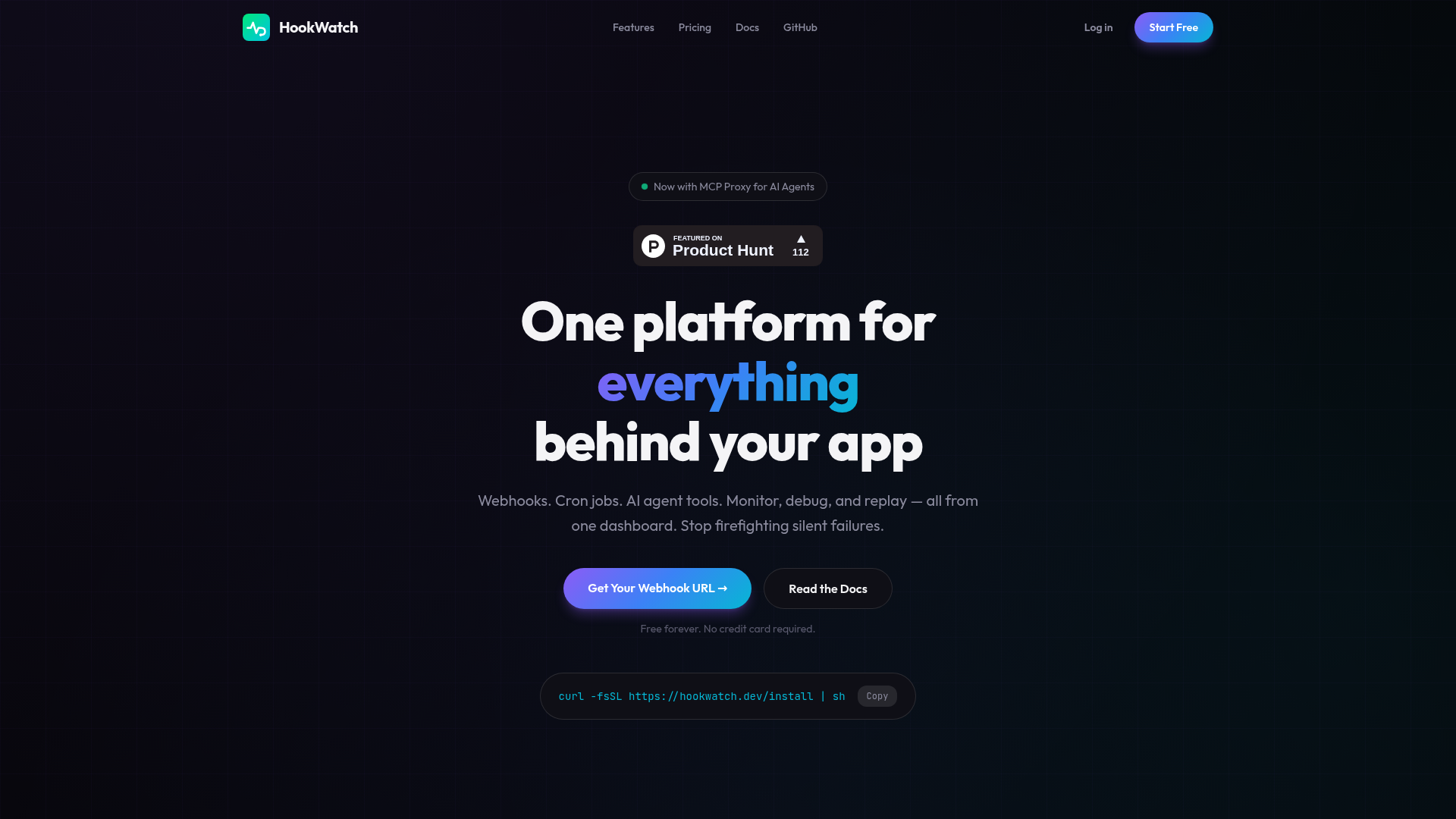
Screenshot archived from the listing page, for preview only.