
Hooper
AI basketball tracking and highlightsRecord a game, get stats and clips
Highlights
What you can do with it
- Track your own shooting and assists over time
- Record a tournament for the whole group
- Share highlights after a game
How to use it
- 1 Download and install the Hooper app
- 2 Set up your phone to record game actions
- 3 Select the game type, such as 1v1 or 5v5
- 4 Let AI generate highlights, then review and share
Who it is for
Pros
- Automatic stats and highlights from a phone
- Free version available to start
- Social sharing built in
Limitations
- Pro is needed for unlimited uploads and advanced stats
- Recording setup and camera position affect results
- The free version has usage limits
What Hooper is
Hooper is a basketball app that uses AI to track games and generate highlights. With just a phone, it records games from 1v1 to 5v5, automatically recognizes players, logs statistics, and produces highlight clips along with personal progress tracking. Two phones can be synced for full court coverage, and social features let you share clips with your group. Users quoted in the listing mention tracking their own shooting and assists, and recording monthly tournaments so everyone can watch the footage immediately.
What you can do with it
- Record a game from 1v1 to 5v5 with a phone
- Let AI recognize players and log statistics
- Generate highlight clips automatically
- Track personal progress over time
- Sync two phones for full court coverage
- Share clips through the social features
Who it is for
- Players who want data on their own game
- Organizers running regular tournaments
- Groups that film their pickup games
- Coaches looking for quick clip review
What to watch out for
Results depend on the recording setup: camera position, lighting, and court visibility all affect player recognition, so a badly placed phone produces weak stats. The free version has limits, and Pro at 9.99 dollars per month is where unlimited uploads and advanced statistics live, which matters if you play often. Tracking is an estimate from video, not official scoring, so treat the numbers as guidance rather than a record. Sharing clips means sharing footage of other people, so ask before posting. Run one full task end to end first, then expand once you are comfortable with the workflow and the result quality. Behavior may vary across browsers and devices, so test before production use and consult the help docs if errors appear.
FAQ
What does the free version include?
A free version is available, while Pro at 9.99 dollars per month adds unlimited uploads and advanced statistics.
How does tracking work?
The AI automatically recognizes players and records game data from your phone recording.
What game sizes can it handle?
It supports full games from 1v1 to 5v5, with two-phone sync for full coverage.
Why it is free
What the official page says: free version
Free limits, trial length and features are decided by the official site and can change at any time.
Product preview
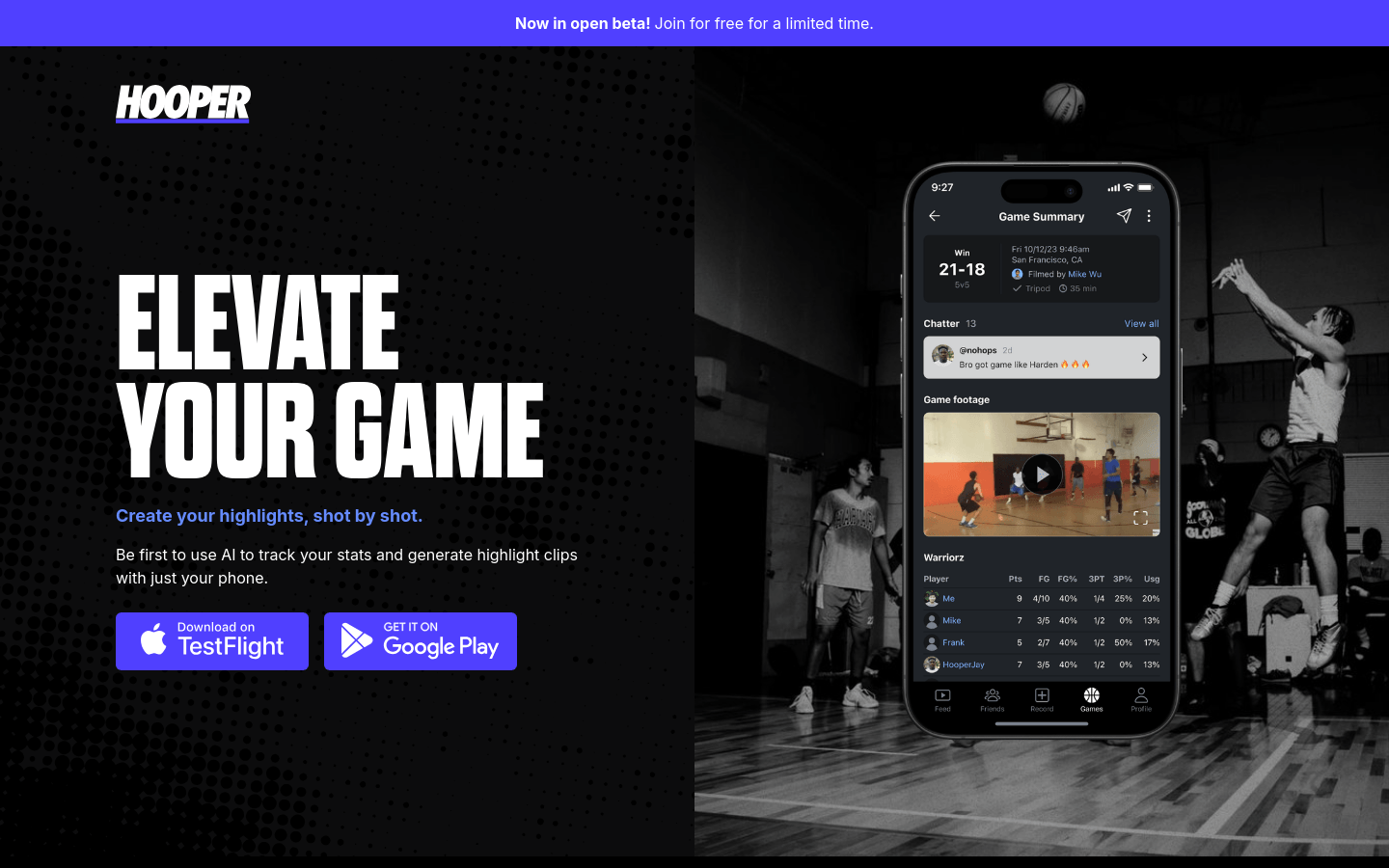
Screenshot archived from the listing page, for preview only.











