
How2
Terminal AI that suggests shell commands and scriptsAsk your terminal for the right command
Highlights
What you can do with it
- Look up a shell command without leaving the terminal.
- Draft a Bash script for a repetitive task.
- Read StackOverflow background next to an AI answer.
How to use it
- 1 Install How2 from the official website or through npm.
- 2 Open your terminal on macOS, Linux, or Windows.
- 3 Type your question and read the suggested command or script.
- 4 Copy the command into your own shell, since How2 only suggests.
Who it is for
Pros
- Free tier covers five queries a day.
- Nothing is executed for you, so you keep control.
- Runs on macOS, Linux, and Windows.
Limitations
- Free daily query limit, with a paid subscription beyond it.
- Every suggestion still needs review before you run it.
- Terminal only, with no graphical interface.
What How2 is
How2 is a command line AI tool that suggests code and scripts from plain language questions. Instead of leaving your terminal to search for a command, you type what you want to accomplish and How2 returns a matching command or script. It was developed by Claudio Santini and is available for macOS, Ubuntu and Debian, other Linux distributions, and Windows. Installation runs through the official website or through npm, so setup is a short step rather than a project. A free tier covers five queries per day, and a paid subscription is offered for anyone who goes past that limit. The tool is aimed at people who already work in a shell and want faster answers without switching context.
What you can do with it
- Ask for a shell command in everyday words and read the suggestion before running it.
- Draft a Bash script for a repetitive task without writing it line by line.
- Pull StackOverflow results next to the AI answer for background and alternatives.
- Use PowerShell support so Windows sessions get context aware help as well.
Who it is for
- Developers who live in a terminal and want answers without changing windows.
- System administrators who need a command quickly while working through a problem.
- Learners building confidence in Bash or PowerShell who benefit from worked examples.
What to watch out for
How2 only suggests commands. It does not execute anything, which keeps you in control but also means every suggestion still needs a human read before you run it. A wrong flag in a destructive command is still your responsibility, so treat the output as a draft rather than an instruction. The free tier is limited to five queries a day, and the site notes a subscription for anything beyond that, so plan around the cap if you rely on it heavily. Free access rules can change over time, so do not assume the allowance is permanent. There is no graphical interface either, so this is not a fit if you prefer clicking through a visual tool.
FAQ
Does How2 run the commands it suggests?
No. How2 only returns suggestions. It does not execute anything, so you stay in control of what runs on your machine.
Is How2 free?
There is a free tier with five queries per day. Going past that needs a paid subscription, and those terms can change.
Which systems does it support?
macOS, Ubuntu and Debian, other Linux distributions, and Windows. It installs from the official website or through npm.
Why it is free
What the official page says: 免费使用免费
Free limits, trial length and features are decided by the official site and can change at any time.
Product preview
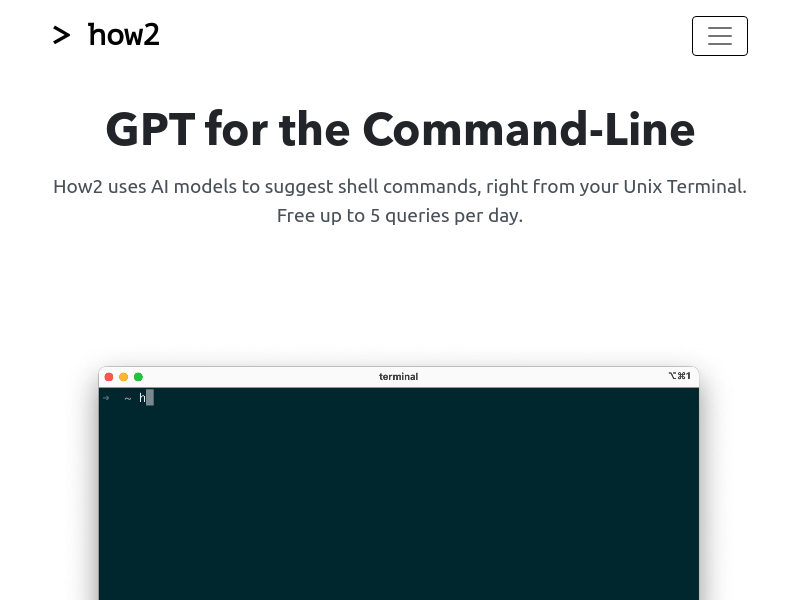
Screenshot archived from the listing page, for preview only.











