
htmlslides
AI native HTML slide platform with a free tierBuild, play, and share slides that run in a browser
Highlights
What you can do with it
- Business product presentations built fast with AI
- Academic reports using free templates
- Teaching courseware with interactive slides
How to use it
- 1 Register and log in at the site
- 2 Start from a template or use a preset prompt with an AI agent
- 3 Upload or paste the generated slides
- 4 Edit text, images, and animation
- 5 Play, share by link, or embed with code
Who it is for
Pros
- Free version covers upload, play, and share
- HTML slides carry real animation and interaction
- Same rendering across devices and browsers
Limitations
- Storage is capped at 50MB on the free plan
- Speaker mode and video export need the paid plan
- Working with AI agents adds a step compared with a visual editor
What htmlslides is
htmlslides is a presentation platform built around HTML rather than fixed slide pages. That means a deck can hold real animation, interaction, and live content, and it renders the same way in any browser on any device. You can bring slides in from GitHub, from a .html file, or from a .hslides file, or you can start in the template market. There is also an AI route: copy a preset prompt, hand it to an agent such as Claude or Cursor, and upload what it produces. The free version lets you upload, play, and share with some templates and 50MB of storage.
What you can do with it
- Import decks from GitHub, .html, or .hslides files
- Play slides directly in the browser and share by link
- Embed a deck in your own website
- Generate a full slide with an AI agent from a preset prompt
- Record the deck as a downloadable video on the paid plan
Who it is for
- Business people who need polished product decks quickly
- Educators and students building interactive course material
- Developers comfortable editing slide code directly
- Anyone tired of layout breaking between machines
What to watch out for
The free plan caps storage at 50MB, which fills up faster than it sounds once you add images and video. Speaker mode and one click video export are paid features, so rehearsing a talk or publishing to video means upgrading to the $19 monthly plan. The AI workflow assumes you are comfortable prompting an external agent and handling the file it returns, which is a different habit from dragging boxes in a traditional editor. Check that your deck still opens correctly on the machine you will present from.
FAQ
What does the free version include?
Uploading, playing, and sharing, some official templates, and 50MB of storage.
How much is Pro?
Pro is $19 per month and adds templates, 1GB storage, speaker mode, and video export.
Where can slides come from?
GitHub, .html files, .hslides files, templates, or AI generation.
Why it is free
What the official page says: free version
Free limits, trial length and features are decided by the official site and can change at any time.
Product preview
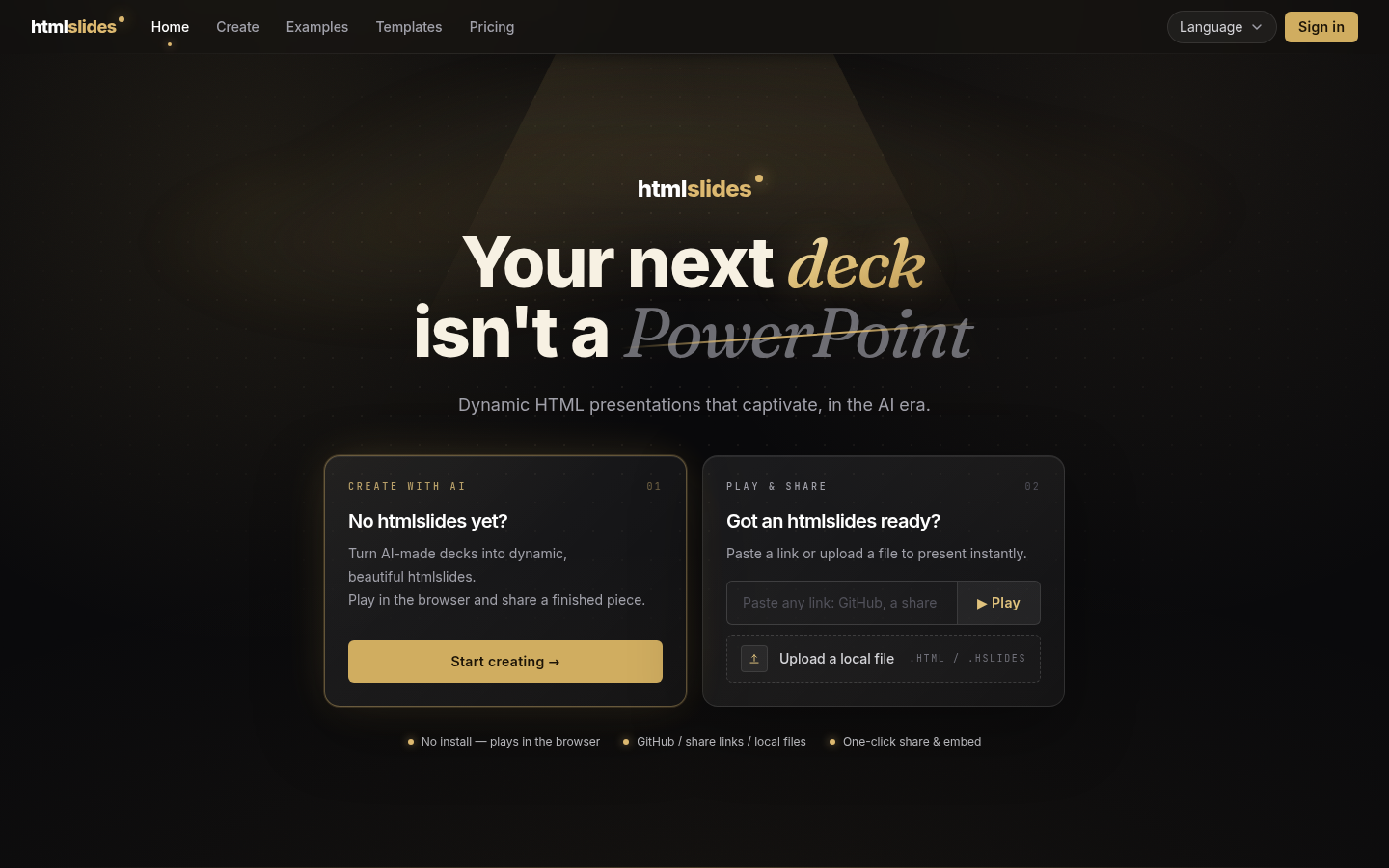
Screenshot archived from the listing page, for preview only.











