
HueHive
AI color palettes from text promptsDescribe a mood, get a color palette
Highlights
What you can do with it
- Finding a palette for a website or landing page
- Exploring colour direction for a brand or illustration
- Saving schemes for later design projects
How to use it
- 1 Open the HueHive website.
- 2 Type a description of the mood or theme you want.
- 3 Review the generated palette.
- 4 Save it and add tags so you can find it later.
Who it is for
Pros
- Free to use
- Fast way to get palette ideas from plain words
- History and tags keep past work findable
Limitations
- Palette results are suggestions and may need manual tuning
- Small tool with limited features beyond colour
- Depends on the upstream AI service staying available
- Contrast and accessibility checks are still your job
What HueHive is
HueHive is a small web tool that generates colour palettes using AI. You type a description of the mood, theme, or idea you have in mind, and the tool returns palette suggestions built around those words, using ChatGPT style generation behind the scenes. Alongside generation it keeps a searchable history of your past palettes and supports tags, so schemes you liked earlier stay findable instead of disappearing. The listing describes HueHive as free to use. It is aimed at the moment when a project needs a colour direction and a blank canvas is not helping, giving you a handful of options to react to rather than a complete design system.
What you can do with it
- Generate palette ideas from a short text description.
- Browse and search palettes you created earlier.
- Organise schemes with tags for different projects.
- Use results as a starting point for web, brand, or illustration work.
Who it is for
- Designers who need quick colour direction.
- Developers choosing colours for an interface.
- Illustrators and artists exploring options.
What to watch out for
Palette results are suggestions, so they may need manual adjustment before they work in a real layout. The tool does one thing, colour, and does not handle typography, spacing, or components. It depends on an upstream AI service, so availability and output can shift without notice. Most importantly, contrast and accessibility checking is still your job: a palette that looks balanced on screen can still fail readability for text and interface elements. Name and archive exported files consistently so you can find and reuse them, and keep a backup copy of key data.
FAQ
How does HueHive work?
You describe what you want in words and the AI returns matching colour palettes.
Is HueHive free?
The listing describes it as free to use.
Can I save palettes?
Yes, it keeps a searchable history and supports tags.
Why it is free
What the official page says: free to use
Free limits, trial length and features are decided by the official site and can change at any time.
Product preview
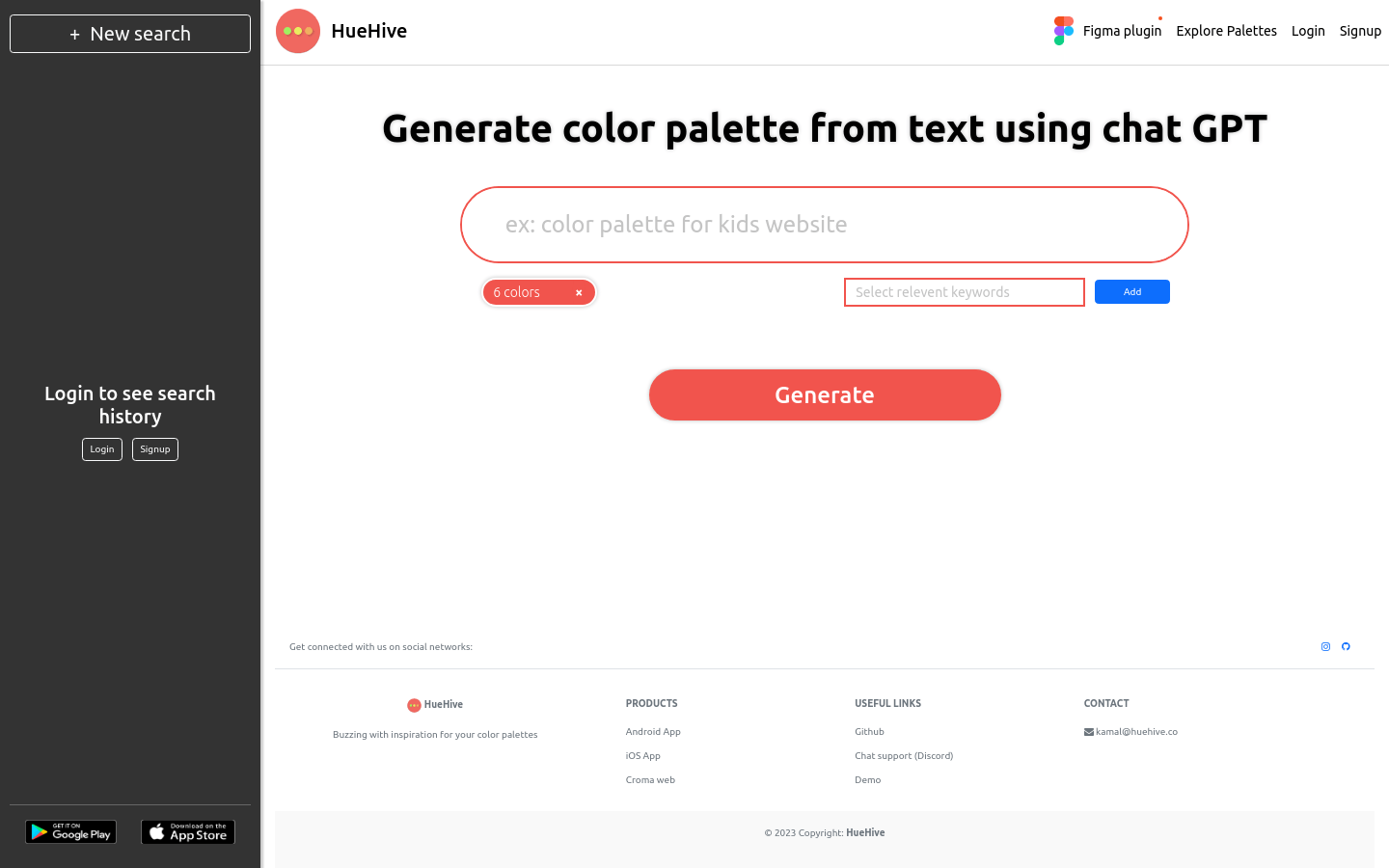
Screenshot archived from the listing page, for preview only.











