
Humanize AI Text
Free tool that rewrites AI text to read as human-written.Rewrite AI text into a more human-sounding style.
Highlights
What you can do with it
- Rephrase stiff AI drafts into smoother prose.
- Adjust tone while keeping the core meaning.
- Edit generated text for a more natural read.
How to use it
- 1 Open the Humanize AI Text website.
- 2 Paste the AI-generated text you want to rewrite.
- 3 Run the converter to rewrite the text.
- 4 Review the output and edit as needed.
Who it is for
Pros
- Simple paste-and-rewrite workflow.
- Aims to preserve meaning while changing tone.
- Stated as free to use online.
Limitations
- Disguising AI text may breach academic or platform rules; consequences rest with the user.
- Free terms and access can change over time.
- Rewrites may still need manual editing for accuracy.
What Humanize AI Text is
Humanize AI Text is a free online converter that rewrites text produced by AI tools such as ChatGPT, Google Bard, or Bing Chat into a more human-like style. The goal is to remove the robotic tone while keeping the original meaning and context. The site claims the output can pass AI content detectors, and that claim is both the core of the tool and the main risk attached to it. It runs in the browser with no install, and it is presented as free. Use it only where rewriting AI text is allowed, because disguising AI-written work can carry real consequences.
What you can do with it
- Rewrite AI-generated text into smoother prose.
- Reduce a robotic tone while keeping the meaning.
- Edit generated drafts for a more natural read.
Who it is for
- Writers polishing rough AI drafts.
- Users who want a more natural tone.
- Anyone editing generated text for readability.
What to watch out for
Tools that rewrite text to avoid AI detection may violate school or workplace rules, and any consequences fall on the user, so only use it where such rewriting is allowed. Do not assume any claim of passing detectors is reliable, and never treat rewritten text as your own original work if policy forbids that. Rewrites can still carry errors or shift meaning, so review every line before you use it. Free access and features can change over time, and relying on the tool for graded or published work is risky. Generated suggestions are for reference only, so verify anything that affects professional judgment or important data. Start with a small sample to confirm the output meets your expectations before processing the full batch.
FAQ
What does this tool do?
It rewrites AI-generated text into a more human-like style while trying to keep the meaning.
Is it safe to use for school or work?
Using it to disguise AI-written text may violate school or platform rules, and any consequences fall on you. Check your policy first.
Is it free?
The site presents it as a free online tool, though free terms can change.
Why it is free
What the official page says: 免费
Free limits, trial length and features are decided by the official site and can change at any time.
Product preview
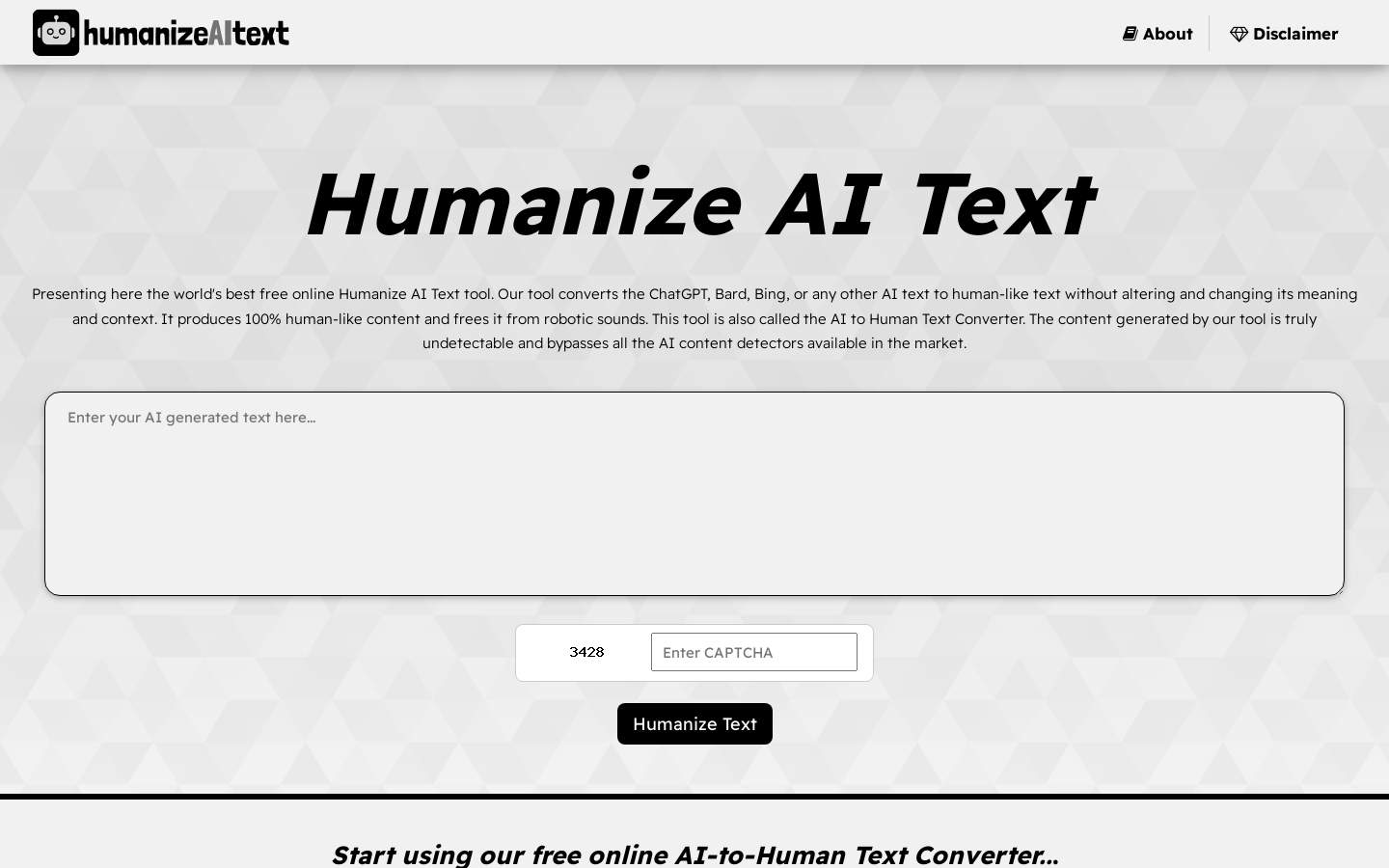
Screenshot archived from the listing page, for preview only.











