
Humanize AI Text & AI Humanizer Online
Rewrites AI-generated text to read as natural human writing.Turn AI drafts into natural-sounding text in one click.
Highlights
What you can do with it
- A student smooths an essay draft to read more naturally
- A content creator improves the readability of an article
- A professional makes a business report flow more naturally
How to use it
- 1 Register and log in on the WriteHybrid site
- 2 Paste the AI-generated text into the input area
- 3 Click the humanize button to get the rewritten text
- 4 Adjust the style as needed, then copy or download the result
Who it is for
Pros
- Free trial to test the rewriting quality
- Fast, real-time output with style choices
- Keeps meaning while improving readability
Limitations
- Using it to pass AI writing off as your own may violate school or platform rules; any consequence is the user's responsibility
- Rewritten text can still read as generic without a human edit
- Full features need a paid version after the free trial
What Humanize AI Text (WriteHybrid) is
Humanize AI Text, also known as WriteHybrid, is an AI humanizer tool. It takes AI-generated content and rewrites it into natural, human-sounding text, with the stated goal of reading as if a person wrote it. It offers different style options, supports large-scale text processing, returns results in real time, and tries to keep the original meaning while improving readability. It works on articles, reports, and essays. A free trial and paid versions are offered, with paid tiers unlocking more features.
What you can do with it
- Rewrite AI-generated text into natural, human-sounding prose
- Choose style options to shape the output voice
- Process large amounts of text with real-time results
- Keep the original meaning while improving readability
Who it is for
- Students who want smoother, more natural drafts
- Content creators improving the readability of articles
- Professionals polishing reports and business writing
What to watch out for
This tool is designed to make AI text read as human and to bypass AI detectors. Using it to pass AI-generated work off as your own may violate school or platform academic integrity rules, and any consequence is entirely the user's responsibility. Rewritten text can still sound generic without a human edit, and the free trial is limited, with full features behind a paid version. Consider the ethical and policy implications before relying on it. Start with a small sample to confirm the output meets your expectations before processing the full batch. Free tiers and usage limits can change, so check the current rules on the official page before relying on it long term. Run one full task end to end first, then expand once you are comfortable with the workflow and the result quality.
FAQ
What does it do?
It rewrites AI-generated text to sound more natural and human.
Is there a free trial?
Yes, it offers a free trial, with paid versions for more features.
Is it safe to use for school?
Using it to disguise AI work as your own may break academic rules; any consequence is your responsibility.
Why it is free
What the official page says: free trial
Free limits, trial length and features are decided by the official site and can change at any time.
Product preview
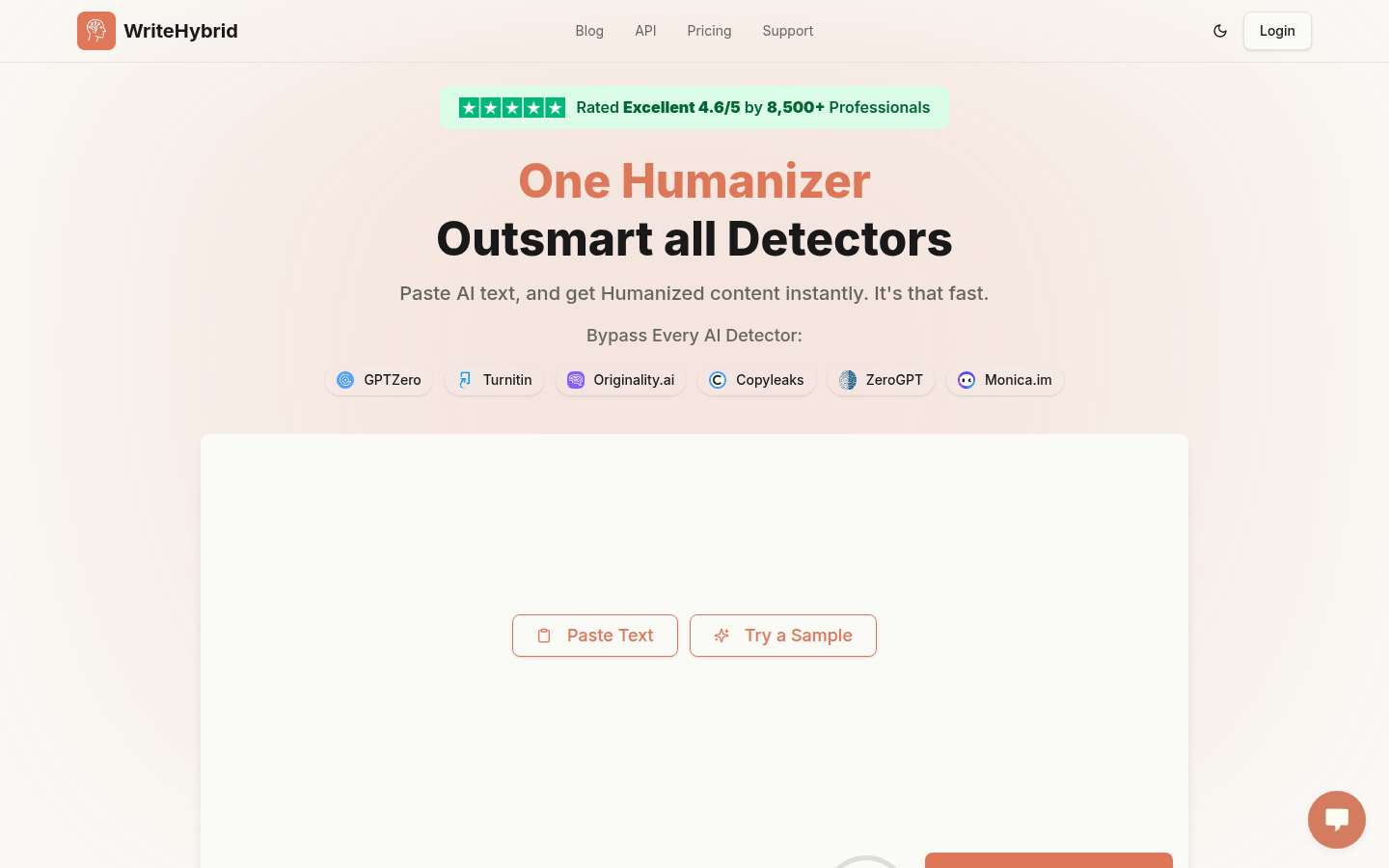
Screenshot archived from the listing page, for preview only.











