
iColoring
Free AI coloring page generatorPhotos and text into coloring pages
Highlights
What you can do with it
- A kindergarten teacher makes themed pages for classroom activities.
- An art enthusiast builds custom coloring books for an online store.
- A parent turns family photos into printable pages for kids.
How to use it
- 1 Open icoloring.ai.
- 2 Pick a function such as image to page, text to page, or batch generator.
- 3 Upload a photo or type your description.
- 4 Choose a style if you want.
- 5 Generate, then download as PNG or PDF, or start coloring in the browser.
Who it is for
Pros
- Free to use with no watermark on downloads.
- Works from both photos and text, so no drawing skill is needed.
- Batch mode and book tools support volume work.
Limitations
- Free access rules may change over time.
- Output quality depends on the source photo or description.
- Batch and book features add workflow steps that need a short learning curve.
What iColoring is
iColoring is a free AI coloring page generator that runs in the browser. Upload a photo or type a short description and it produces a clean, printable line drawing in seconds, with no registration and no watermark. Styles include classic cartoon and pencil sketch, and finished pages can be saved as PNG or PDF. The site also lets you color an uploaded page by describing a color theme, generate pages in batches, and assemble several pages into a coloring book. A library of free printable pages and creative tips is included. It serves children, parents, teachers, designers, adult hobbyists, and coloring book publishers.
What you can do with it
- Convert a photo into a printable coloring page.
- Turn a written description into a line drawing.
- Color a page by describing the palette you want.
- Generate pages in batches or build a coloring book.
Who it is for
- Parents and teachers who need activity pages for children.
- Adult hobbyists who use coloring to relax.
- Designers and publishers who need original line art.
What to watch out for
Line quality depends on the source photo or the detail in your description, so a busy image can produce a messy page. Batch and book tools add steps that take a little practice. The site is free today, but free rules, styles, and download limits can change. If you upload photos of people, especially children, remember those images leave your device and check the site's privacy terms first. For best results, start with a small test file and review the output carefully before working on anything important. Free tiers can change over time, so it is worth checking the current limits on the official page before you rely on the tool daily.
FAQ
Is iColoring really free?
The site states the tool is completely free, with no registration and no watermark on downloads.
What can I download?
Generated pages can be saved as PNG or PDF files.
Can I generate many pages at once?
Yes, there is a batch generator, and you can combine pages into a coloring book.
Why it is free
What the official page says: no registrationcompletely free
Free limits, trial length and features are decided by the official site and can change at any time.
Product preview
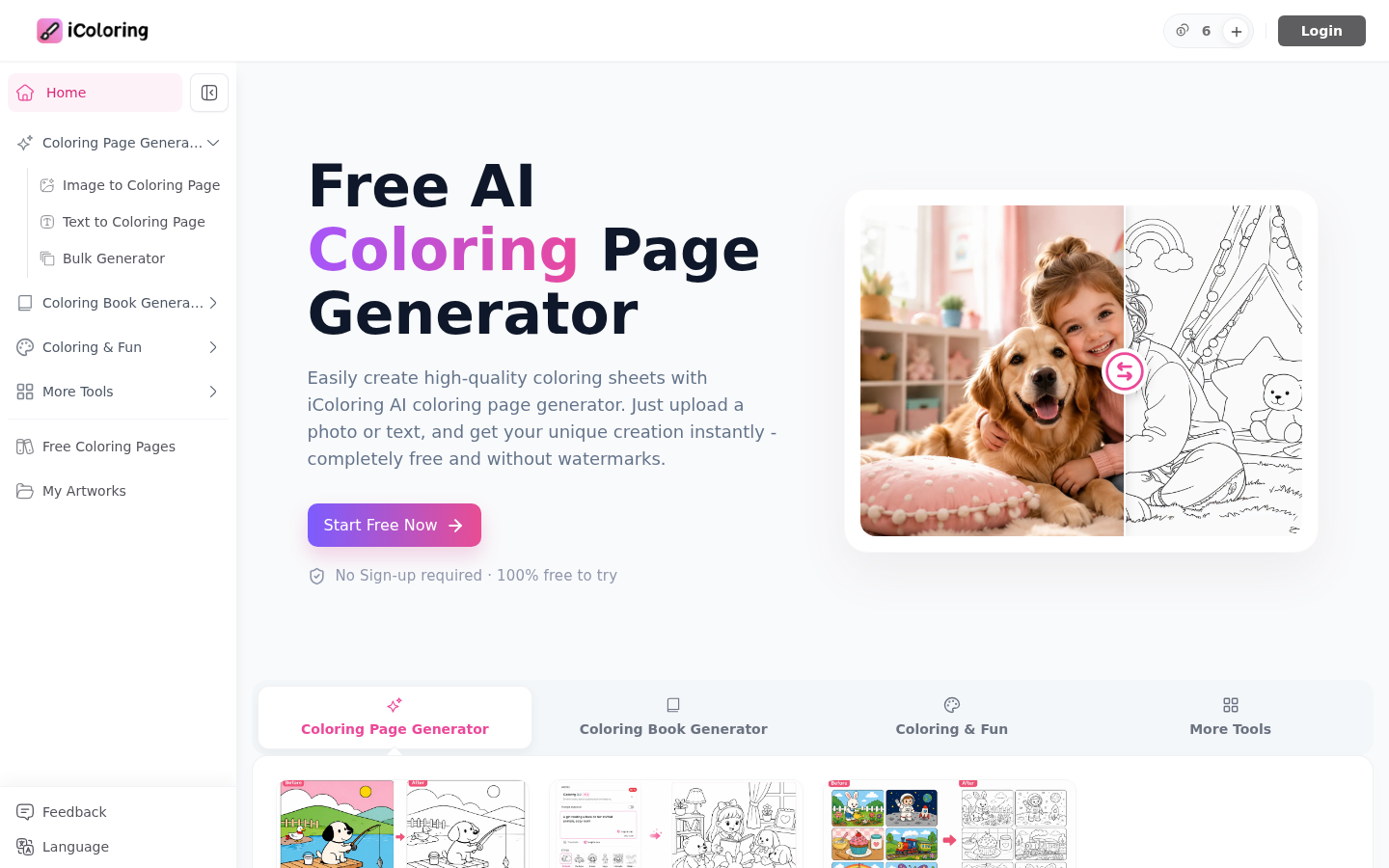
Screenshot archived from the listing page, for preview only.











