
ielts writing checker
IELTS writing scoring and feedbackBand scores and inline feedback in about 20 seconds
Highlights
What you can do with it
- A candidate practising essays and finding repeated grammar problems
- A learner studying essay structure and vocabulary across task types
- A teacher checking student compositions and tracking writing levels
How to use it
- 1 Open the IELTS Writing Checker website
- 2 Select the task type: Academic Task 1, General Training Task 1 or Task 2
- 3 Paste or type your essay into the text box
- 4 Start the check and wait about 20 seconds for the score
- 5 Read the band scores, criterion breakdown and inline suggestions, then revise
Who it is for
Pros
- Feedback is fast enough to use after every practice essay
- Scores are broken down by criterion, not just a single number
- Inline notes show exactly which sentence has the problem
- Sample essays give a reference point for each band range
Limitations
- The free account is limited to three score previews per month
- Estimated scores are not official results and may differ from a real examiner
- The 50-essay monthly allowance needs a paid plan
- Feedback quality depends on how clearly the essay is written
What IELTS Writing Checker is
IELTS Writing Checker is an online tool that scores IELTS essays and explains what went wrong. It handles the common task types in Academic Task 1, General Training Task 1 and Task 2, so charts, letters and argument essays are all covered. The score follows the four criteria examiners use: Task Achievement, Coherence and Cohesion, Lexical Resource, and Grammatical Accuracy and Range. Rather than returning a single number, it marks the essay inline, flagging specific grammar, vocabulary, cohesion and content issues and suggesting changes. A task-specific scoring model is applied, and word count is checked against the task rules so you do not lose marks for ignoring them. The vendor quotes a turnaround of about 20 seconds and includes official scoring samples as reference. A free account gives three score previews per month, and the paid plan allows 50 essays per month.
What you can do with it
- Score essays across Academic Task 1, General Training Task 1 and Task 2
- See a breakdown for each of the four official criteria
- Read inline annotations that point at the exact problem sentence
- Check word count against task requirements
- Compare your writing with official samples and band-range examples
Who it is for
- IELTS candidates who need frequent practice feedback
- English learners working on essay structure and vocabulary
- Teachers who want a faster first pass on student compositions
What to watch out for
The free account only allows three score previews per month, which runs out quickly if you practise daily, and the higher limit requires payment. Estimated scores are not official: a real examiner may differ, especially on Task Response and Coherence, so use the band as a guide rather than a verdict. The tool cannot see your intent, so a well-structured but factually weak argument can still score well. Treat the feedback as a checklist for revision, and keep practising under real timed conditions rather than relying only on the score.
FAQ
Is there a free version?
A free account gives three score previews per month. The paid plan raises the limit to 50 essays per month and unlocks more functions.
How accurate are the scores?
The vendor claims scores close to the official ones, but the tool is not an official IELTS service, so treat the band as an estimate rather than a guaranteed result.
Which task types are supported?
IELTS Academic Task 1, General Training Task 1 and Task 2, including charts, letters and argument essays.
Why it is free
What the official page says: free account
Free limits, trial length and features are decided by the official site and can change at any time.
Product preview
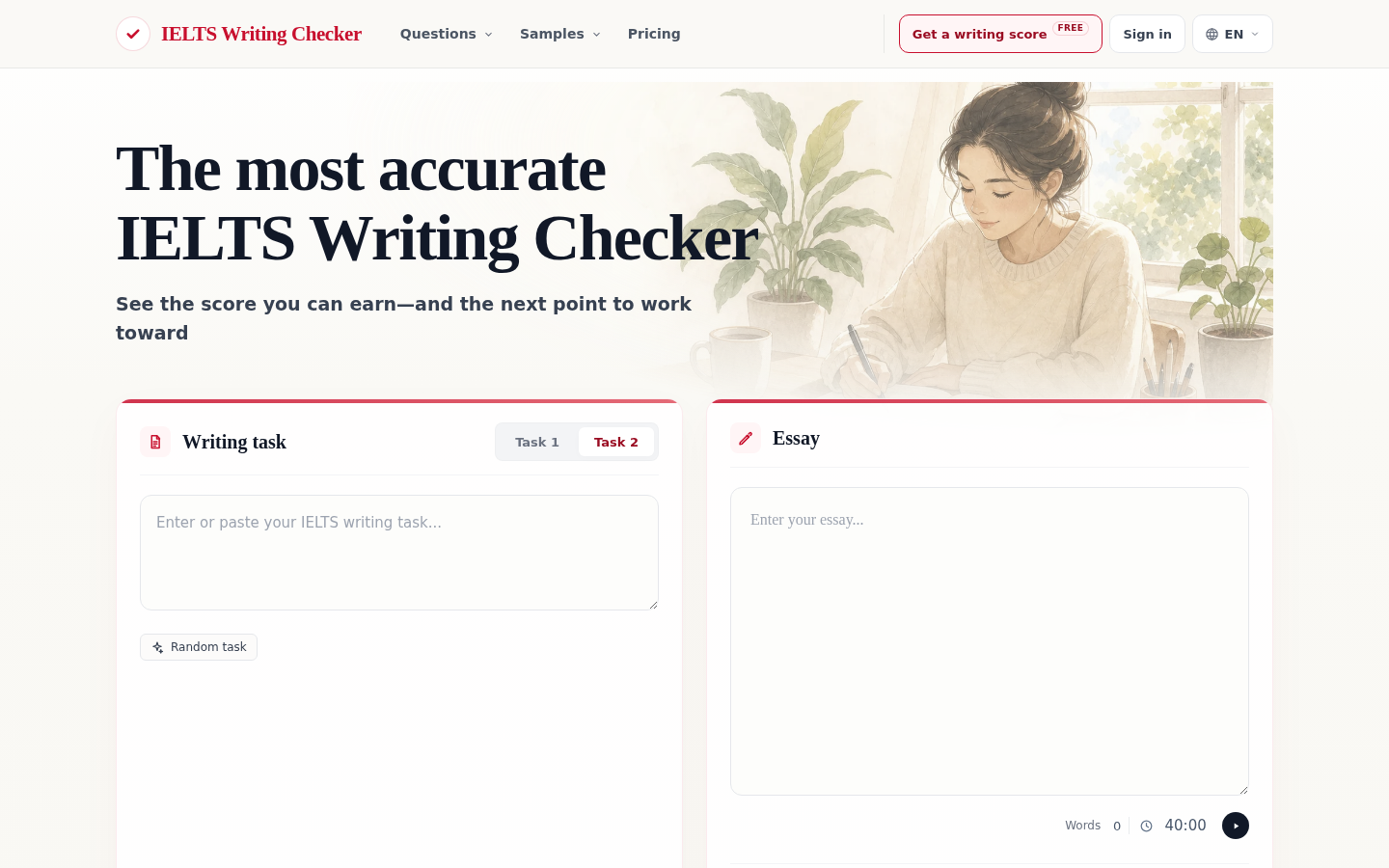
Screenshot archived from the listing page, for preview only.











