
iLikeIMG
All-in-one online image editorCompress, convert, matte, and enhance in your browser
Highlights
What you can do with it
- Remove backgrounds to make white-background product shots.
- Crop and watermark images for social posts in batches.
- Upscale low-resolution or old photos for print.
How to use it
- 1 Open the site and choose the tool you need.
- 2 Upload images by button or drag and drop, in batches.
- 3 Set options, start processing, then download single or packaged files.
Who it is for
Pros
- Many tools in one browser page.
- Batch support speeds up repetitive jobs.
- No software install required.
Limitations
- Free access and any limits could change.
- Heavy batches may depend on your connection and device.
- Advanced retouching still needs dedicated software.
What iLikeIMG is
iLikeIMG is an online image processing and AI editing platform that puts many everyday tools in one browser page. It handles lossless compression, format conversion between JPG, PNG, WEBP, GIF, BMP, and SVG, AI background removal, quality enhancement and upscaling, cropping and resizing, and watermark addition and removal. Because it runs in the browser, you do not need to install software like Photoshop to get common jobs done. It is aimed at individuals, designers, e-commerce sellers, and content creators who want quick, repeatable edits without a heavy tool.
What you can do with it
It turns a long list of small image chores into one workflow.
- Compress images and convert between common formats like JPG, PNG, and WEBP.
- Remove backgrounds automatically for portraits, products, and animals.
- Enhance and upscale blurry or low-resolution photos.
- Crop, resize, and add or remove watermarks, with batch support.
Who it is for
It fits people who edit images often but want it simple.
- E-commerce sellers who need clean, white-background product shots.
- Designers and content creators making quick social or web edits.
- Anyone who wants capable image tools without installing software.
What to watch out for
iLikeIMG is free to use today, but free access and any usage limits could change, so do not assume every tool stays free forever. Large batches depend on your connection and device, so heavy jobs may be slow or need to be split up. It covers common editing tasks well, but advanced retouching, layered design, or fine color work still calls for dedicated software, so treat it as a fast helper rather than a full editor. Check the output quality on a sample before you process a full batch, so you can adjust settings without redoing everything.
FAQ
Do I need to install anything?
No, it runs in the browser and needs no software like Photoshop.
Can it remove backgrounds?
Yes, it has AI background removal for portraits, products, and animals.
Does it handle many files at once?
Yes, it supports batch upload and one-click packaged download.
Why it is free
What the official page says: 免费使用免费
Free limits, trial length and features are decided by the official site and can change at any time.
Product preview
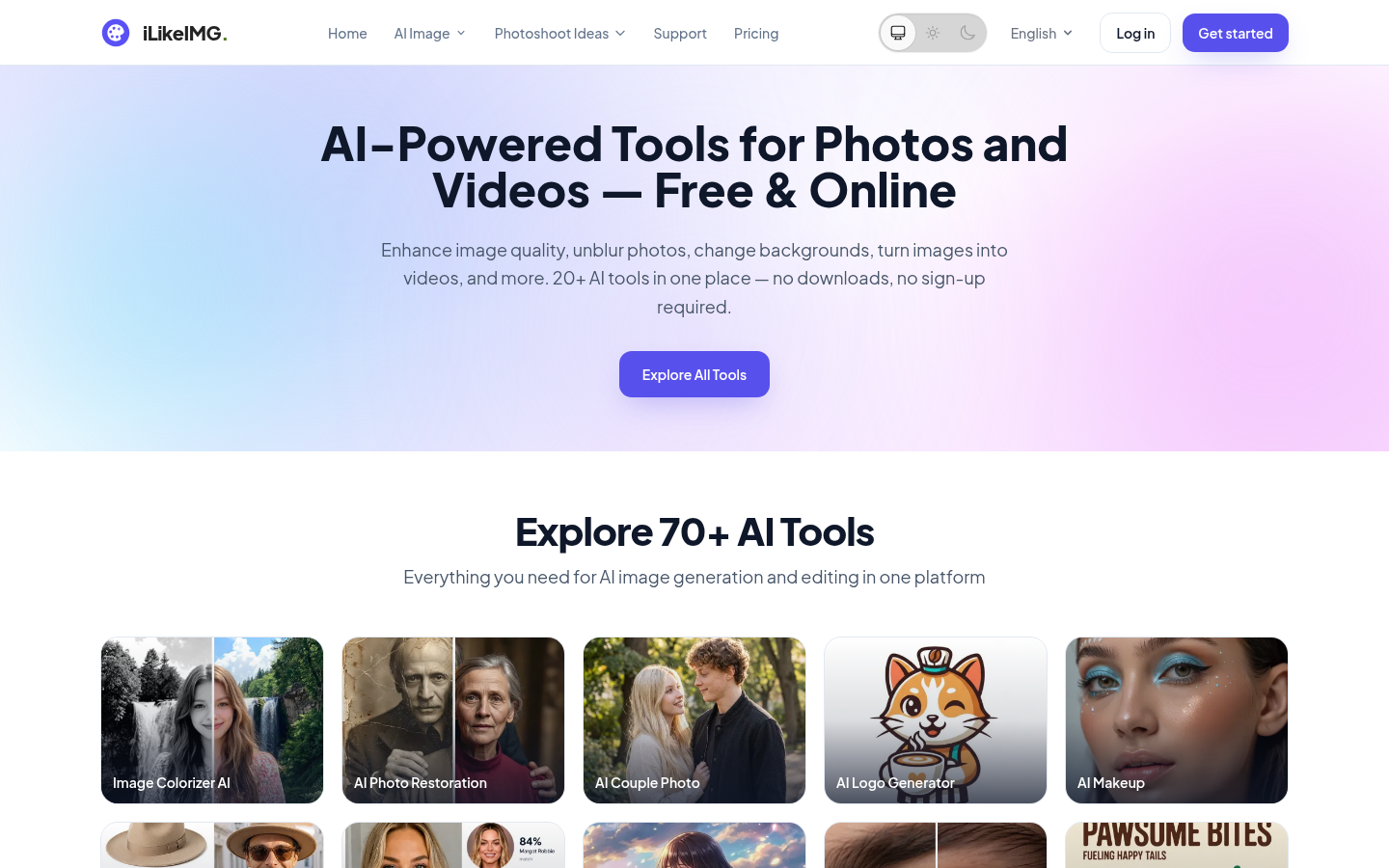
Screenshot archived from the listing page, for preview only.











