
ilove3d
Free browser 3D workbench for viewing and repair36 free 3D tools that run in your browser
Highlights
What you can do with it
- 3D printing users repair defective STL files and reduce polygon counts
- Designers batch-convert OBJ parts and arrange them on a print bed
- Shop owners generate 3D QR codes with brand logos for websites
- Clinics browse CT data locally without uploading to the cloud
How to use it
- 1 Open ilove3d in your browser and press Ctrl+K to search tools
- 2 Pick a category such as View, Convert and Repair, or Create from Scratch
- 3 Drag your file into the page to parse it locally
- 4 Adjust settings in the parameter panel and check the live preview
- 5 Download or export the result, as a ZIP for batch jobs
Who it is for
Pros
- Completely free with no account required
- Local processing means no uploads and better privacy
- Broad format support across common 3D file types
- Generators cover practical and creative jobs in the browser
Limitations
- Browser performance limits very large or dense meshes
- 36 features mean some tools are simple rather than full modeling suites
- Free tools depend on one developer, so availability can change
- Local processing needs a reasonably capable device
What ilove3d is
ilove3d is a free 3D toolset that runs entirely in the browser. Independent developer Luca Cuello built it as a zero-installation, zero-cost workbench with 36 features. You can view and measure models, convert between formats such as STL, OBJ, PLY, GLB and 3MF, repair broken meshes, reduce polygon counts, compress GLB files and arrange parts on a print bed. There are also generators for 3D text, QR codes, reliefs, sound waves, star maps, boxes, storage bins and cookie cutters, plus dental and DICOM medical imaging viewers. Everything runs locally on your device: no files are uploaded, which protects privacy and lets the tools keep working offline. The whole set is free, with optional sponsorship through Ko-fi.
What you can do with it
- View and measure models in STL, PLY, OBJ, GLB, GLTF, 3MF, FBX, DAE and USDZ
- Convert between formats individually or in batch, exporting as a ZIP
- Repair meshes with holes, duplicate faces or wrong normals and reduce polygon counts
- Compress GLB files and convert textures to WebP for web and AR display
- Prepare prints with scaling, rotation, mirroring and print bed arrangement
- Generate 3D text, QR codes, reliefs and practical objects like storage bins
Who it is for
- 3D printing enthusiasts who need fast repair and pre-print checks
- Product designers and engineers moving files between software
- Educators and students demonstrating 3D structures in class
- Makers, marketers and medical or dental professionals who browse scans locally
What to watch out for
Because everything runs in the browser on your own hardware, very large or dense models can strain memory and slow down, and a weak device will feel it more than a desktop. The toolset is broad rather than deep: it is not a replacement for a full modeling or CAD package, and complex editing jobs still belong in dedicated software. It is maintained as a free project by one developer with optional Ko-fi sponsorship, so features and availability can change over time. For medical use, note that the DICOM and dental viewers are intended for browsing and discussion rather than clinical diagnosis on their own, and any clinical decision should stay with qualified professionals.
FAQ
Is ilove3d free?
Yes, it is completely free and the developer accepts optional sponsorship through Ko-fi.
Are my files uploaded anywhere?
No, all processing happens locally in your browser.
Which formats are supported?
STL, PLY, OBJ, GLB, GLTF, 3MF, FBX, DAE and USDZ among others.
Can I use it for medical imaging?
It includes a DICOM viewer and a dental model viewer for local browsing of scan data.
Why it is free
What the official page says: completely free
Free limits, trial length and features are decided by the official site and can change at any time.
Product preview
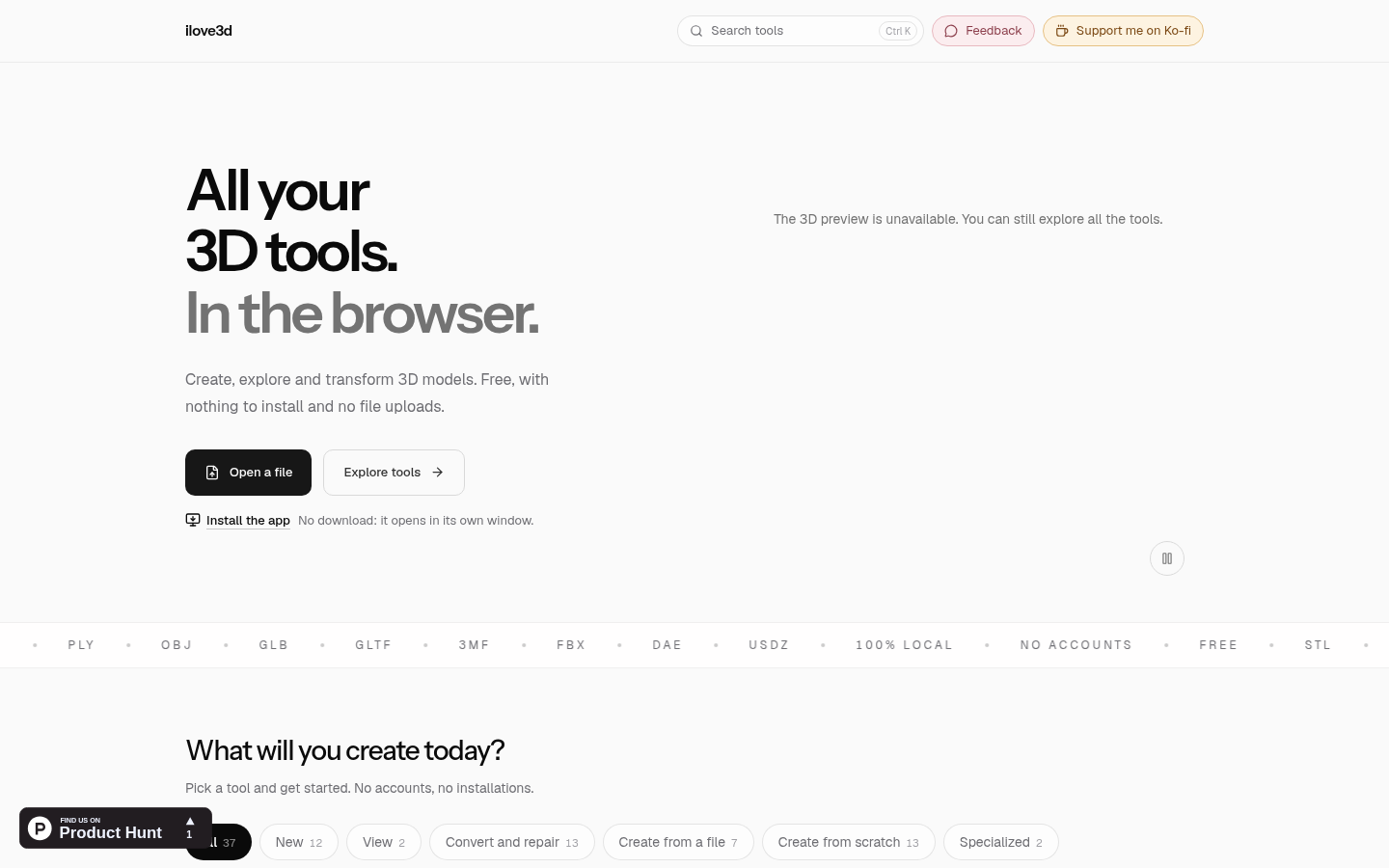
Screenshot archived from the listing page, for preview only.











