
Image Color Picker
Free online image color pickerPick exact HEX, RGB, HSL, HSV from any image
Highlights
What you can do with it
- Extract a competitor's UI colors from a screenshot for study
- Grab exact RGB or HEX codes from a design file while coding
- Verify a logo's colors against the official brand standard
How to use it
- 1 Load your image by upload, drag and drop, paste, or a remote URL.
- 2 Hover over the image to preview the color under the cursor.
- 3 Click a pixel to lock the HEX, RGB, HSL, and HSV values.
- 4 Copy the code you need or add colors to a palette and export it.
Who it is for
Pros
- Completely free with no registration needed
- Pixel-level accuracy straight from the Canvas API
- Images stay local in your browser, protecting privacy
Limitations
- It is a single-purpose tool with no image editing beyond picking colors
- Compressed or low-resolution images can yield less reliable readings
- The free, no-registration offer could change over time
What Image Color Picker is
Image Color Picker is a free online tool for extracting exact colors from an image. According to the site, you can load a photo by upload, drag and drop, clipboard paste, or a remote URL, and then hover to preview and click to lock the color of any single pixel. It uses the browser's Canvas API for pixel-level accuracy and returns the HEX, RGB, HSL, and HSV values at the same time, with one-click copying. You can also add sampled colors to a palette and export it. The site says it needs no registration, is completely free, and processes images entirely in your local browser, so nothing is uploaded to a server.
What you can do with it
- Pull the exact HEX, RGB, HSL, and HSV values from any pixel.
- Preview colors in real time as you move across the image.
- Copy a color code in one click for immediate use.
- Build a palette from several samples and export it.
Who it is for
- UI designers studying colors from reference images and screenshots.
- Front-end developers translating design specs directly into code.
- Brand managers checking whether colors line up with official standards.
What to watch out for
The tool is single-purpose: it picks colors and exports palettes, but it does not edit images beyond that. Accuracy depends on the source, and a compressed or low-resolution image can give a less reliable reading than the original file. Because processing happens in your browser, very large images may tax your device. The free, no-registration model is convenient but could change, so treat current access as a snapshot rather than a guarantee. It is meant as a quick design aid, not a substitute for a full graphics editor.
FAQ
Do I need to sign up?
No. The site says it works without registration and is free.
What color formats does it return?
It returns HEX, RGB, HSL, and HSV for the pixel you click.
Are my images uploaded anywhere?
The site says images are processed entirely in your local browser and are not sent to a server.
Why it is free
What the official page says: no registrationcompletely free
Free limits, trial length and features are decided by the official site and can change at any time.
Product preview
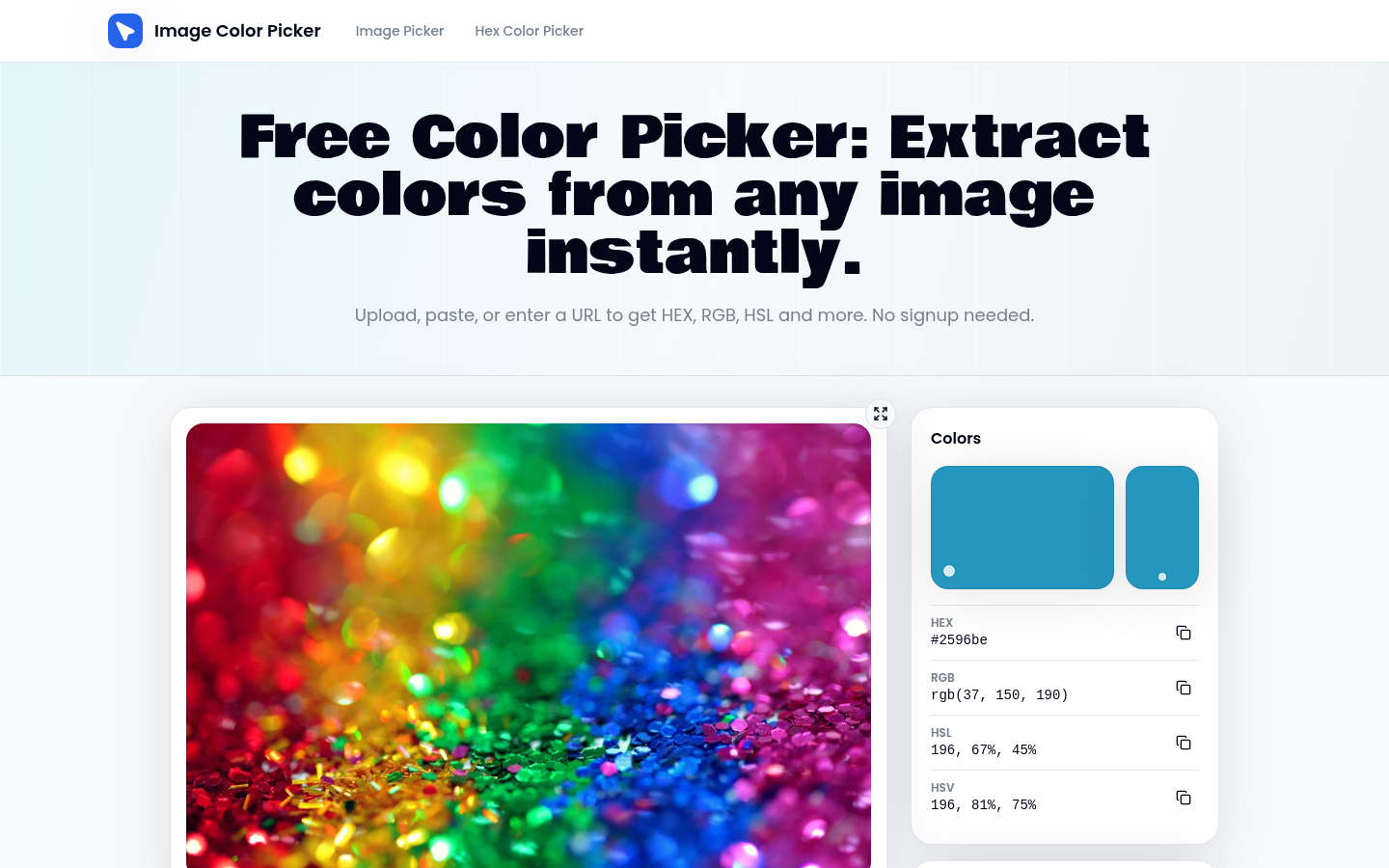
Screenshot archived from the listing page, for preview only.











