
Image Editor
Online free AI image editor, no registrationEdit photos with text, no design skills needed
Highlights
What you can do with it
- Content creators enhance photos, remove backgrounds, and build social and blog visuals
- Marketing teams produce banners, posts, and promotional graphics from preset prompts
- Teachers build teaching materials such as charts and enhanced photos
How to use it
- 1 Pick an AI model that fits the editing job
- 2 Upload the photo you want to edit
- 3 Apply a preset template, prompt, or style, or type the change you want
- 4 Wait a few seconds to a minute for the result
- 5 Preview the output and download the high-resolution image
Who it is for
Pros
- No registration and no design background required
- One tool covers filters, backgrounds, poses, styles, and resolution
- Multiple models and preset prompts reduce guesswork
- Editing continues in one place instead of across several apps
Limitations
- Natural language editing still needs trial and error to get the look you want
- Complex retouching may not match what a manual editor can do
- The free status and model list can change without notice
- Best results depend on the quality of the uploaded photo
What Image Editor is
Image Editor is an online AI image editing tool that is free to use and does not require registration. It was built as a simpler alternative to complex editors such as Photoshop, where the learning curve is steep. Instead of learning layers and masks, you upload a photo and describe the change in ordinary text. The tool covers color correction, AI filters, background removal, pose changes, style conversion, skin retouching, and resolution adjustment, so most everyday photo work happens in one place.
What you can do with it
- Adjust color and style, or convert a realistic photo into a cartoon look
- Remove backgrounds for product shots and ID style photos
- Change poses of people or objects in the picture
- Retouch skin in portraits and export at 1K, 2K, or 4K
- Generate one to four images at a time using preset prompts or your own text
Who it is for
- Content creators who need quick, repeatable photo enhancements
- Marketing managers producing banners, posts, and promotional graphics
- Bloggers who manage their own visuals without a designer
- Teachers and product managers who need clean product or teaching images
What to watch out for
Natural language editing is fast but not always precise, so expect to rephrase prompts and run the generation again. Results depend heavily on the quality of the source photo, and detailed manual retouching may still be needed for commercial work. The site lists several models and preset styles that can be added or removed at any time, so the free status you see today is not guaranteed forever. Check the output carefully before you publish it.
FAQ
Do I need to sign up?
The tool is described as free to use without registration, so you can start editing right away.
Which AI models can I choose?
The listed options include Nano Banana, Flux, Kontext, Seedream, and GPT. Different models behave differently, so you can switch between them.
What output sizes are supported?
You can adjust resolution to 1K, 2K, or 4K depending on where the image will be used.
Can I generate several versions at once?
Yes, the tool supports generating between one and four images in a single run.
Why it is free
What the official page says: free to use
Free limits, trial length and features are decided by the official site and can change at any time.
Product preview
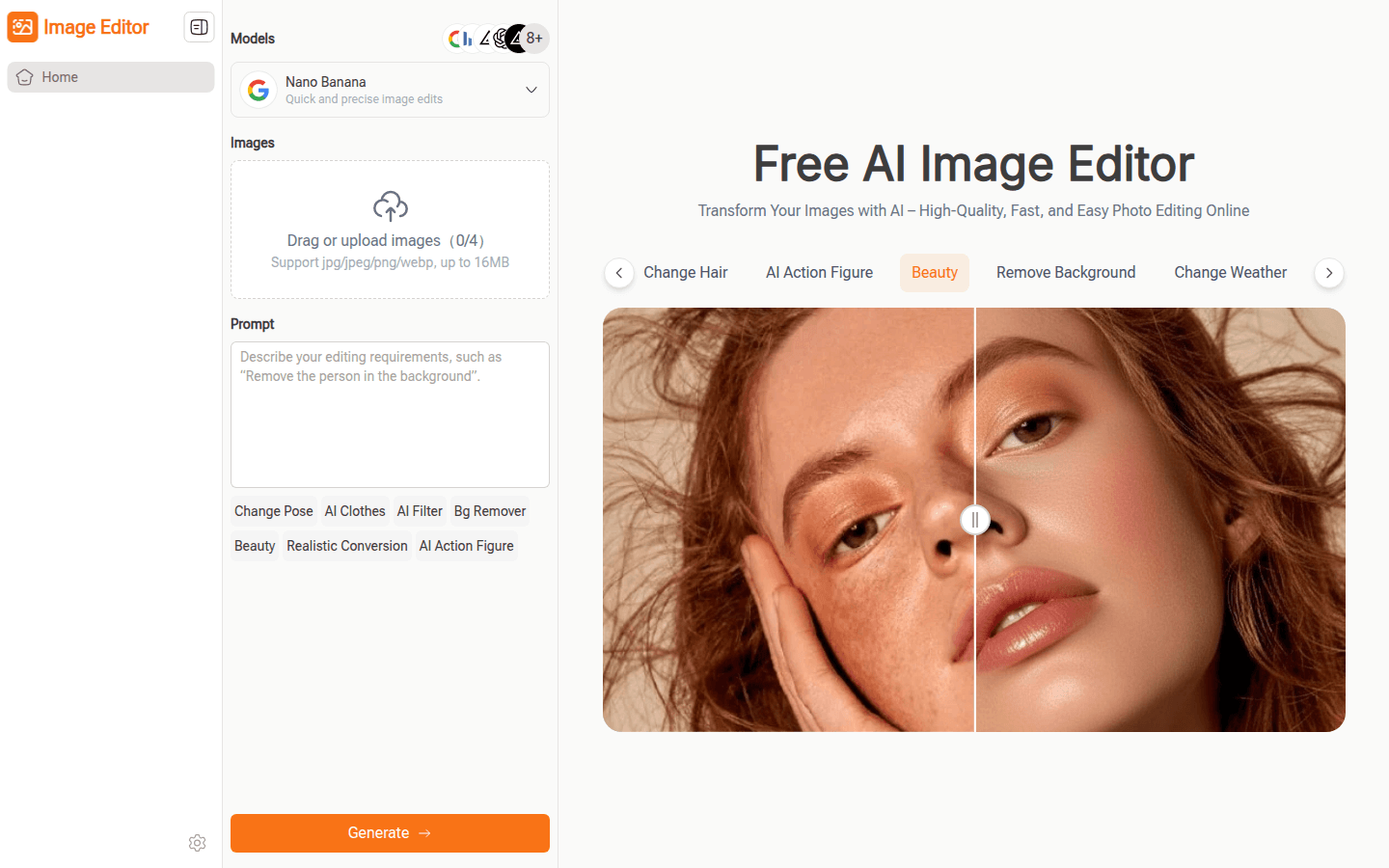
Screenshot archived from the listing page, for preview only.











