
Highlights
What you can do with it
- Convert a table screenshot into a spreadsheet
- Digitize a printed table from a photo or scan
- Extract data from many images in a batch
How to use it
- 1 Upload an image of a table
- 2 Run the extraction to read the cells
- 3 Review and correct the data
- 4 Export it to Excel
Who it is for
Pros
- Free tier to start
- Claims 99 percent accuracy
- No installation needed
- Supports batch work
Limitations
- Free rules can change and higher volumes need paid packages
- Accuracy drops on blurry or complex tables
- Layout may need manual cleanup
- Depends on the online service
What Image To Excel is
Image To Excel is a free online tool that extracts table data from images using OCR and AI. You upload a picture of a table and it reads the cells and converts them into an editable spreadsheet. The service claims about 99 percent accuracy and fast processing, supports multiple image formats, and allows batch processing, all with no registration or installation. A free tier is available to start, and the site also offers paid packages for people who need to convert larger volumes of images.
The goal is to remove the manual work of retyping tables from screenshots, scans, or photos into a spreadsheet.
What you can do with it
- Extract a table from a screenshot into a spreadsheet.
- Digitize a printed table from a photo or scan.
- Process several images in a batch.
- Edit and export the data to Excel.
Who it is for
Office workers who often receive tables as images are the clearest fit. Anyone digitizing paper records, along with researchers and admin staff who enter data by hand, can save time. It suits people who need quick, reasonably accurate extraction rather than a full data platform.
What to watch out for
The free tier is a starting point, but free rules can change, and higher volumes require paid packages, so cost can grow with use. Accuracy drops on blurry, skewed, or complex tables, and merged cells or unusual layouts may need manual cleanup. The service runs online, so it depends on the site staying available. Always review the extracted numbers against the source image before you rely on them. For best results, start with a small test file and review the output carefully before working on anything important.
FAQ
Is it free?
A free tier is available, and the site also sells paid packages for higher conversion volumes.
How accurate is it?
The service claims 99 percent accuracy, though clear images work best.
Do I need to install anything?
No registration or installation is required; it runs online.
Can I process many images?
It supports batch processing, and larger volumes are covered by the paid packages.
Why it is free
What the official page says: 免费使用完全免费免费无需注册
Free limits, trial length and features are decided by the official site and can change at any time.
Product preview
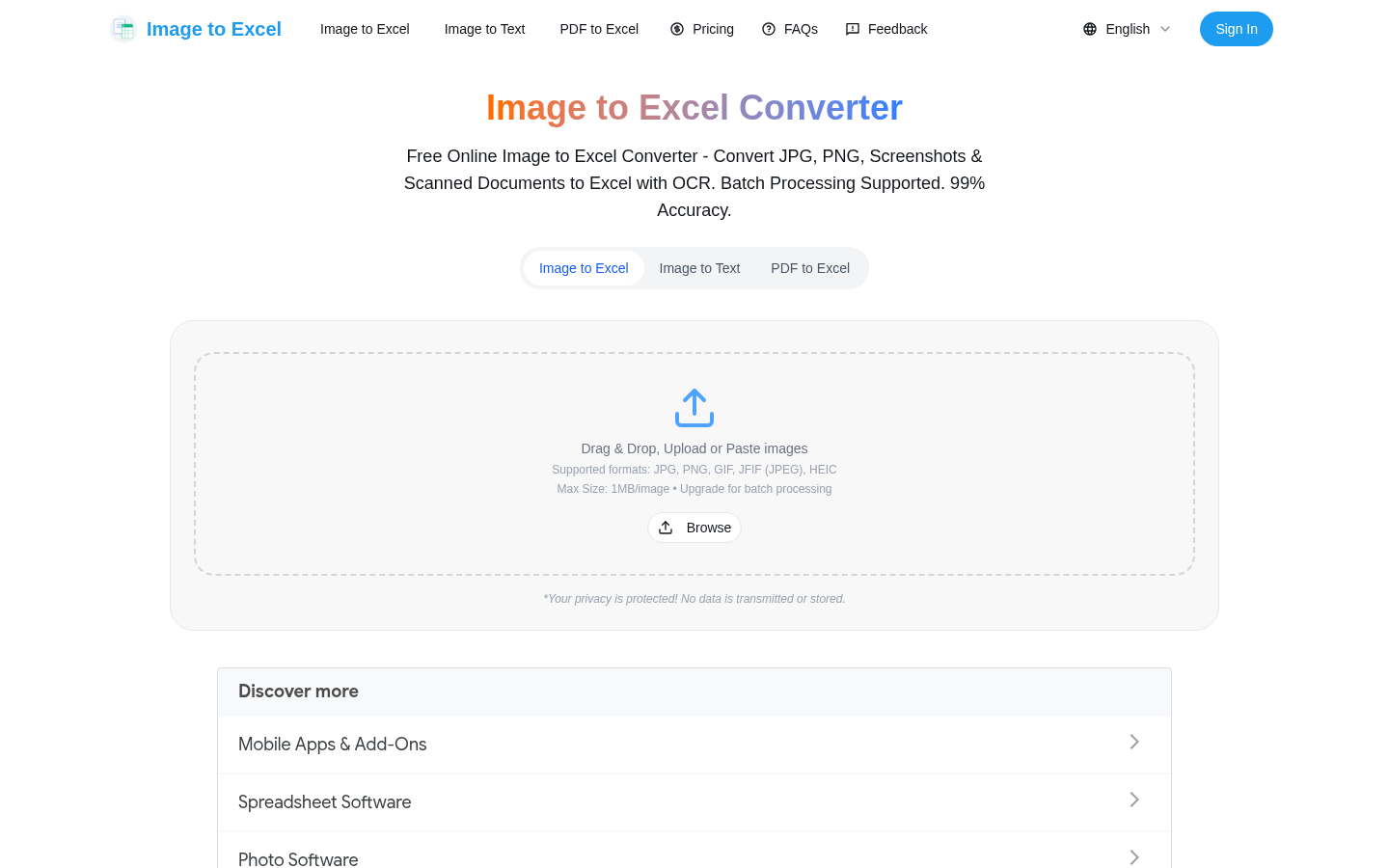
Screenshot archived from the listing page, for preview only.