
Image to Image AI
Free online AI image editing and enhancementTransform photos in seconds with multiple AI models
Highlights
What you can do with it
- Everyday photo cleanup and enhancement
- Style transfer or restyling an existing image
- Commercial projects that need quick image transformations
How to use it
- 1 Upload the photo you want to work on
- 2 Pick the editing or enhancement feature
- 3 Let the model process it in seconds
- 4 Review the result and adjust if needed
- 5 Export and use it, including in commercial work
Who it is for
Pros
- Several AI models available in one tool
- Fast processing and high output quality
- Commercial use rights on results
- Free trial plus free version features
Limitations
- Free version features are limited, and advanced tools may be paid
- Free trial and plan terms can change
- Output quality depends on the source image and the model used
- Model availability depends on upstream providers
- Do not edit photos of people without consent or use output to mislead
What Image to Image AI is
Image to Image AI is an online image editing platform that brings several advanced AI models into one workspace. It is presented as a one stop solution for editing and enhancement, so professional level transformations are possible without complex technical setup. Everything runs online, so there is no software to install. The page highlights comprehensive functionality, fast processing, high output quality, and commercial use rights on the results. It is aimed at a broad audience, from everyday users cleaning up personal photos to professionals producing commercial work. On pricing, there is a free trial with free version features, and advanced features may sit behind paid plans, so check the site for the current split.
What you can do with it
- Edit and enhance photos in seconds
- Restyle or transform an existing image with AI models
- Handle everyday cleanup and commercial projects alike
- Use the output commercially, per the site's stated rights
Who it is for
- Everyday users editing personal photos
- Professionals producing commercial imagery
- Anyone who wants AI editing without a technical setup
What to watch out for
Free access covers a trial and a set of free version features, while advanced tools may require payment, and the exact boundary is not spelled out. Free trial terms and plan pricing can change without notice. Output quality depends on the source image and the model you pick, so results vary between runs. The platform depends on upstream AI models, and availability or behaviour can shift when those providers update. Do not edit photos of people without consent or use output to mislead, since that can break platform rules and local law, and the consequences sit with you.
FAQ
Is Image to Image AI free?
There is a free trial and free version features. Advanced features may require payment, so check the site.
How fast is it?
The page says photos are processed in seconds.
Can I use results commercially?
The page lists commercial use rights among its advantages.
Do I need technical skills?
No. It is positioned as professional level transformation without complex technology.
Why it is free
What the official page says: 免费版免费试用免费
Free limits, trial length and features are decided by the official site and can change at any time.
Product preview
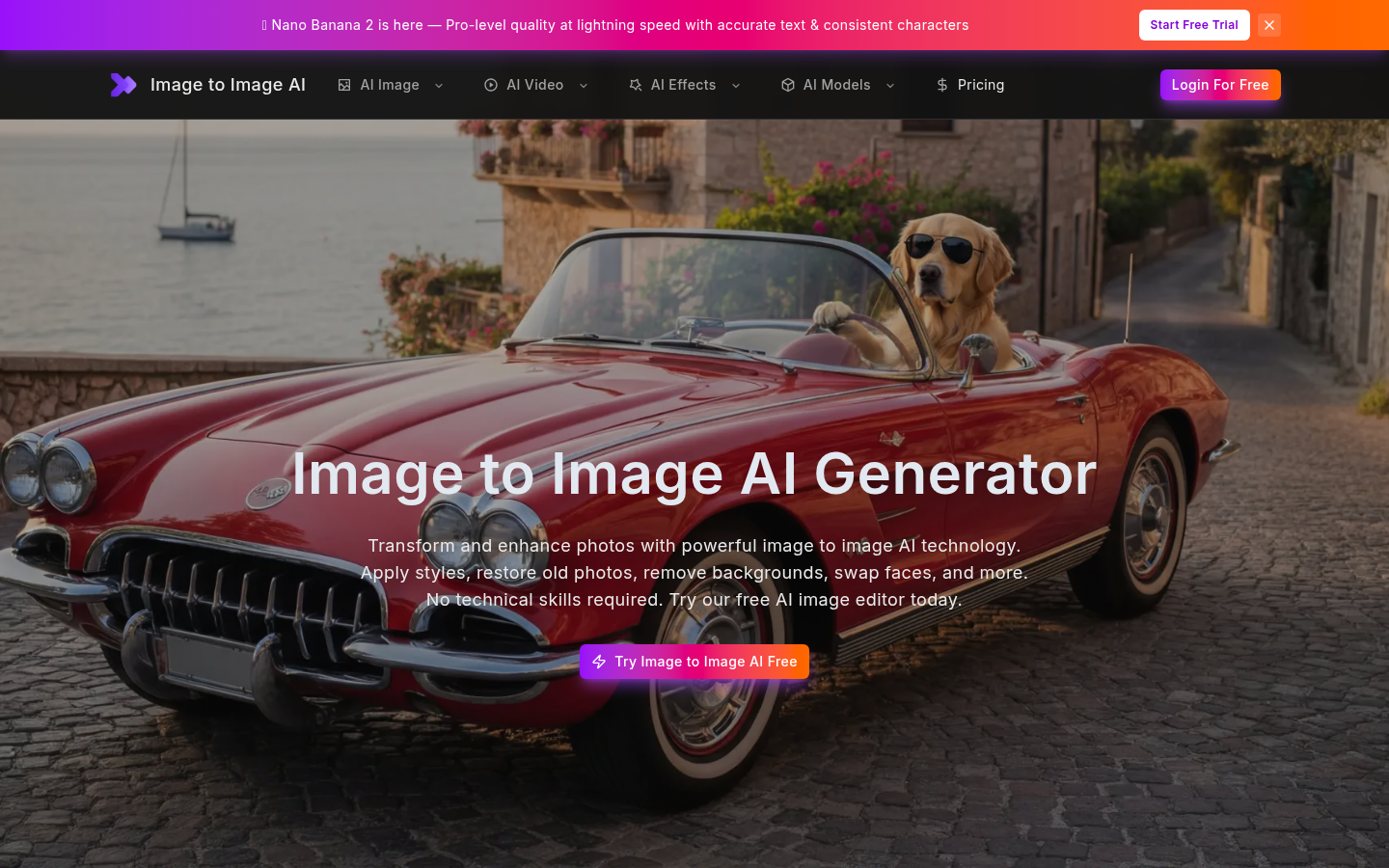
Screenshot archived from the listing page, for preview only.