
Image to Image AI Generator
AI image edit by promptUpload, describe, transform
Highlights
What you can do with it
- Restyle or redesign an existing photo for a new look
- Turn a rough idea into a finished image without manual editing
- Generate quick concept variations before committing to a final version
How to use it
- 1 Open the Image to Image AI Generator site in your browser
- 2 Upload the image you want to change
- 3 Write a short description of the modification you need
- 4 Wait for the AI to process and return the edited image
- 5 Download the result or keep iterating with new descriptions
Who it is for
Pros
- Simple workflow of upload, describe, and receive results
- No payment needed to try all features
- Works for both professional and everyday image editing needs
Limitations
- Free access may change, so current terms are worth checking
- Result quality depends on how clearly you describe the change
- Complex or very specific edits may need several attempts
What Image to Image AI Generator is
Image to Image AI Generator is an online tool built on AI image technology for editing and generating images. Instead of learning layers and masks, you upload a picture and describe what you want changed, and the model transforms, reshapes, or redesigns the image according to that description. The site presents it as free to use, so its features can be experienced without payment, and it is aimed at anyone with image editing needs, from professional designers to ordinary users who prefer simple operations.
What you can do with it
- Upload an image and describe the change you want in everyday language.
- Reshape or redesign a photo into something new without manual editing tools.
- Get processed results quickly, since the product supports real-time image handling.
- Explore creative variations of the same source image for different purposes.
Who it is for
- Professional designers who need fast variations and concept checks.
- Ordinary users who want to edit images without learning complex software.
- Anyone with an image idea who prefers describing over manual editing.
What to watch out for
Because the tool works from descriptions, the quality of the result depends heavily on how clearly you explain the change you want, and vague prompts can produce unexpected output. It is free now, but free access rules and quotas can change over time, so treat current availability as provisional. Very detailed or precise edits may still need several rounds of description and regeneration before you get something usable, and keeping a copy of the original image is a good habit before experimenting. For best results, start with a small test file and review the output carefully before working on anything important.
FAQ
Is Image to Image AI Generator free?
Yes. The tool is available for free, and the site states that all features can be used without payment.
How do I edit an image?
Upload the image, describe the modification in your own words, and the AI returns a processed result.
Do I need design experience?
No. It is aimed at both professional designers and ordinary users who want simple operations.
Why it is free
What the official page says: 免费使用免费
Free limits, trial length and features are decided by the official site and can change at any time.
Product preview
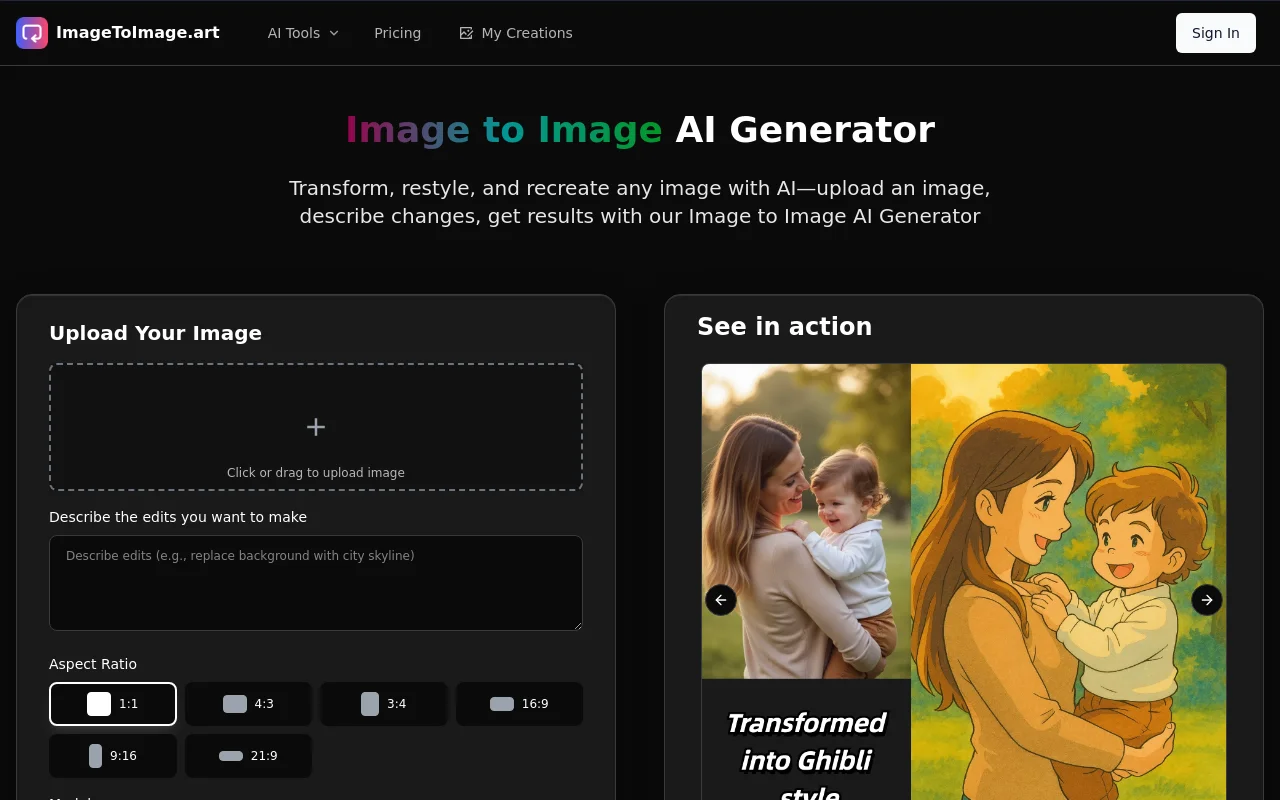
Screenshot archived from the listing page, for preview only.