Image To Prompts
Turn any image into an AI prompt, free, no loginFree image-to-prompt tool, three uses a day, no watermark
Highlights
What you can do with it
- Turn a reference painting into a prompt for a similar style.
- Get prompts from product and style images for ads.
- Convert a rough sketch into a prompt for a usable image.
How to use it
- 1 Open the website in your browser.
- 2 Upload an image or paste an image URL.
- 3 Click generate to analyze the picture.
- 4 Edit the prompt if you want to adjust it.
- 5 Copy the prompt into any AI image generator.
Who it is for
Pros
- Free with no login and no watermark.
- Works from an upload or a URL.
- Prompts are editable before you use them.
Limitations
- Only three free conversions per day, and that limit can change.
- Prompt quality varies, so you often still edit the result.
- It depends on the service staying online and free.
What Image To Prompts is
Image To Prompts is a free online tool that converts an image into a detailed AI image prompt. Upload a picture from your device or paste an image URL, and the tool analyzes it and writes a prompt you can copy into any AI image generator. There is no login required, you get three free conversions per day, and the output carries no watermark. The generated prompts are editable, so you can tune them before use, and the tool says it processes your images and prompts privately. It is built for people who know what they want a picture to look like but are not sure how to put that look into words a model will understand.
What you can do with it
- Upload an image or paste a URL to get a prompt.
- Generate a detailed, editable description of the picture.
- Tune the prompt before feeding it to an image model.
- Use the prompt in any AI image generator you like.
Who it is for
AI image enthusiasts who find prompt writing hard, designers who need reference or inspiration material, and content creators who need images for articles and posts. If you have a picture you like but cannot put into words, this bridges that gap and gives you a starting point you can edit and reuse across different generators.
What to watch out for
The free tier allows three conversions per day, and that limit or the free model itself can change, so do not build a heavy workflow on it. Prompt quality varies by image, and you will often need to edit the result to get exactly what you want, so treat the output as a draft rather than a final answer. The service is online and free, which means availability can change, and you should only upload images you have the right to use.
FAQ
Is it free?
Yes, free with no login, three uses per day.
Can I use an image URL?
Yes, you can upload a file or paste an image URL.
Are the prompts editable?
Yes, you can edit the generated prompt before using it.
Why it is free
What the official page says: 免费使用免费
Free limits, trial length and features are decided by the official site and can change at any time.
Product preview
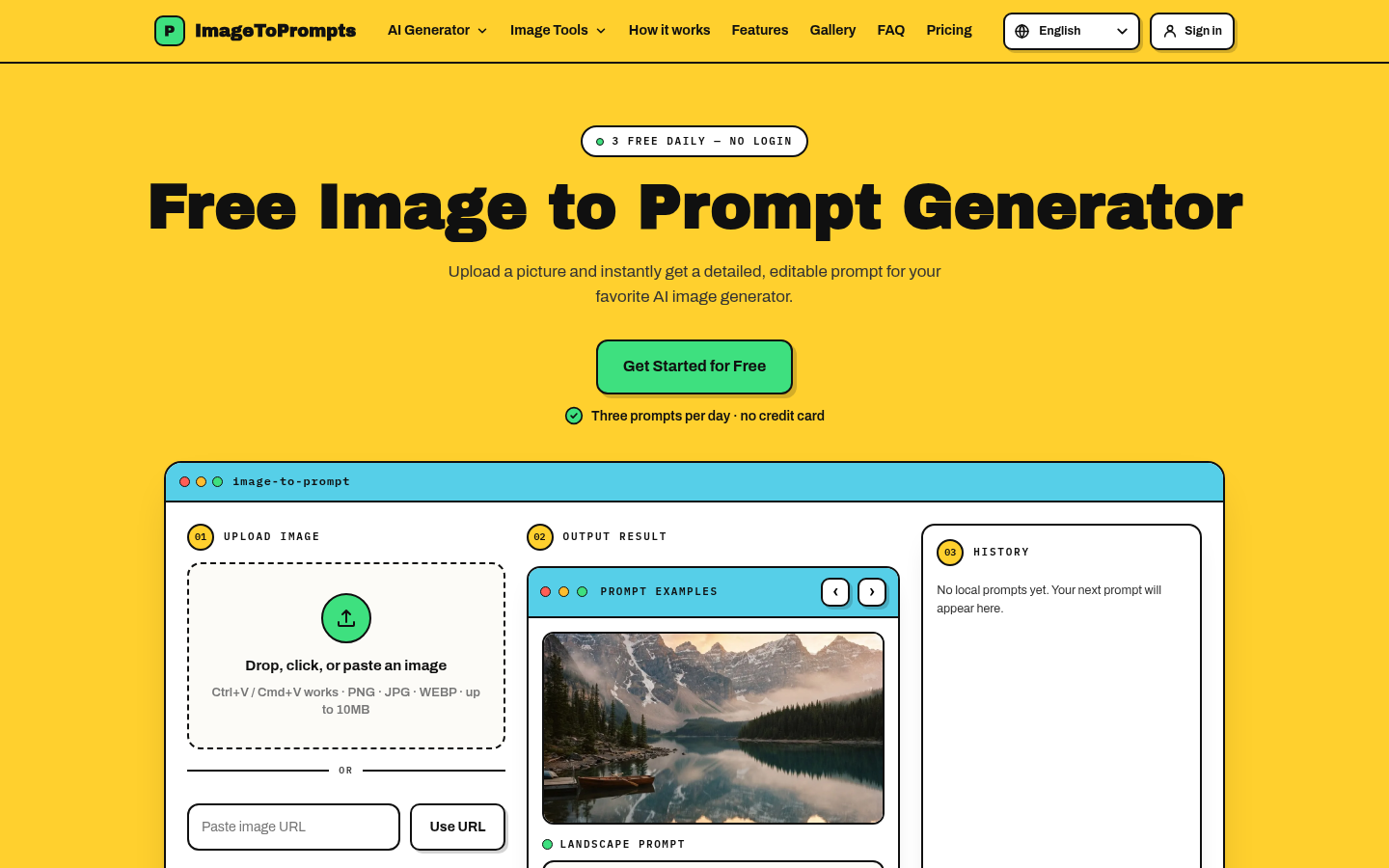
Screenshot archived from the listing page, for preview only.











