
Image to STL by Hunyuan 3D
Turn images into 3D STL models with AIPicture to 3D and STL converter for printing and design
Highlights
What you can do with it
- Turn a flat logo into a 3D model for brand display.
- Build a high-fidelity 3D model from a sketch for design work.
- Convert product photos into interactive 3D models for e-commerce AR previews.
How to use it
- 1 Open the site and upload a single image or multiple images.
- 2 Set advanced parameters if you want to tune the result.
- 3 Click generate and wait for the 3D model.
- 4 Download it as STL, OBJ, or GLB.
Who it is for
Pros
- Fast image-to-3D conversion, often in under a minute.
- High-fidelity output with PBR materials and multiple export formats.
- Free to use, with support for common image formats.
Limitations
- The service is free to use, but pricing details were not confirmed, so terms can change.
- It relies on Tencent's Hunyuan 3D model, so results can shift with upstream updates.
- Complex or unclear source images may need parameter tuning to get a clean model.
What Image to STL by Hunyuan 3D is
Image to STL by Hunyuan 3D is a picture-to-3D and STL converter powered by Tencent's advanced Hunyuan 3D model. You upload a single image or several views, and it builds a high-fidelity 3D model with PBR materials, usually in about 30 to 60 seconds. It handles many jobs: turning a flat logo into a 3D model, building a model from a sketch, converting product photos into interactive 3D for AR previews, and generating game assets from character drafts. It accepts PNG, JPEG, and WEBP files up to 10MB, offers advanced parameter settings, and exports STL, OBJ, and GLB. The service is free to use and is built to make 3D creation faster for different industries. The focus is on turning a flat picture into something you can rotate, print, or drop into a scene.
What you can do with it
- Convert a flat logo or sketch into a high-fidelity 3D model
- Turn product photos into interactive 3D for AR and online display
- Generate 3D game assets from character drafts with PBR materials
- Export STL, OBJ, or GLB files for 3D printing and design
Who it is for
- Game developers who need quick 3D assets with PBR materials for their titles
- E-commerce sellers who want interactive 3D product previews and AR views
- Architects, designers, and brand owners turning sketches or logos into 3D models
What to watch out for
The service is free to use, but full pricing details were not confirmed, so treat the current terms as subject to change and check before relying on them. It depends on Tencent's Hunyuan 3D model, so output quality and speed can shift when that upstream model updates. Complex or unclear source images may need parameter tuning to produce a clean model, and uploads are capped at 10MB. For print work, check the exported mesh before you send it to a printer. Start with a clear, high-quality image to get a clean result.
FAQ
Is it free to use?
It is free to use, though the site had not confirmed full pricing details, so check current terms.
What formats does it support?
It accepts PNG, JPEG, and WEBP images up to 10MB and exports STL, OBJ, and GLB models.
How long does generation take?
On average it completes in about 30 to 60 seconds.
Why it is free
What the official page says: 免费使用免费
Free limits, trial length and features are decided by the official site and can change at any time.
Product preview
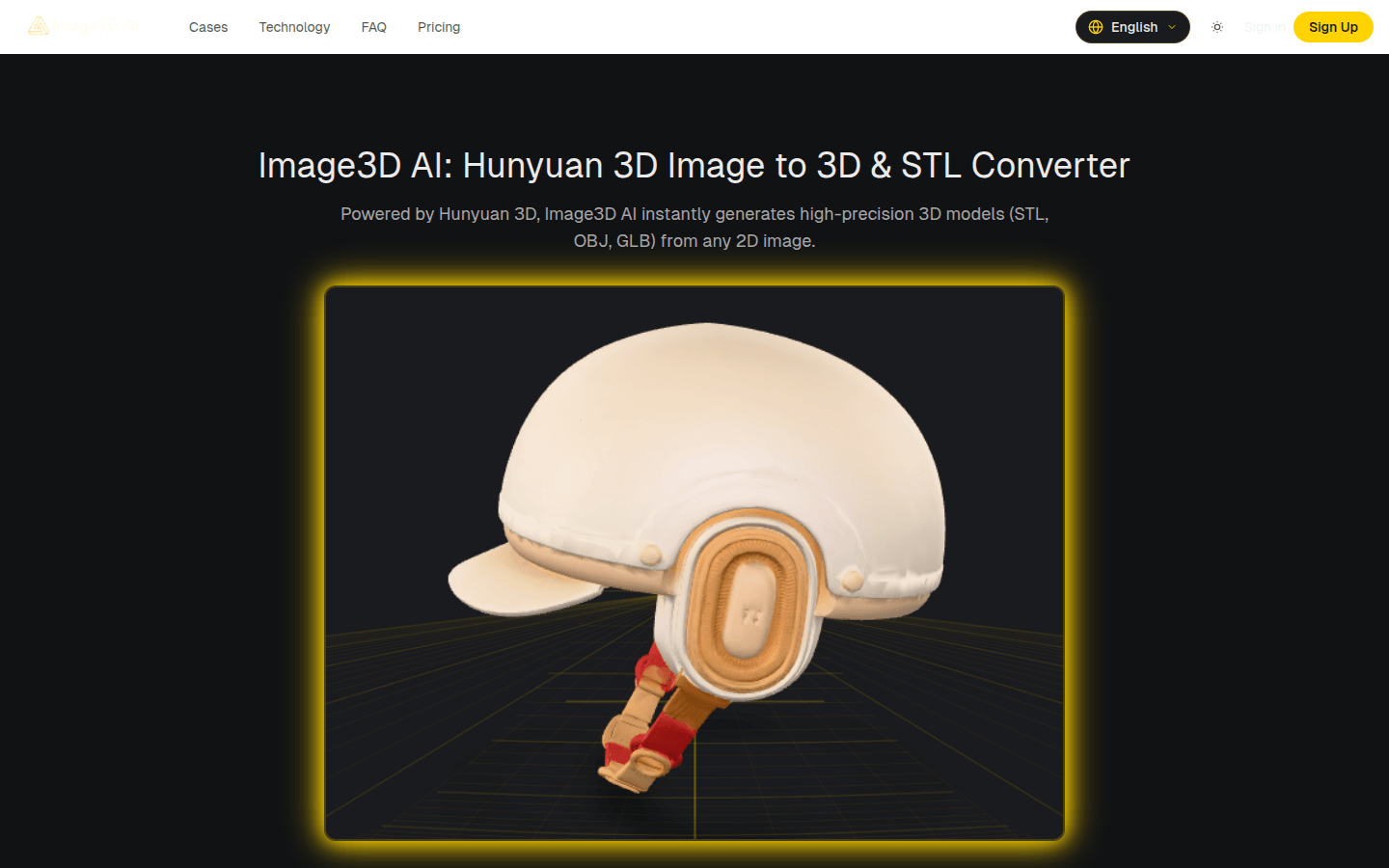
Screenshot archived from the listing page, for preview only.











