
Image Translator
AI image translation in 130+ languagesTranslate the text inside any image
Highlights
What you can do with it
- Marketers translating product promotional images for global markets
- Translators batch processing text in multilingual contract images
- Business analysts translating image content in presentations
How to use it
- 1 Open imagetranslator.com in your browser
- 2 Upload an image by dragging it or using the file picker
- 3 Select the source language and the target language
- 4 Click translate and wait a few seconds for the result
Who it is for
Pros
- Free to use without creating an account
- Keeps the format and layout of the original image
- Batch mode speeds up multi-image jobs
Limitations
- Free uploads are capped at 10MB, with 50MB only for paid users
- Complex layouts can still produce imperfect results
- Very stylized or low-quality text may not be read correctly
What Image Translator is
Image Translator is an AI tool that reads text inside an image and translates it into another language. It combines OCR with neural machine translation, so the words are extracted from the picture and rewritten in the target language while the original format and layout are preserved. It supports more than 130 languages, processes uploads quickly, and can handle several images in a batch. Free use does not require registration, though free uploads are limited to 10MB, while paid users can upload files up to 50MB.
What you can do with it
- Extract and translate text from a single image in seconds
- Keep the original layout instead of getting a plain text dump
- Process multiple images at once with batch mode
- Use it across devices since it runs in the browser
Who it is for
- Marketers localizing promotional images for different markets
- Translators working with contracts and documents that contain images
- Business analysts who need quick translations of presentation material
What to watch out for
Free uploads are capped at 10MB, and the larger 50MB limit is for paid users, so plan around file size for bigger scans. Complex layouts, such as text wrapped around objects or dense tables, can still come out imperfect, so proofread the result before you publish it. Very stylized fonts, handwriting, or low-resolution images may not be read correctly, which affects both the extracted text and the translation. The tool handles the mechanics of translation, but final wording for public-facing material should be checked by someone who knows the target language and market. When quality matters, export a small draft first to confirm the result before producing the final file.
FAQ
How many languages does it support?
It provides translation services for more than 130 major world languages.
Is registration required?
No, it can be used for free without registration, with a 10MB upload limit for free users.
Does it keep the image layout?
Yes, it uses OCR and neural machine translation to translate text while preserving the format and layout.
Why it is free
What the official page says: for free
Free limits, trial length and features are decided by the official site and can change at any time.
Product preview
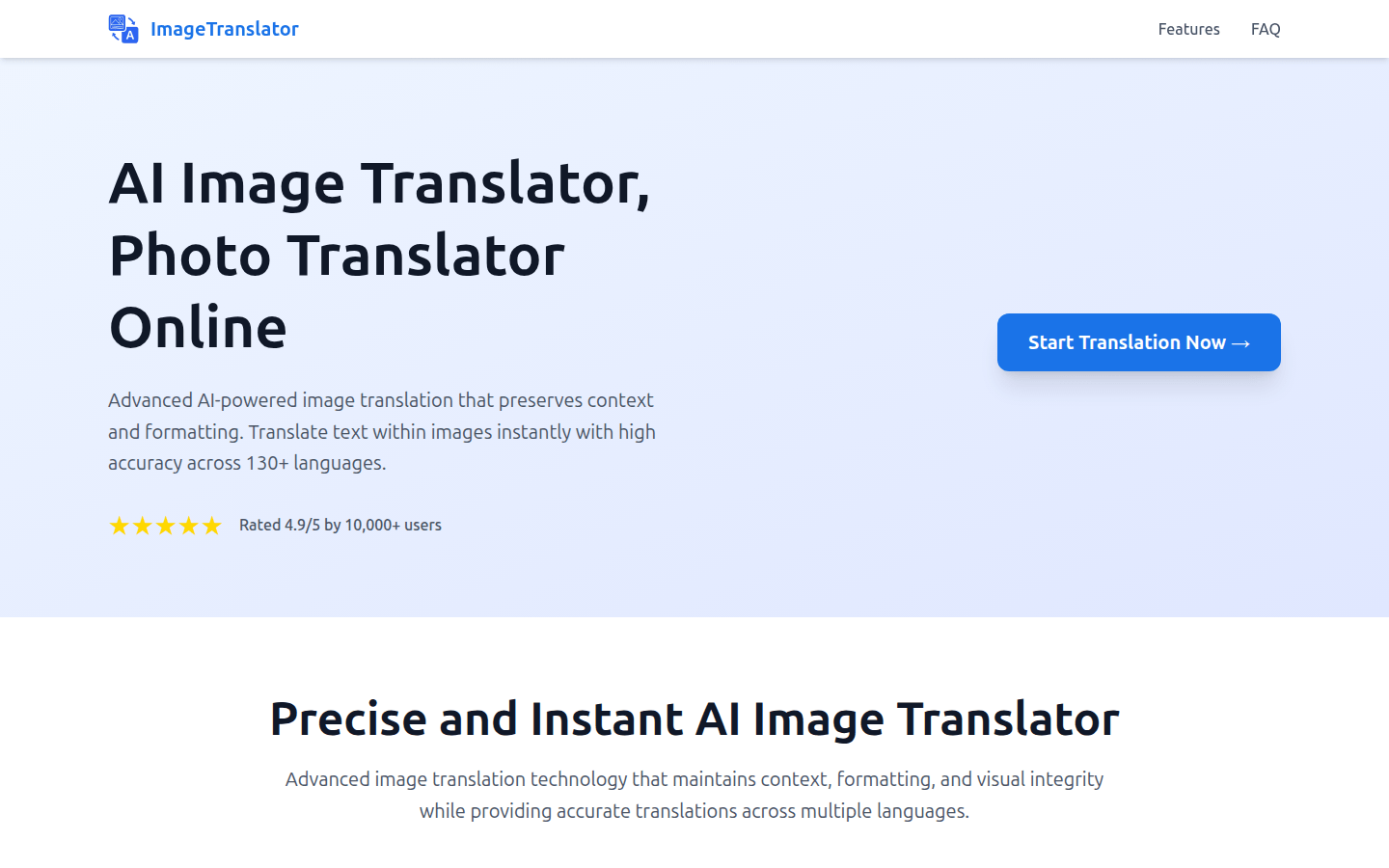
Screenshot archived from the listing page, for preview only.











