
ImageGen2
GPT Image 2 image generatorSharp text rendering, no subscription
Highlights
What you can do with it
- Designers make logos and infographics with legible text.
- Marketers produce campaign posters built around a theme.
- Photographers restyle and edit their own images.
How to use it
- 1 Open imagegen2.com and choose the GPT Image 2 generator.
- 2 Write a prompt describing the image you want.
- 3 Set quality and output format, and upload reference images if needed.
- 4 Generate and wait 15 to 50 seconds for the result.
Who it is for
Pros
- Text inside images stays readable, which many generators struggle with.
- Pay-as-you-go with a free quota means no subscription lock-in.
- Multiple formats and up to 5 reference images give real control.
Limitations
- Free quota is limited, and usage beyond it is charged.
- Pricing and quota rules can change without notice.
- Complex prompts still need iteration, and 15 to 50 seconds adds up in batches.
What ImageGen2 is
ImageGen2 is a free online AI image generator built around GPT Image 2, an image generation model from OpenAI. The listing highlights four things that matter for professional work: text inside images is rendered accurately enough to read, output looks photo-realistic with natural lighting and material texture, the model brings real-world knowledge to prompts, and editing is precise rather than approximate. There is no subscription to buy. Instead it runs on pay-as-you-go pricing, and new users can start with a free quota to test quality. Practically, you choose an output format from PNG, JPEG, or WEBP, upload up to 5 reference images for composition or editing, set quality to low, medium, high, or automatic, and wait 15 to 50 seconds for the result.
What you can do with it
- Generate images with readable text, useful for logos and infographics.
- Produce photo-realistic visuals for marketing and presentation work.
- Upload reference images and edit or restyle existing pictures precisely.
- Balance speed and detail with low, medium, high, or automatic quality.
Who it is for
- Professional designers who need accurate typography inside generated images.
- Marketers creating campaign posters and visuals against a deadline.
- Photographers, illustrators, and content creators editing their own material.
What to watch out for
The free quota is a starting budget, not a supply, and pay-as-you-go charges apply once it runs out, so track spend if you generate in batches. Pricing, quota size, and rate limits can change without notice, and because the site is a front end for someone else's model, availability and output quality depend on that upstream service. Text rendering is a strength, but long or heavily styled passages still need checking by eye. Keep your prompts and reference images saved so you can reproduce a result you liked.
FAQ
Is ImageGen2 free?
It is pay-as-you-go with no subscription, and users can start with a free quota before paying for more generations.
What model does it use?
GPT Image 2, an image generation model from OpenAI, accessed through the ImageGen2 website.
How long does generation take?
The page states 15 to 50 seconds per image, depending on quality settings and prompt complexity.
Why it is free
What the official page says: 免费额度免费
Free limits, trial length and features are decided by the official site and can change at any time.
Product preview
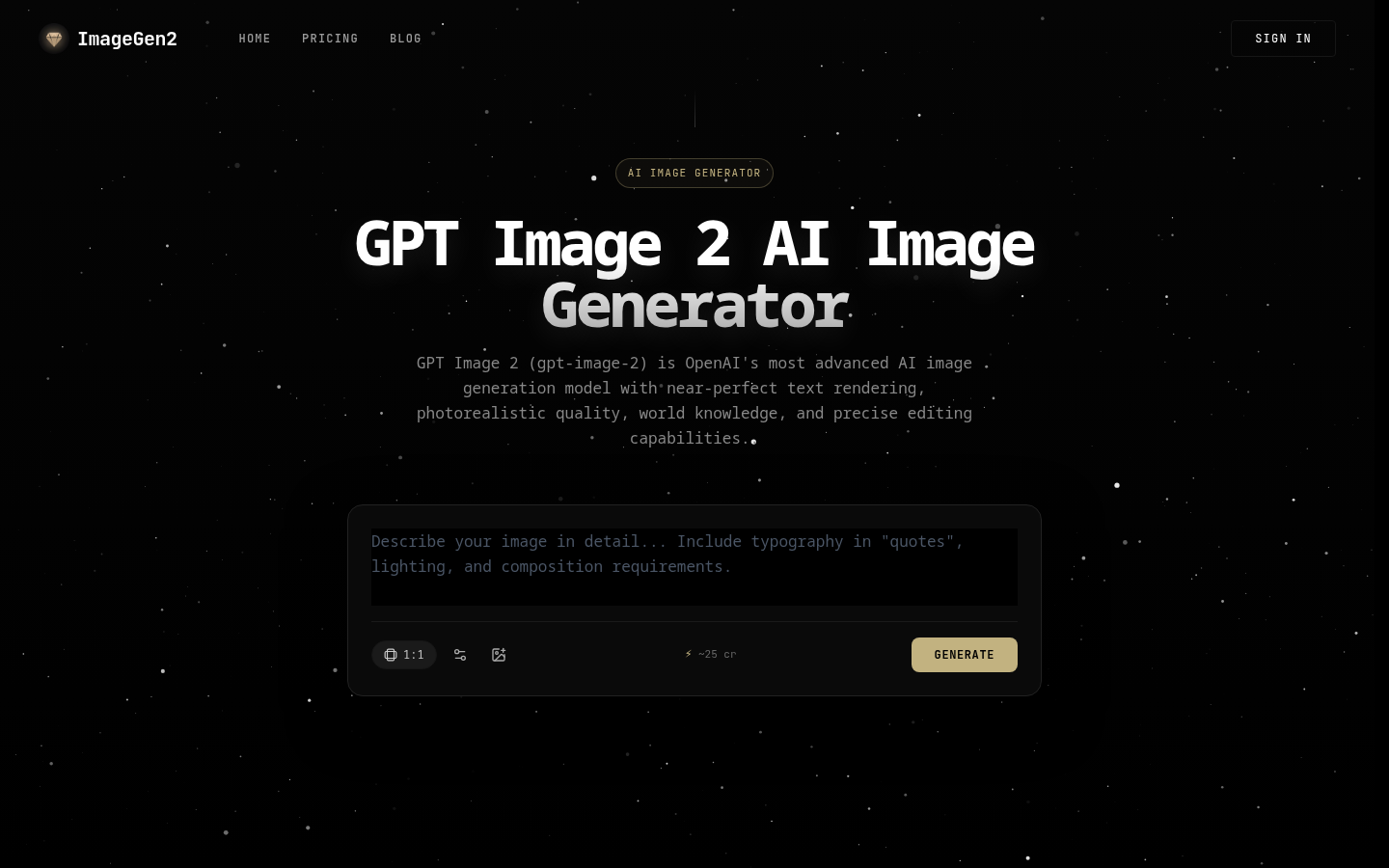
Screenshot archived from the listing page, for preview only.











